Get full access to premium PowerPoint templates at a limited-time price.Get Now
Project Management templates give project leads, PMOs, consultants, and operations teams a flexible collection of layouts for planning work, tracking progress, clarifying ownership, and reporting delivery status. This tag supports presentations where timelines, milestones, risks, dependencies, and stakeholder updates need to be organized into a format teams can act on.
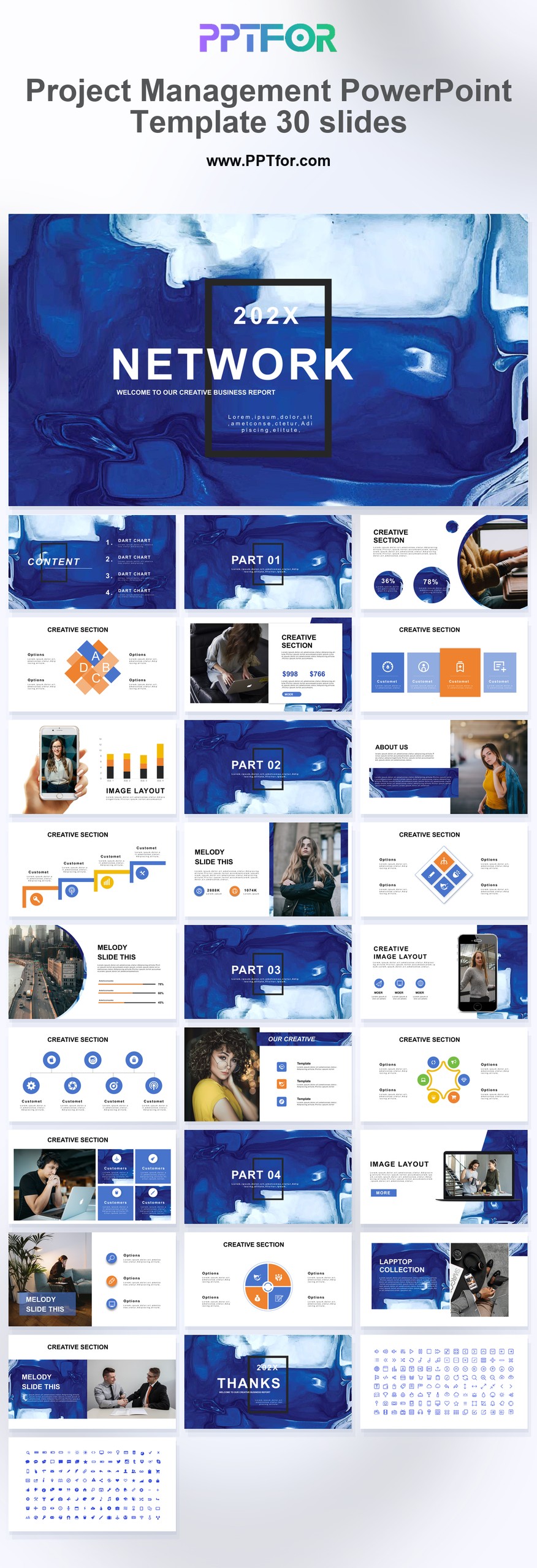
The Project Management collection can include formats for kickoff decks, project status reports, roadmap reviews, implementation plans, task ownership summaries, and executive updates. Some templates may emphasize clean corporate reporting, while others support detailed planning conversations across departments, vendors, or client teams. Many templates commonly support Microsoft PowerPoint, Google Slides, and Apple Keynote, with editable slide structures that let users adapt colors, fonts, layouts, and content to match the project scope, audience, and strategic roadmap.
Project Management templates are used for kickoff meetings, project plans, status reports, roadmap reviews, task ownership summaries, implementation updates, and stakeholder communication.
Yes, many templates commonly include editable layouts, colors, fonts, and content sections, so teams can adapt them for internal projects, client work, operations, product launches, or consulting engagements.
Most templates commonly support Microsoft PowerPoint, Google Slides, and Apple Keynote, though each product page should be checked for exact file compatibility and included formats.
They save time by providing structured sections for scope, milestones, risks, ownership, and next steps, reducing the effort needed to prepare project updates from scratch.
Get full access to our entire collection of premium PPT templates for one simple price.
Forget about complex tools or technical skills—just choose, edit, and download.