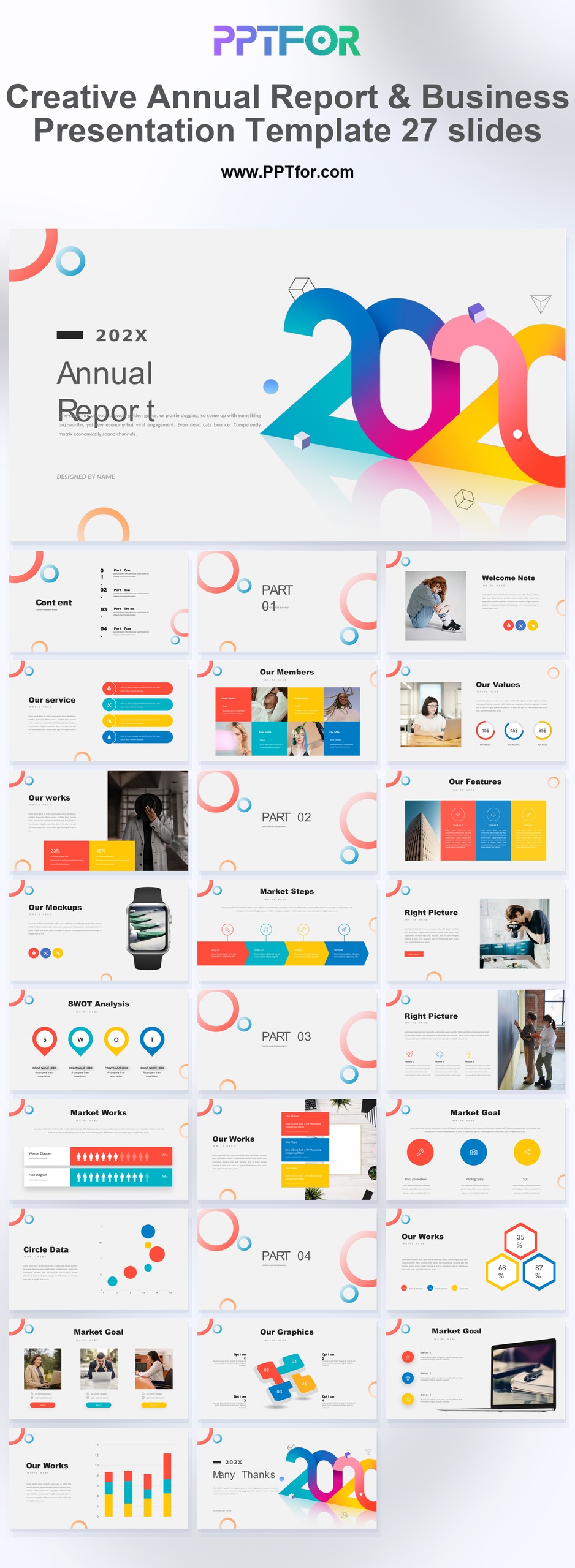
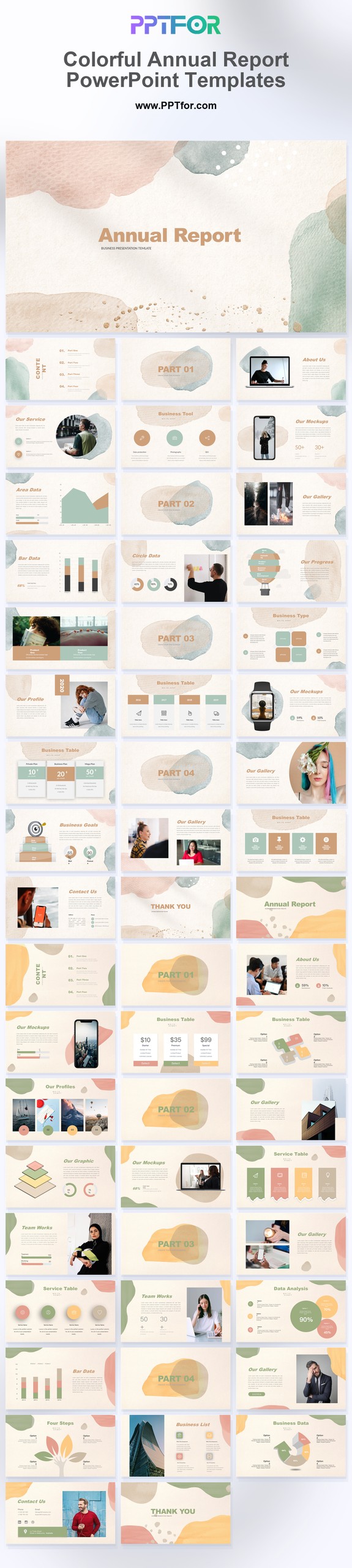
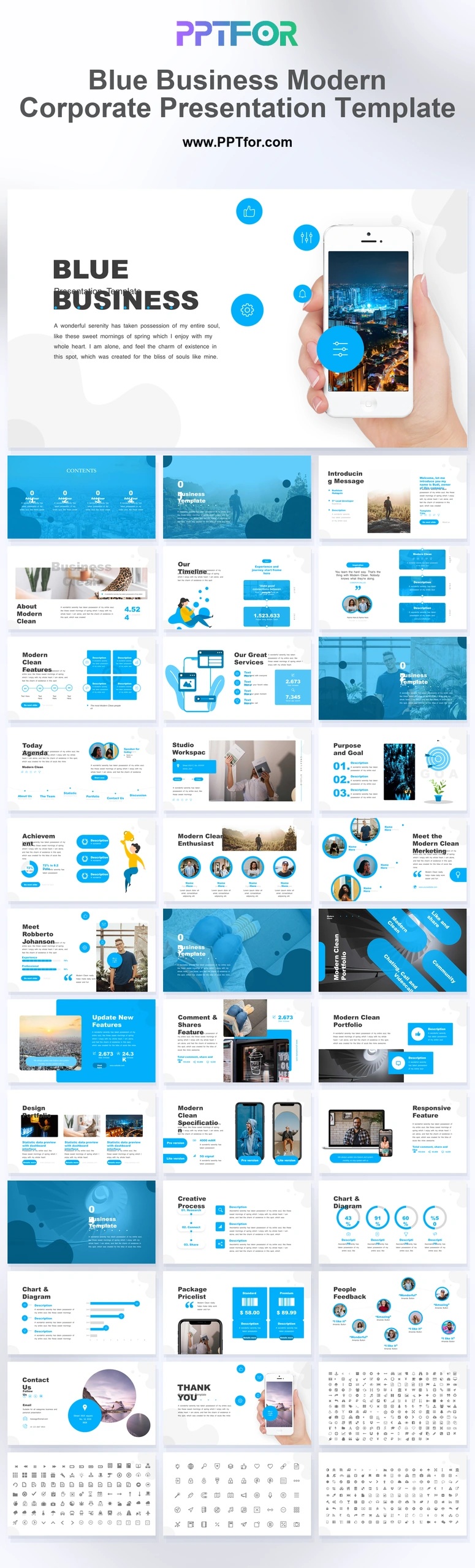
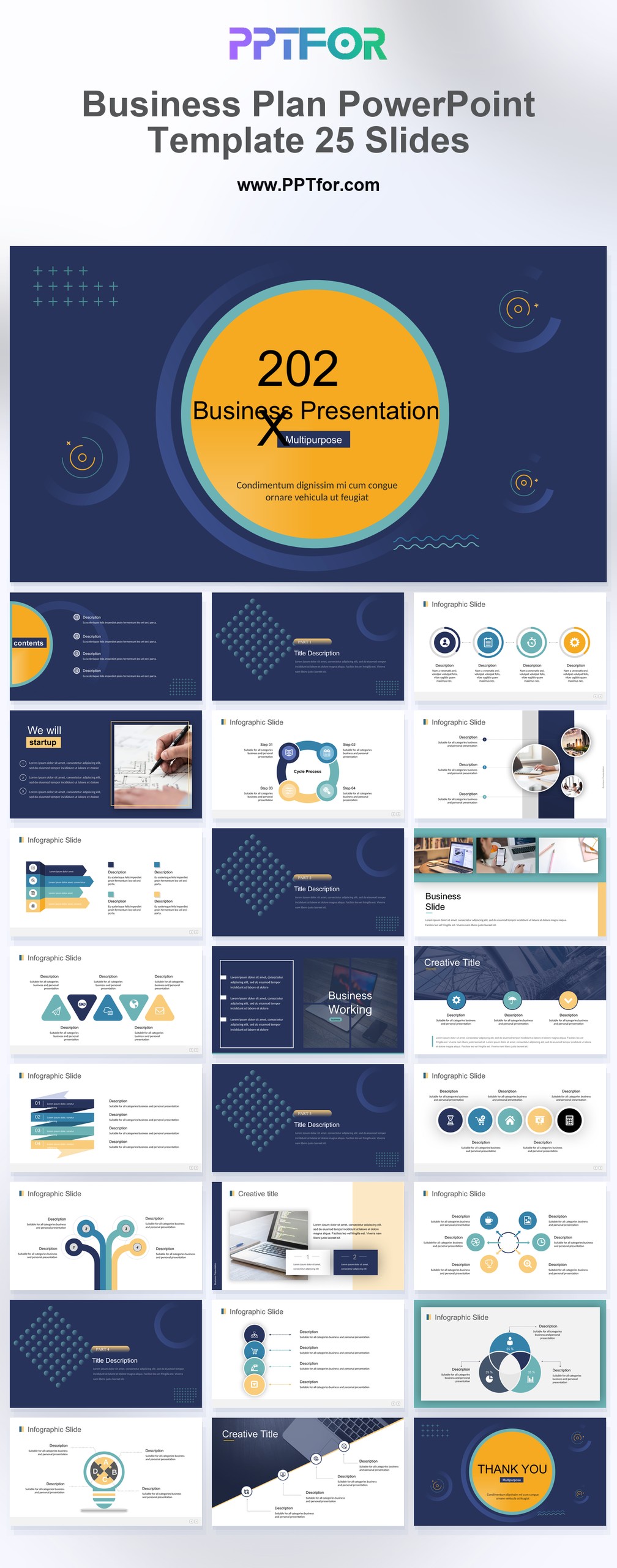
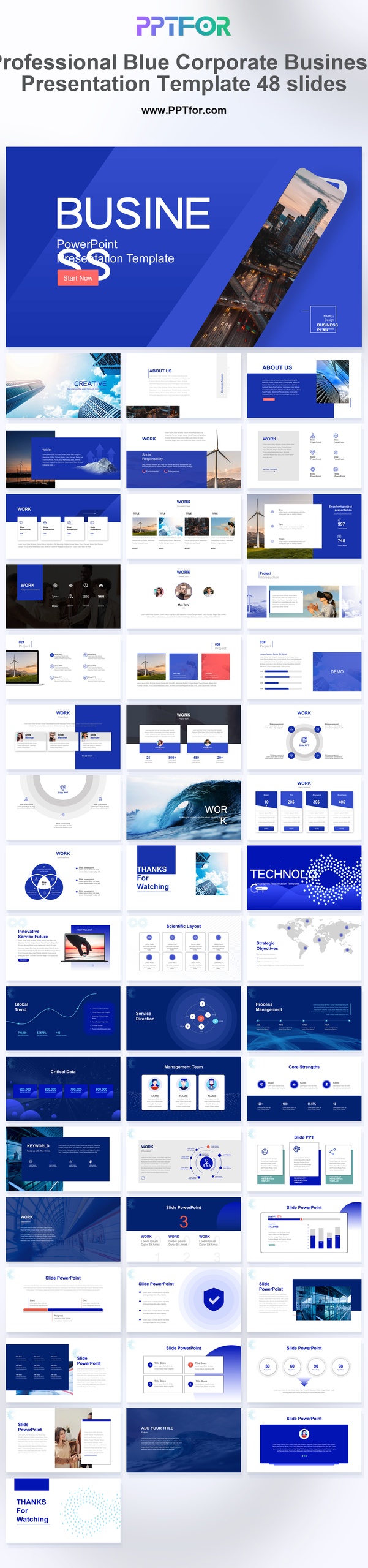
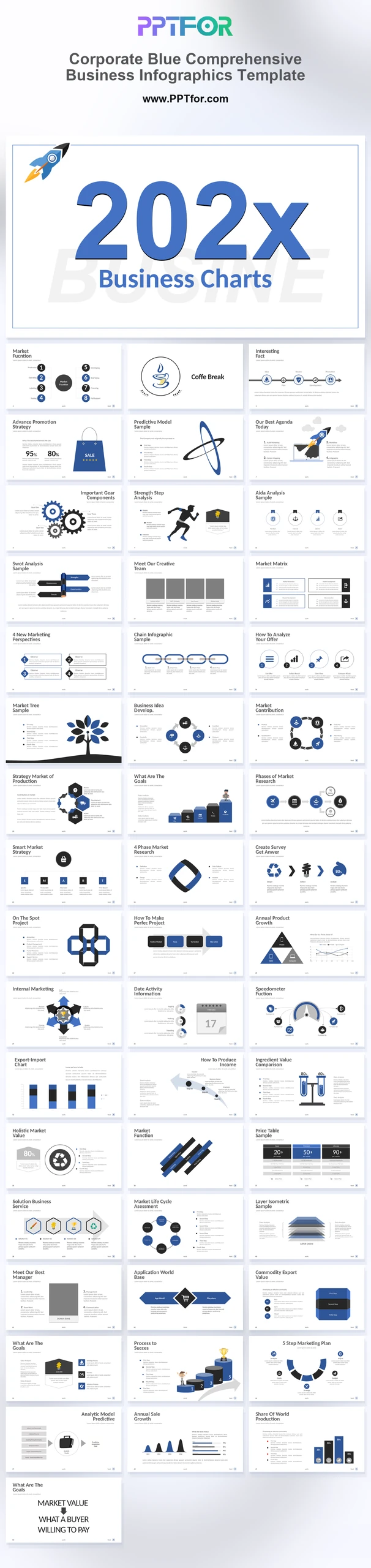
The Creative Annual Report PPT Template offers 27 slides with gradient rings, color blocks, and prominent year typography. Use its team, SWOT, process, and chart layouts for a year-end review that combines creative work with results.
Visual elements include vibrant gradient rings, overlapping circle motifs, bold 20XX numerical typography, and multi-color block layouts.
- Compatibility: Microsoft PowerPoint. Check fonts, charts, and image placement after importing into Google Slides or Keynote.
- Aspect Ratio: 16:9 widescreen
- Graphics: Editable vector graphics
- Placeholders: Drag-and-Drop Placeholders
- Editability: Editable text, colors, fonts, and layouts
- Slide Count: 27 slides
Suggested Uses and Presentation Tasks
- Creative directors presenting year-end annual reports – combine bold 20XX typography, part transition slides, and data infographics into a review that feels distinctive.
- Marketing managers building strategy proposals – use SWOT analysis, process steps, and multi-color block layouts to explain campaign direction with an explanation of the proposed direction.
- Brand strategists showcasing identity systems – connect values, team context, lifestyle positioning, and portfolio examples in a deck that supports brand identity discussion.
- Educators preparing creative business reviews – turn annual findings, market steps, and team contributions into a colorful presentation structure students or stakeholders can follow.
- Content creators packaging portfolio presentations – present creative work, welcome notes, mockup slides, and data points with a vibrant layout system built for quick editing.
- Lifestyle startup teams reporting annual progress – summarize growth, values, market movement, and creative milestones in a presentation that avoids a rigid corporate tone.
- Agency teams comparing campaign outcomes – use scatter chart infographics and customizable visual elements to connect performance indicators with next-step recommendations.
Frequently Asked Questions
When should I choose this template?
Choose this colorful annual report for an agency or brand team that needs to show both projects and performance. Keep expressive graphics for section transitions and give numerical comparisons a consistent visual treatment.
What should I prepare before editing?
Gather approved project visuals, annual achievements, comparable results, and next-year priorities. Update every year label and distinguish completed work from proposals for the coming year.
What layouts and visual sections are included in this deck?
The deck includes an annual report cover, content agenda, part transition slides, welcome note, team members grid, values, SWOT analysis, market steps, Apple Watch mockup, and scatter chart data infographics.
How can I edit the template?
Edit the text, colors, and slide elements to match your presentation. Before updating a graphic, check whether it is a native chart, a grouped shape, or an image; the editing method differs.
 Get full access to premium PowerPoint templates at a limited-time price.Get Now