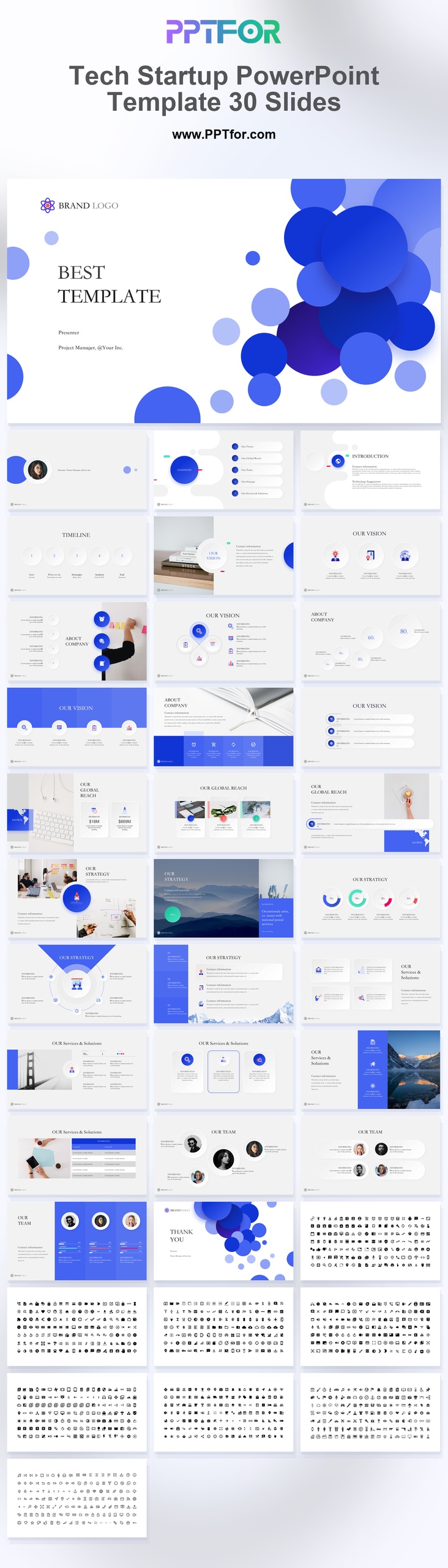
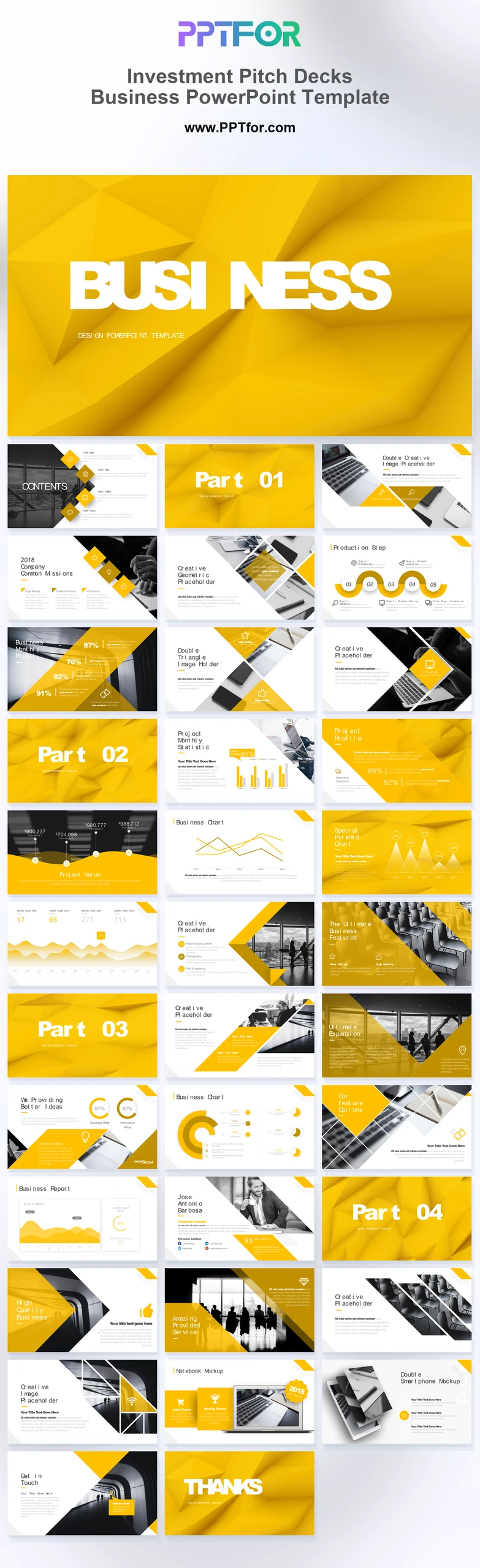
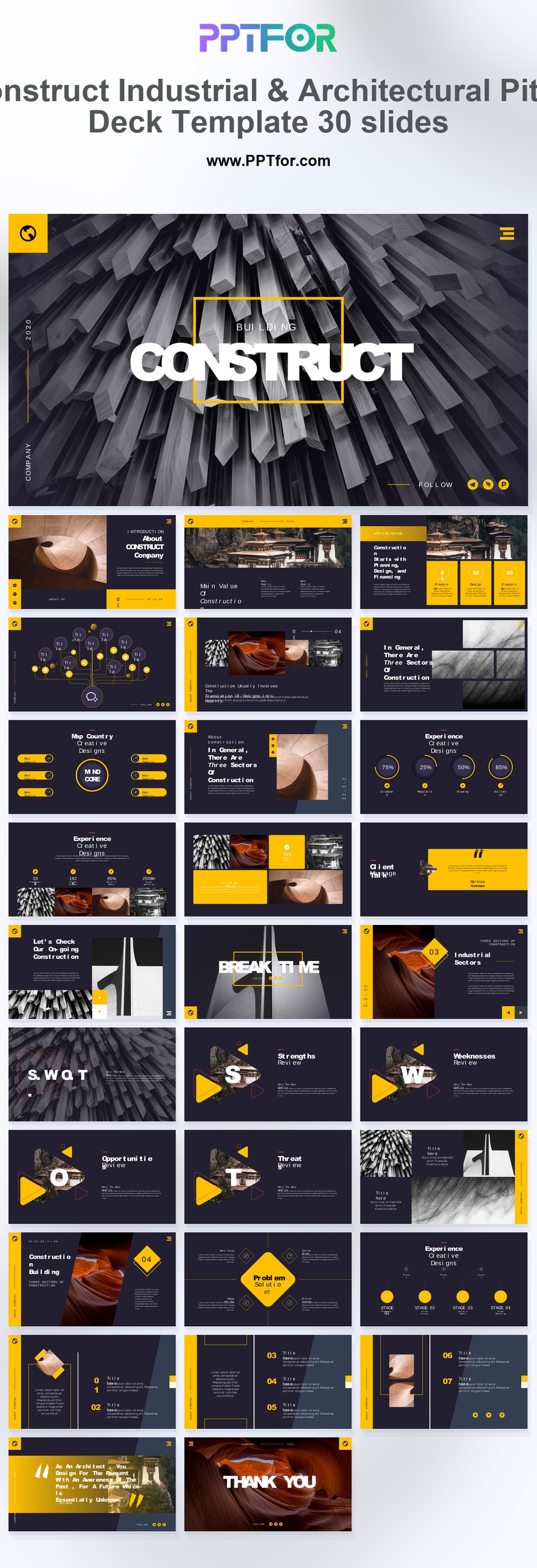
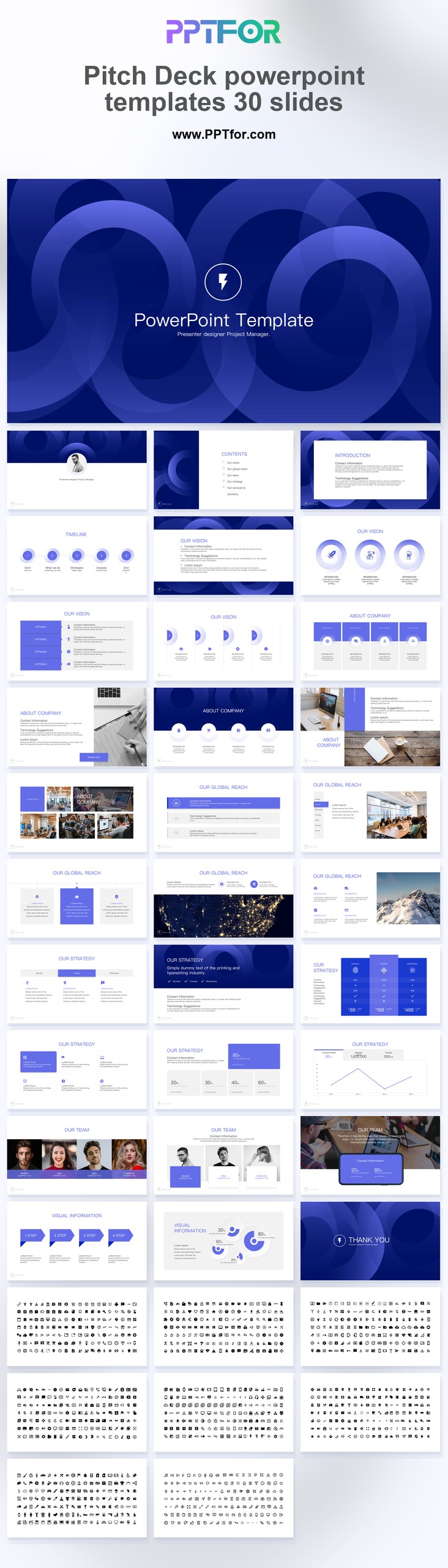
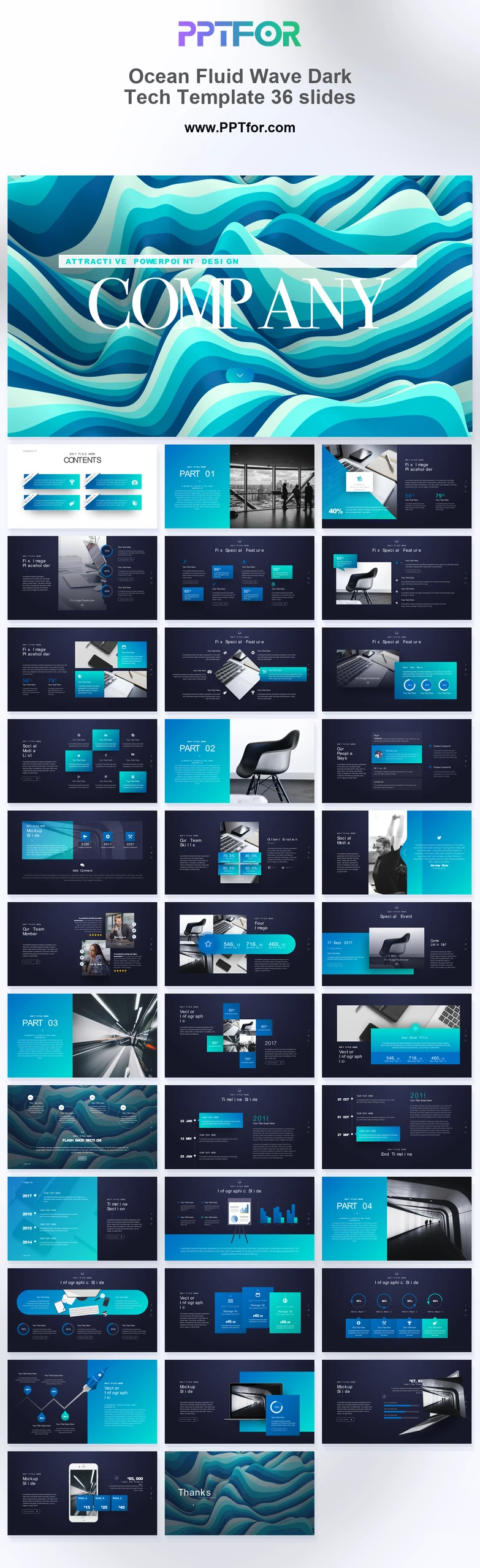
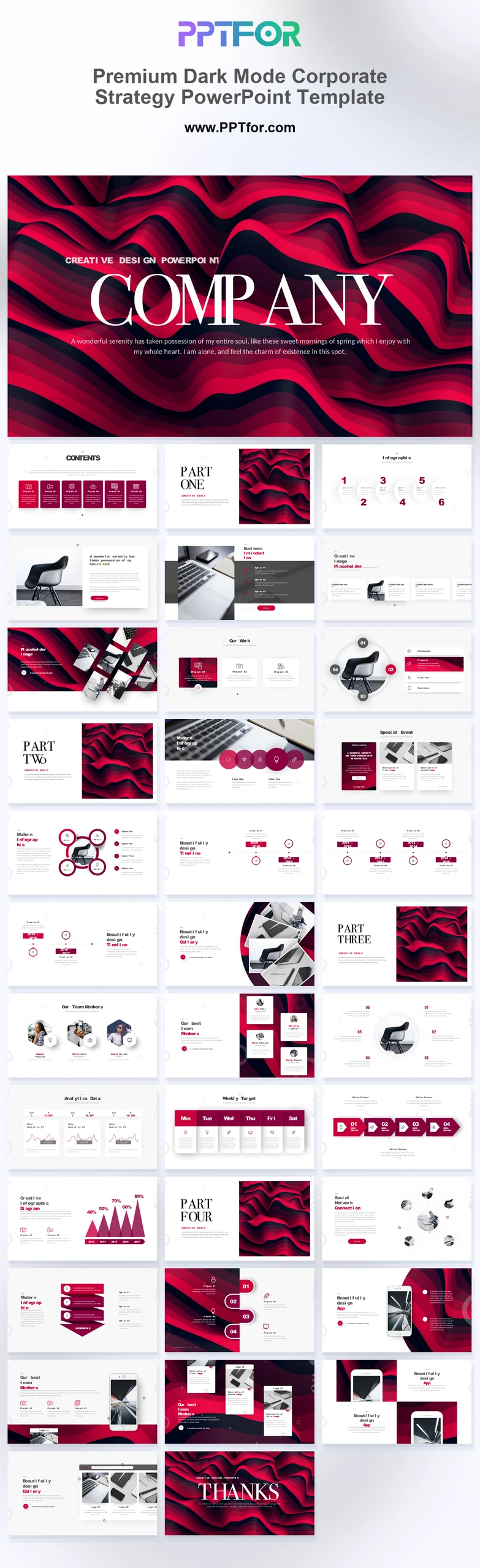
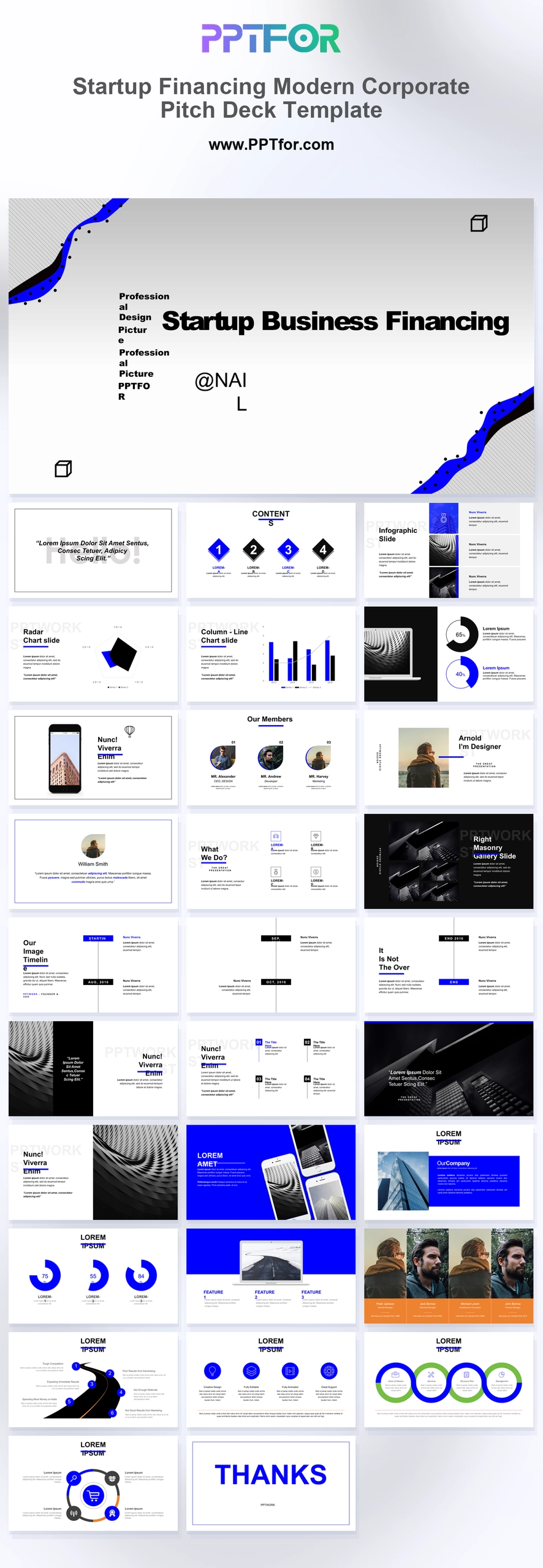
The Tech Startup PowerPoint Template provides 30 slides for presenting a technology business. Its problem, solution, traction, and financial overview layouts give founders a starting sequence for explaining the product and the evidence behind it.
Visual elements include bold section titles, clean timeline layouts, overlapping geometric circles, and soft drop shadows.
- Compatibility: Microsoft PowerPoint. Check fonts, charts, and image placement after importing into Google Slides or Keynote.
- Aspect Ratio: 16:9 widescreen
- Graphics: Editable vector graphics
- Placeholders: Drag-and-Drop Placeholders
- Editability: Editable text, colors, fonts, and layouts
- Slide Count: 30 slides
Suggested Uses and Presentation Tasks
- Startup founders pitching seed investors – present the company story, problem, solution, traction, and financial overview in a sequence built for funding conversations.
- Entrepreneurs refining an investor pitch – use bold section titles and an investor-focused section flow to keep attention on market need, vision, and traction.
- Project managers preparing corporate profile presentations – organize Introduction, About Company, Our Vision, Timeline, and Global Reach content into a cleaner business narrative.
- Marketing executives building business reporting decks – align corporate updates, company positioning, and performance context with a minimalist Cobalt Blue and Light Gray style.
- Startup teams explaining product direction – connect timeline layouts, problem framing, solution details, and traction points into a presentation that supports stakeholder review.
- Consultants shaping founder-ready decks – turn scattered startup information into a structured PowerPoint template with editable visuals and fast brand customization.
- Leadership teams reviewing funding readiness – compare vision, company profile, global reach, and financial overview content before presenting to investors or corporate partners.
Frequently Asked Questions
When should I choose this template?
Choose this deck for an early-stage technology pitch when the product and customer problem need explanation before the financial discussion. Keep the traction evidence specific to the stage of the business.
What should I prepare before editing?
Prepare the product proposition, customer evidence, dated traction metrics, financial assumptions, and funding purpose. Use screenshots from the actual product and identify features that are still planned.
What layouts and visual structure are included in this deck?
The deck includes layouts for Introduction, About Company, Our Vision, Timeline, Global Reach, Contents, problem, solution, traction, and financial overview. Bold titles, geometric circles, and soft drop shadows support a clean section flow.
How can I edit the template?
Edit the text, colors, and slide elements to match your presentation. Before updating a graphic, check whether it is a native chart, a grouped shape, or an image; the editing method differs.
 Get full access to premium PowerPoint templates at a limited-time price.Get Now