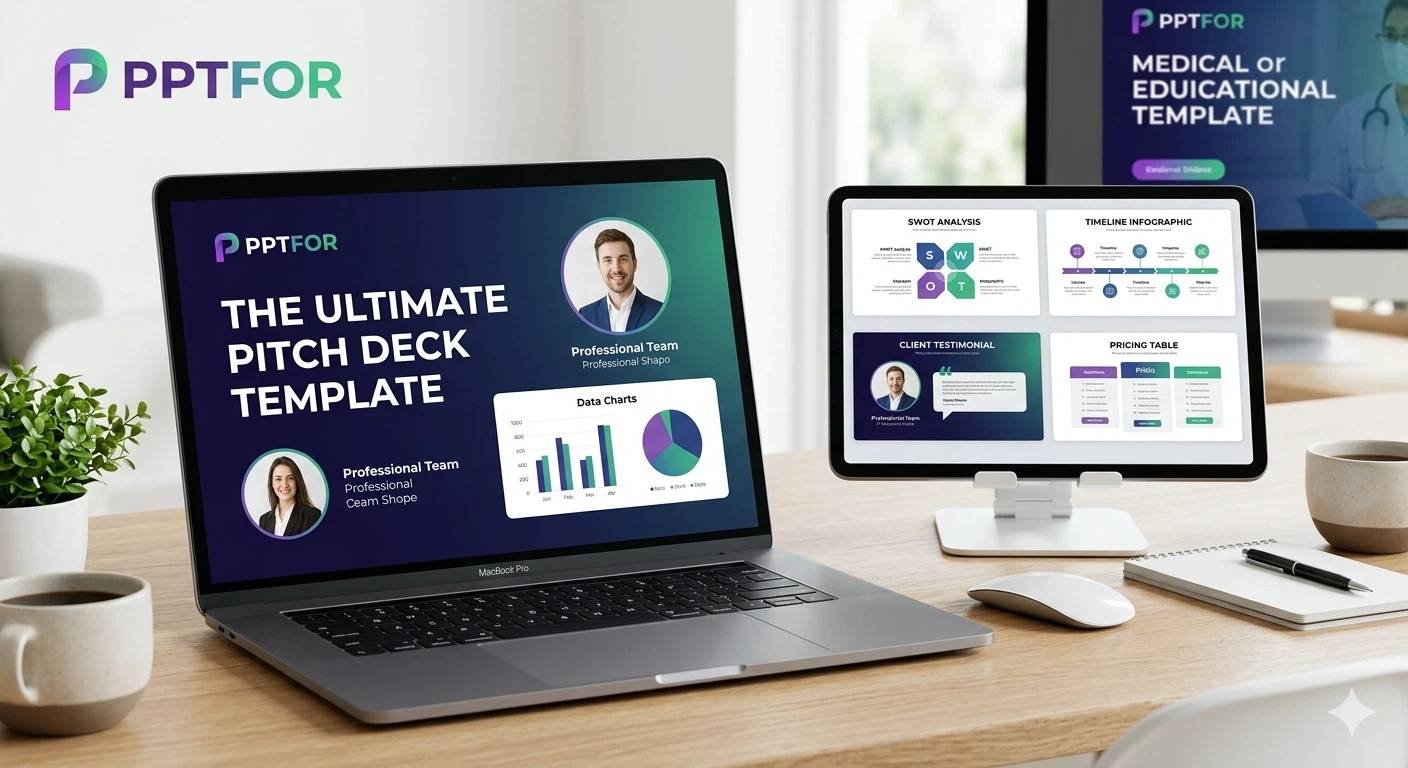
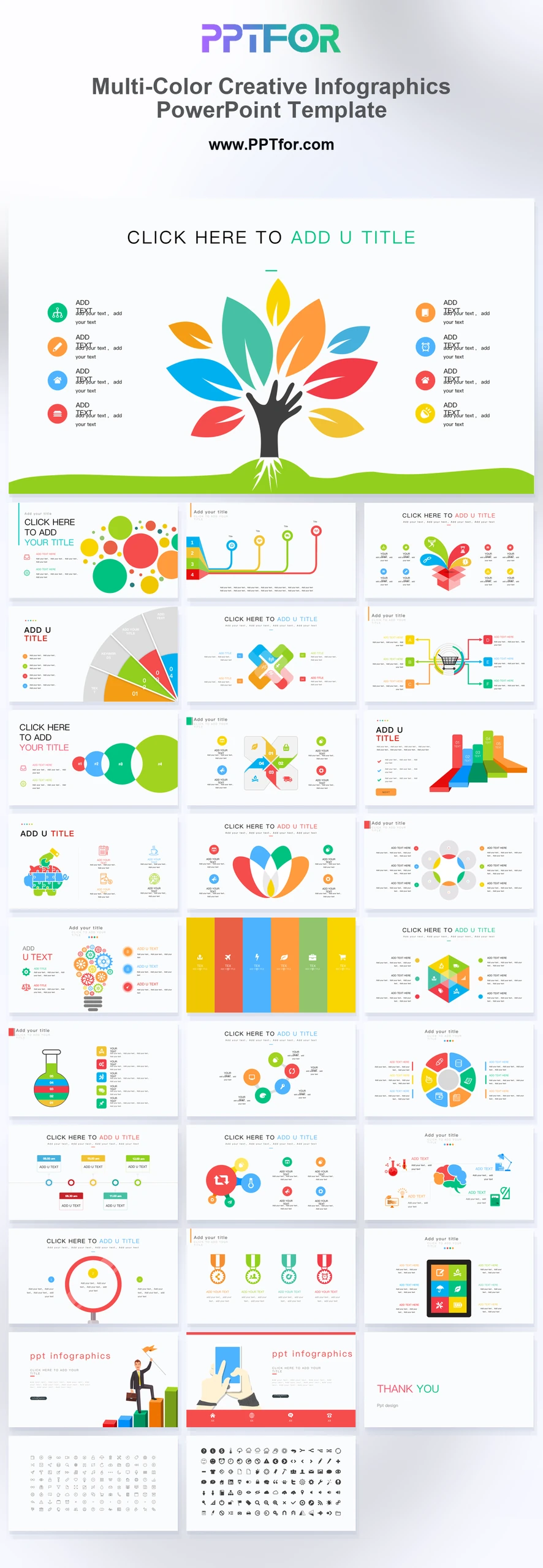
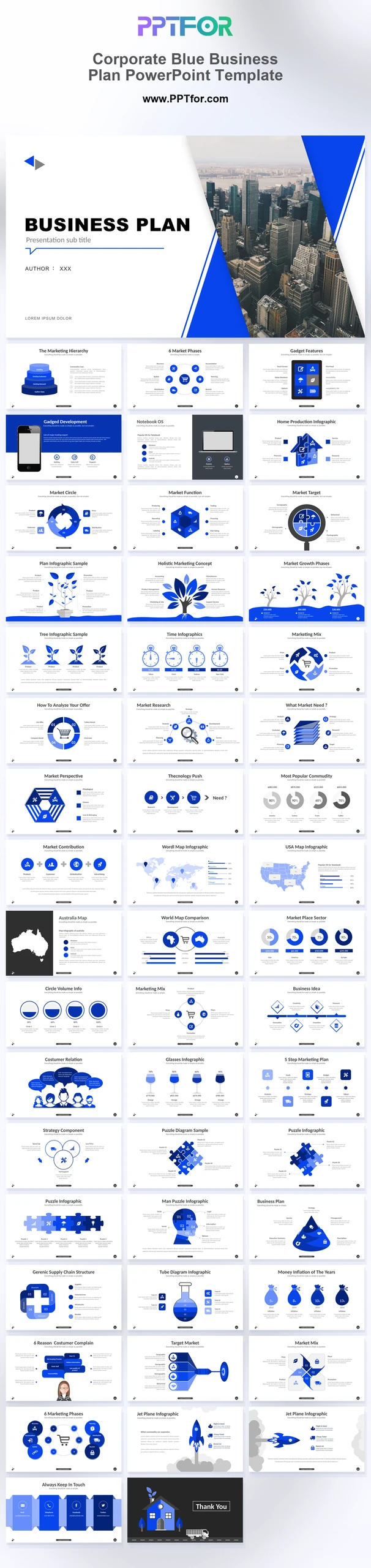
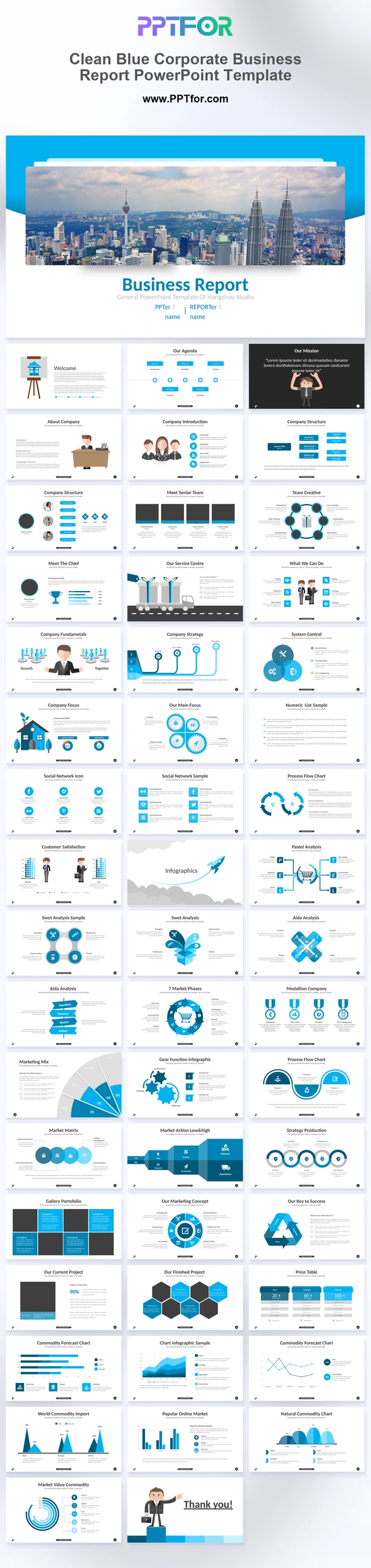
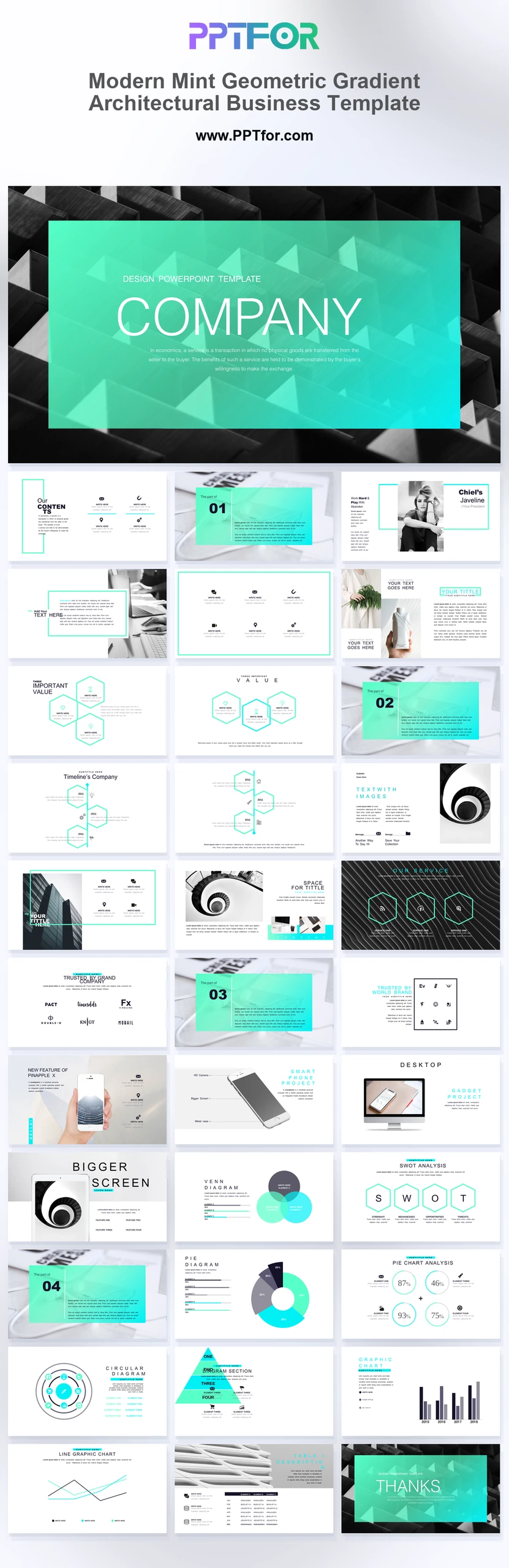
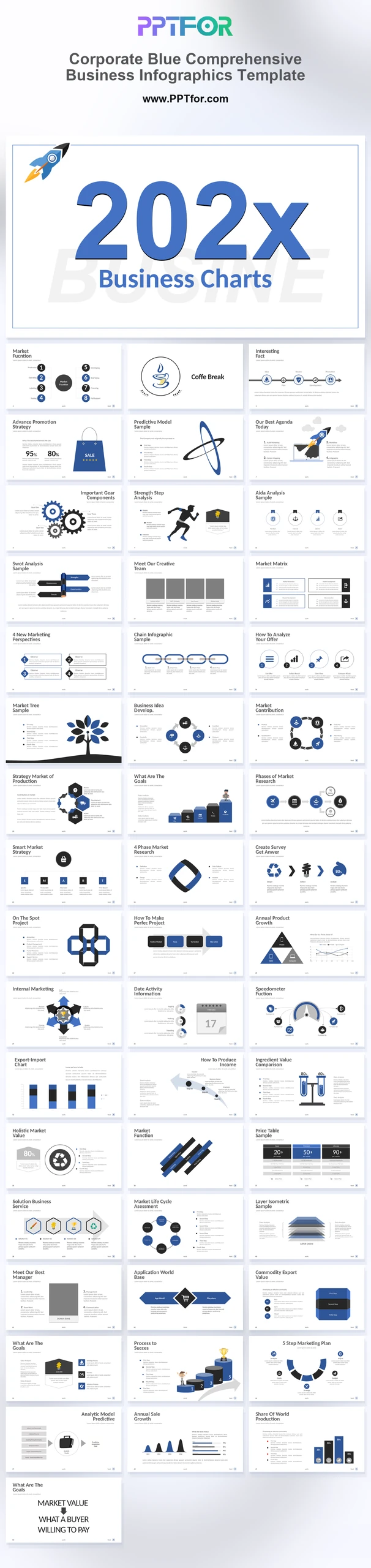
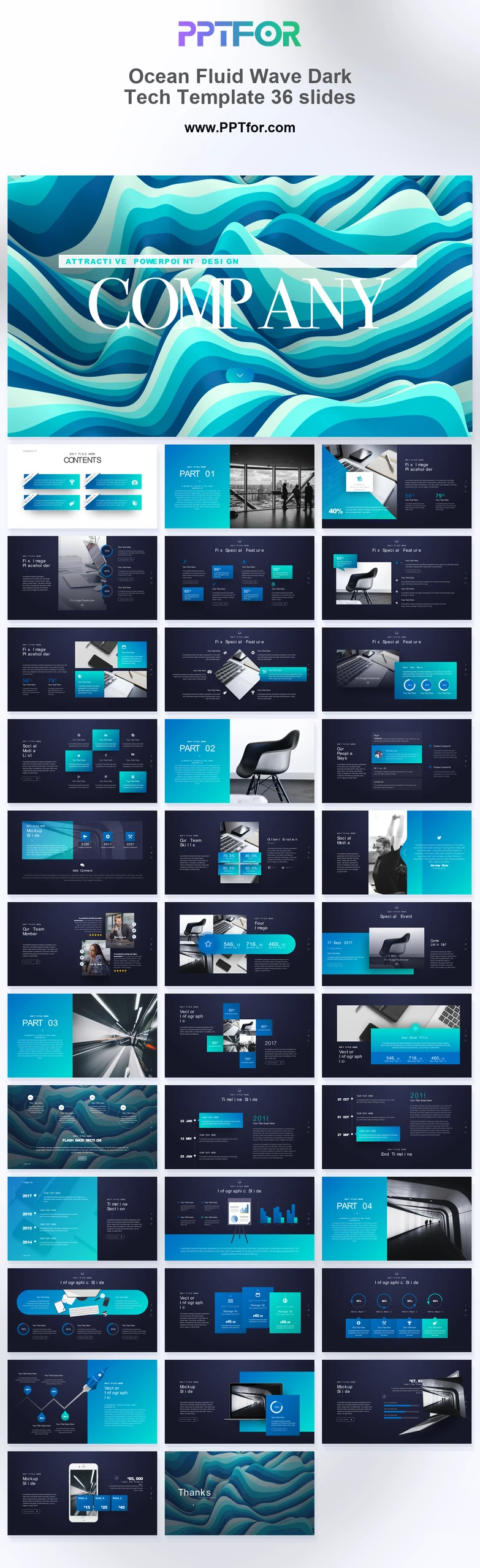
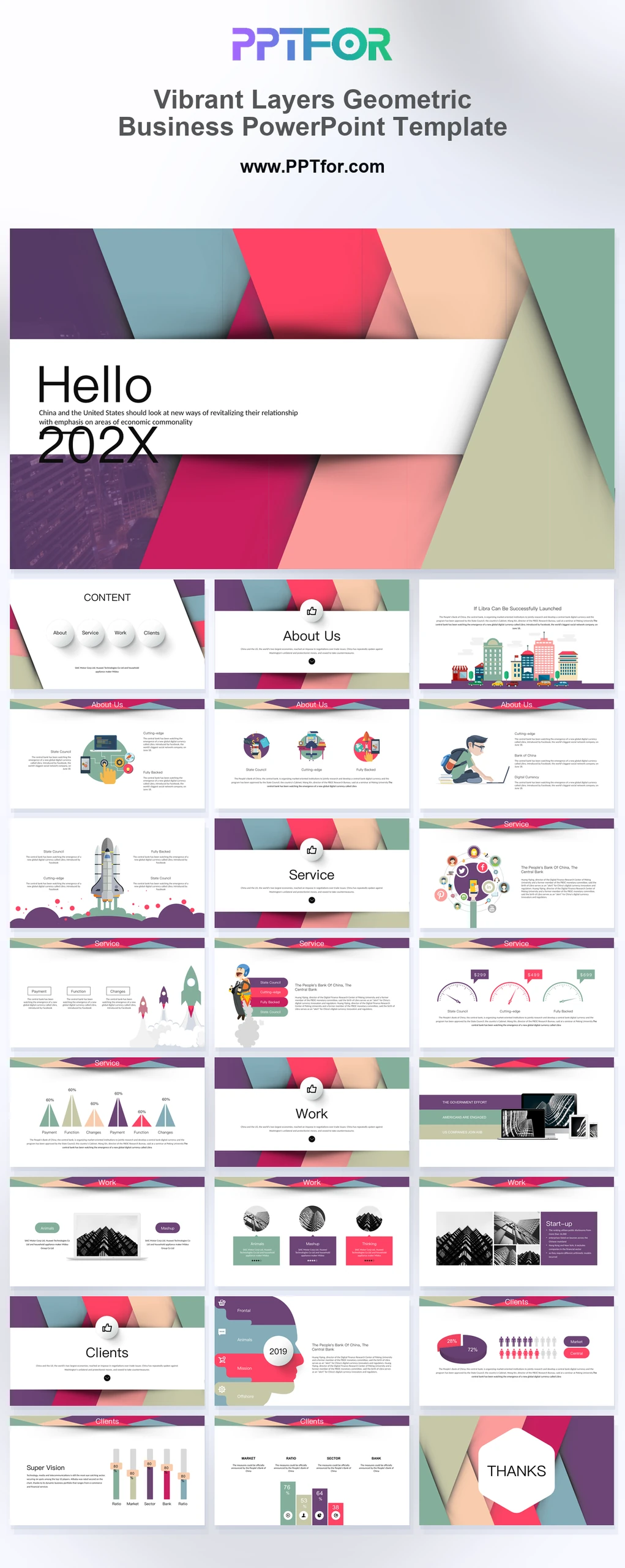
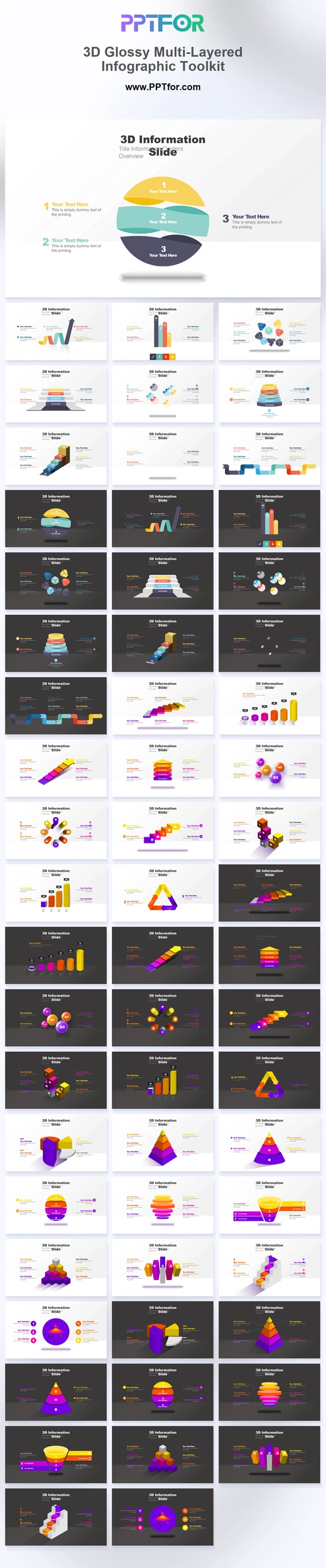
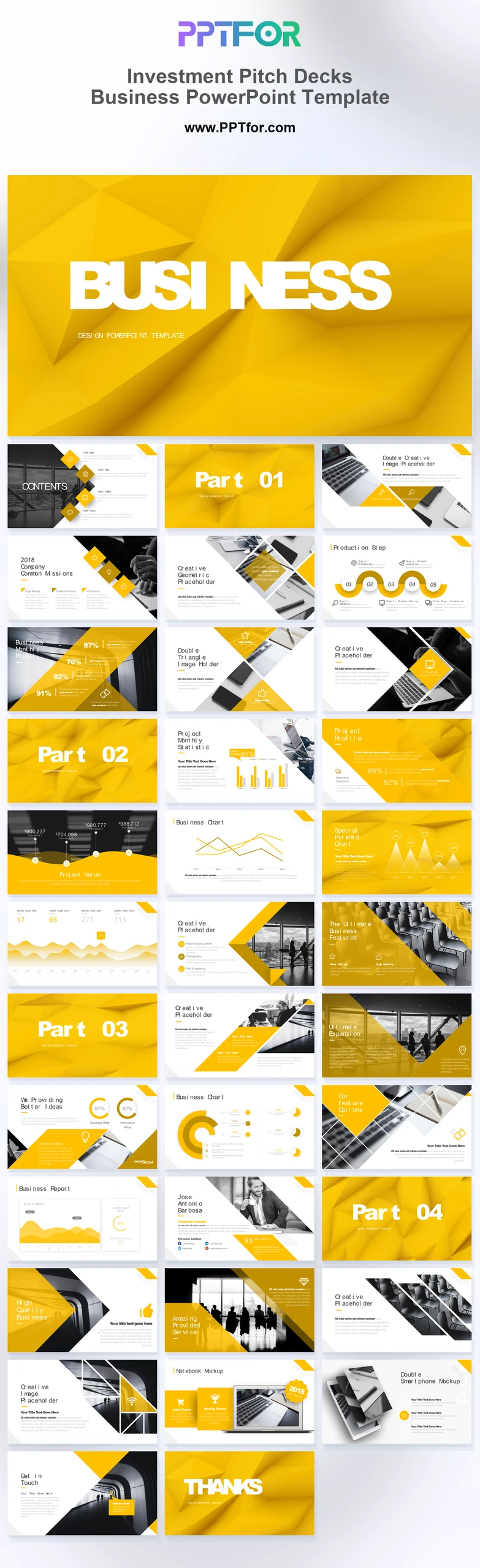
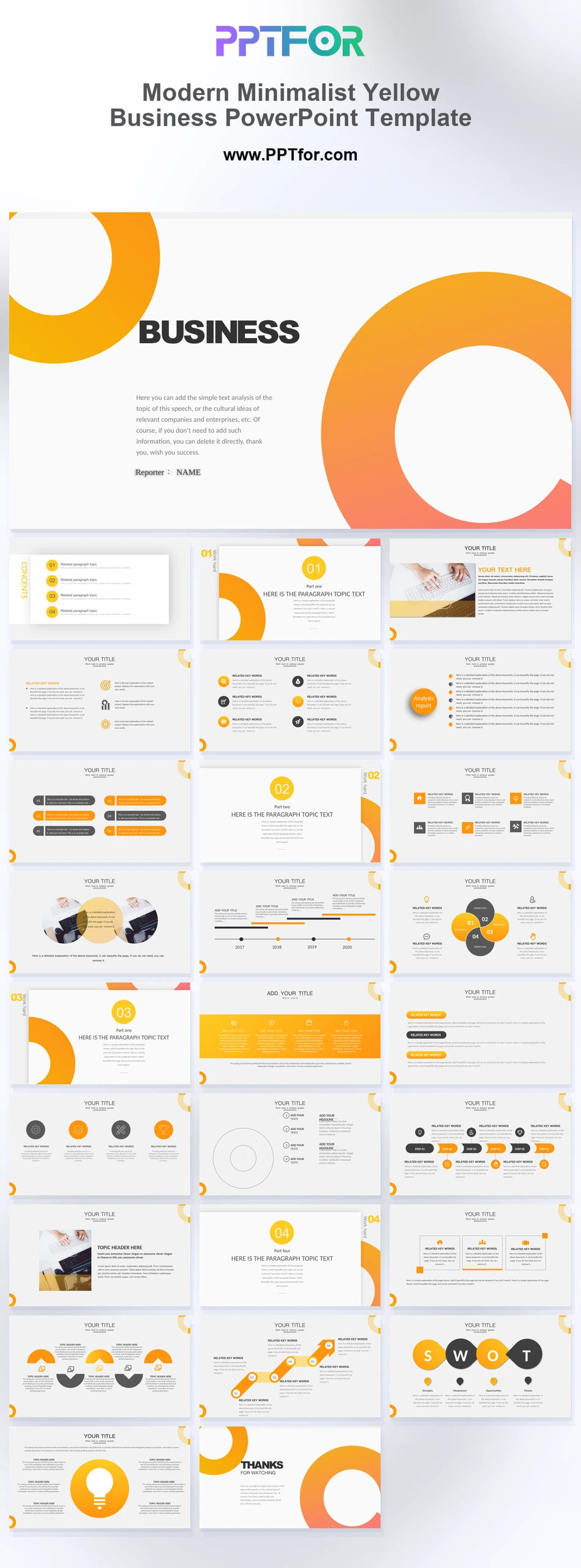
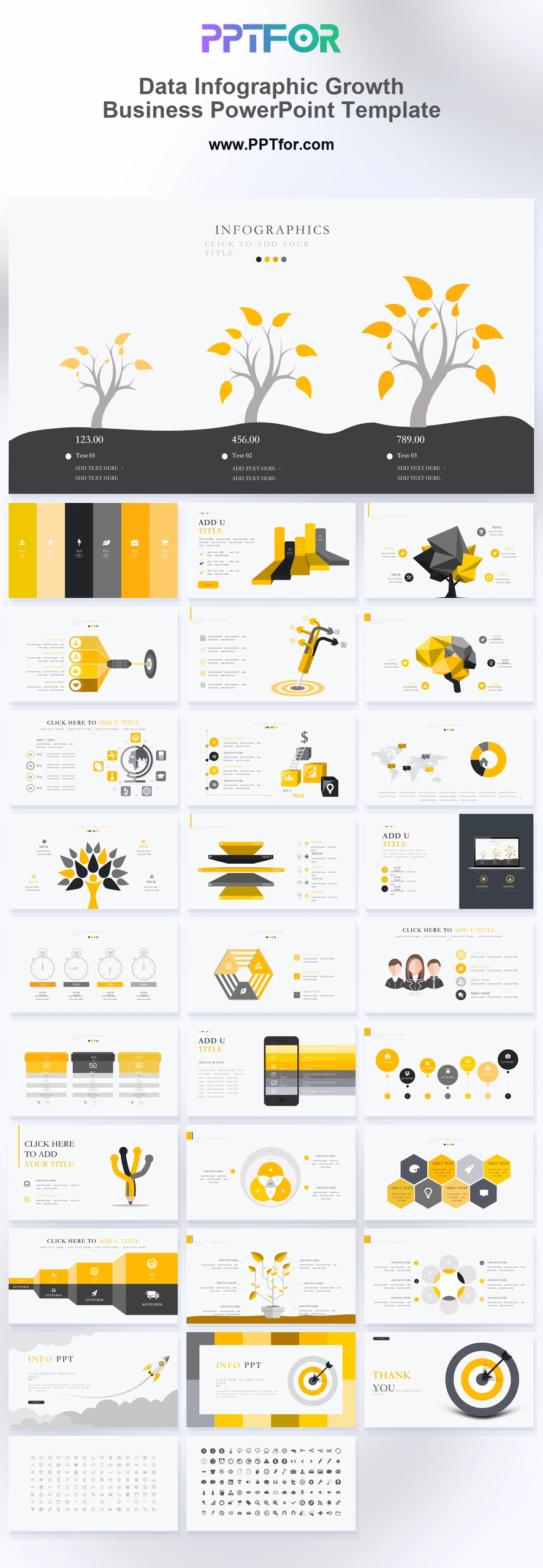
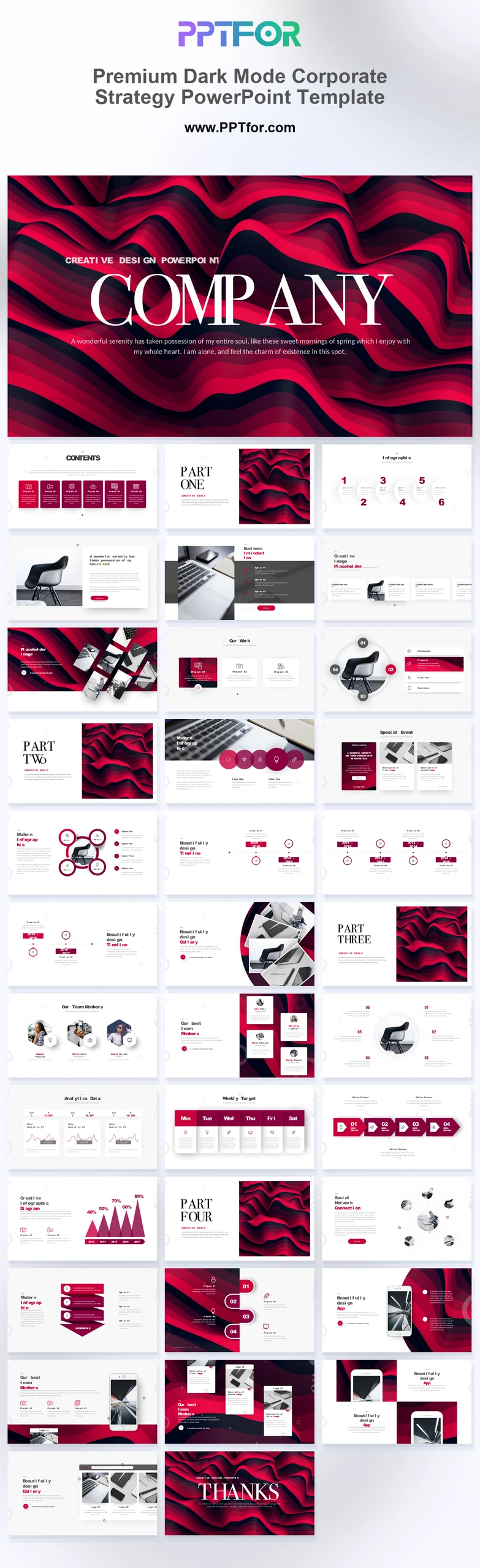
16:9 widescreen templates help presenters build slide decks formatted for modern screens, conference displays, webinars, classrooms, boardrooms, and online business meetings.This collection brings together 16:9 widescreen PowerPoint templates, presentation templates, and slide deck templates for business proposals, annual reports, investor pitches, training sessions, marketing plans, portfolio presentations, and performance reviews. Many template options commonly support Microsoft PowerPoint, Google Slides, Apple Keynote, editable graphics, drag-and-drop placeholders, and audience-ready slide layouts, while exact slide counts, visual styles, and included sections vary by template. Use this library to compare widescreen presentation formats, design styles, and business scenarios before choosing a deck that fits your screen and meeting context.
- Compatibility: Commonly supports Microsoft PowerPoint, Google Slides, Apple Keynote
- Aspect Ratios: Often available in 16:9 widescreen
- Graphics: Commonly includes 100% Vector Graphics
- Placeholders: Many templates include Drag-and-Drop Placeholders
- Editability: Commonly features fully customizable slides, colors, fonts, and layouts
- Slide Counts: Slide counts vary by template
What You Can Use 16:9 Widescreen Templates For
- Executives presenting in boardrooms - use widescreen slide layouts that match modern meeting displays and keep strategic updates easy to scan.
- Sales teams running client pitches - present business proposals, pricing, and value proposition content in a format suited to conference rooms and virtual calls.
- Founders preparing investor decks - structure traction, market opportunity, and funding plans in a widescreen deck that fits common projector and display setups.
- Educators building training sessions - create classroom or webinar slides that use screen space effectively for lessons, diagrams, and learning takeaways.
- Marketing managers presenting campaign plans - organize channel strategy, audience insights, and campaign optimization details in a display-friendly format.
- Portfolio creators showcasing visual work - use widescreen presentation templates to give images, case studies, and creative project layouts more horizontal space.
- Analysts delivering performance reviews - compare key metrics, charts, and business findings in slide layouts built for larger screens and online meetings.
Frequently Asked Questions
What are 16:9 widescreen templates commonly used for?
16:9 widescreen templates are commonly used for business meetings, webinars, conference displays, investor pitches, training sessions, annual reports, and portfolio presentations where slides need to fit modern screen formats.
Who typically uses 16:9 widescreen presentation templates?
This collection is often useful for executives, sales teams, founders, educators, marketers, analysts, consultants, and portfolio creators preparing decks for boardrooms, classrooms, online meetings, conferences, or client presentations.
What kinds of slide decks commonly use a 16:9 widescreen format?
Many templates may support business proposals, pitch decks, reports, training materials, marketing plans, portfolios, dashboards, and performance reviews. Exact layouts, slide counts, design styles, and included sections vary by template option.
How can this collection help teams choose a widescreen template faster?
This collection lets teams compare 16:9 widescreen templates by use case, style, audience, and presentation structure. That helps buyers choose a display-ready deck faster and focus on refining the message.
 Get full access to premium PowerPoint templates at a limited-time price.Get Now