Avatar

Modern Minimalist Yellow Business PowerPoint Template

by PPTFOR Editorial Team in Business & Corporate

Modern Minimalist Yellow Business PowerPoint Template

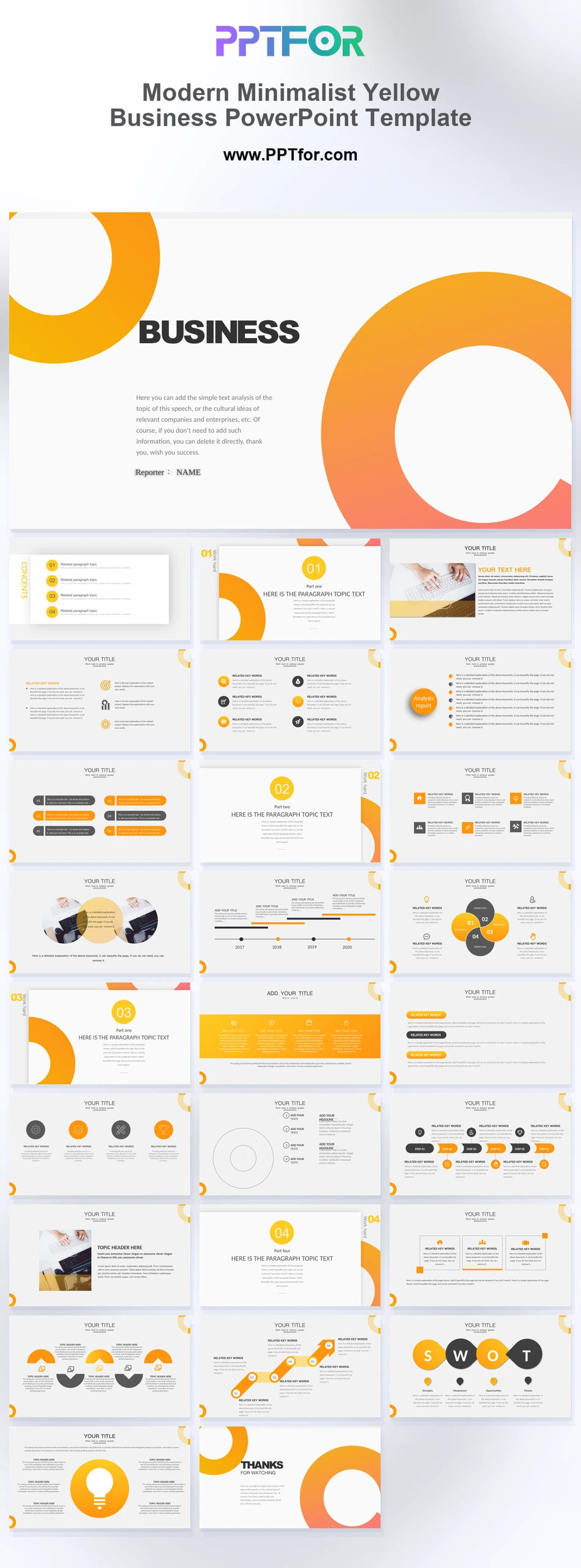
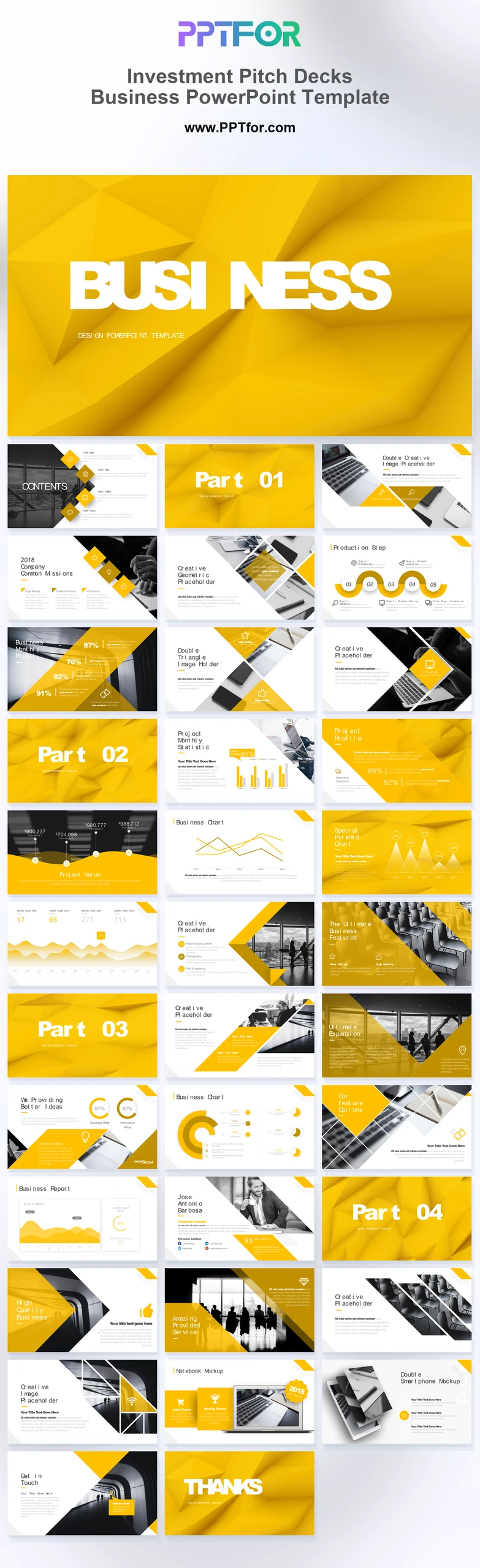
The Modern Minimalist Yellow Business PowerPoint Template offers 27 slides for a concise business discussion. Dual-column analysis, timelines, process diagrams, SWOT layouts, and comparison tables support a proposal with restrained visual emphasis.

Visual elements include oversized geometric ring segments, yellow-orange gradients, monochrome typography, minimalist slide layouts, vector infographic icons, and balanced white space.

  • Compatibility: Microsoft PowerPoint. Check fonts, charts, and image placement after importing into Google Slides or Keynote.
  • Aspect Ratio: 16:9 widescreen
  • Graphics: Editable vector graphics
  • Placeholders: Drag-and-Drop Placeholders
  • Editability: Editable text, colors, fonts, and layouts
  • Slide Count: 27 slides

Suggested Uses and Presentation Tasks

  • Business development managers creating company profiles – present services, capabilities, and proposal context with a clean geometric slide structure.
  • Project managers leading quarterly reviews – organize timelines, metric analysis, and comparison tables for clearer progress conversations.
  • Marketing specialists preparing pitch decks – use vibrant gradients, target diagrams, and process infographics to frame campaign direction.
  • Management consultants building strategy presentations – combine SWOT analysis, lightbulb concepts, and topic introductions into a recommendation deck.
  • Startup founders pitching corporate proposals – use chapter dividers, bullet hierarchies, and growth timelines to explain business priorities.
  • Financial services teams reviewing performance – turn metric analysis and multi-row comparison tables into easier boardroom reporting slides.
  • Education teams explaining business concepts – use minimalist layouts and vector icons to keep training content structured and readable.

Frequently Asked Questions

When should I choose this template?

Choose this yellow-accented deck when the audience needs a clear comparison or recommendation. Use yellow for a consistent purpose and retain text labels where color might be ambiguous.

What should I prepare before editing?

Prepare the proposal, alternatives, evaluation criteria, and supporting figures. Decide the conclusion of each slide before arranging the content so the layout supports the argument.

What layouts are included in this 27-slide business deck?

The deck includes a minimalist cover, contents outline, geometric chapter dividers, topic introductions, dual-column metric analysis, bullet lists, growth timelines, process infographics, target diagrams, lightbulb layout, SWOT matrix, comparison tables, and closing slide.

How can I edit the template?

Edit the text, colors, and slide elements to match your presentation. Before updating a graphic, check whether it is a native chart, a grouped shape, or an image; the editing method differs.



Post a Comment

$15

$

  • Price is in US dollars and excludes tax
  • Size:16x9
  • Microsoft PowerPoint, Google Slides, Apple Keynote, PowerPoint for Mac / Office 365, WPS Office
  • 100% editable
  • What you see is what you get
  • This is a secure SSL encrypted payment. Credit Card Certificate

Get all products for only $29!

Get full access to our entire collection of premium PPT templates for one simple price.
Forget about complex tools or technical skills—just choose, edit, and download.