Avatar

Modern Teal Geometric Presentation Template

by PPTFOR Editorial Team in Business & Corporate

Modern Teal Geometric Presentation Template

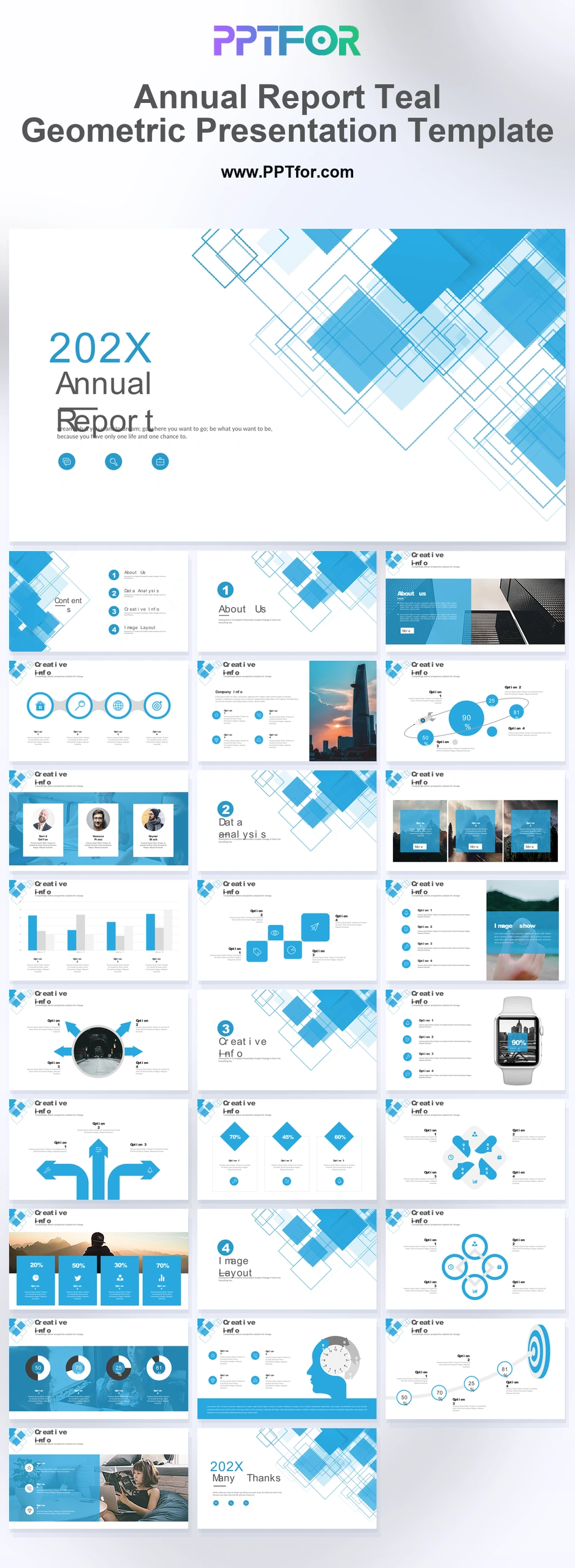
The Modern Teal Geometric Presentation Template offers 27 slides for business planning and performance updates. Target, workflow, timeline, chart, and SWOT layouts give the presentation a consistent geometric structure.

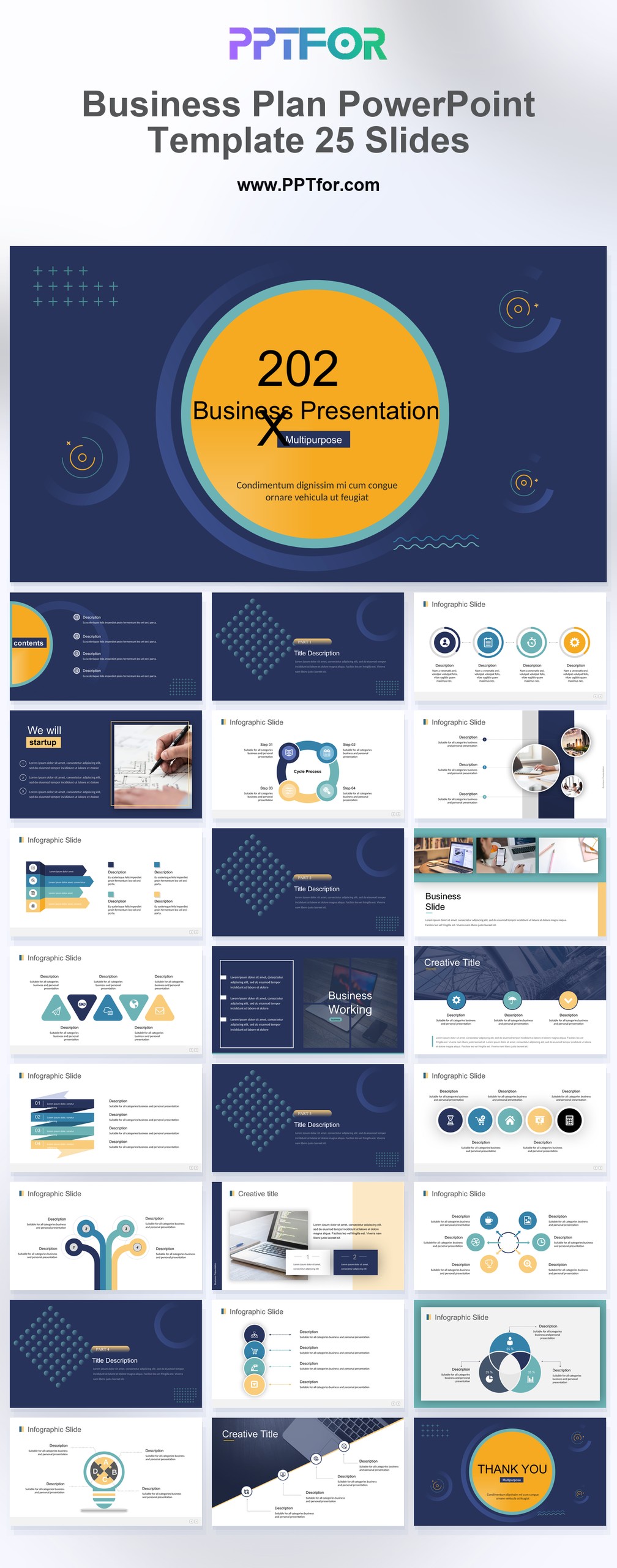
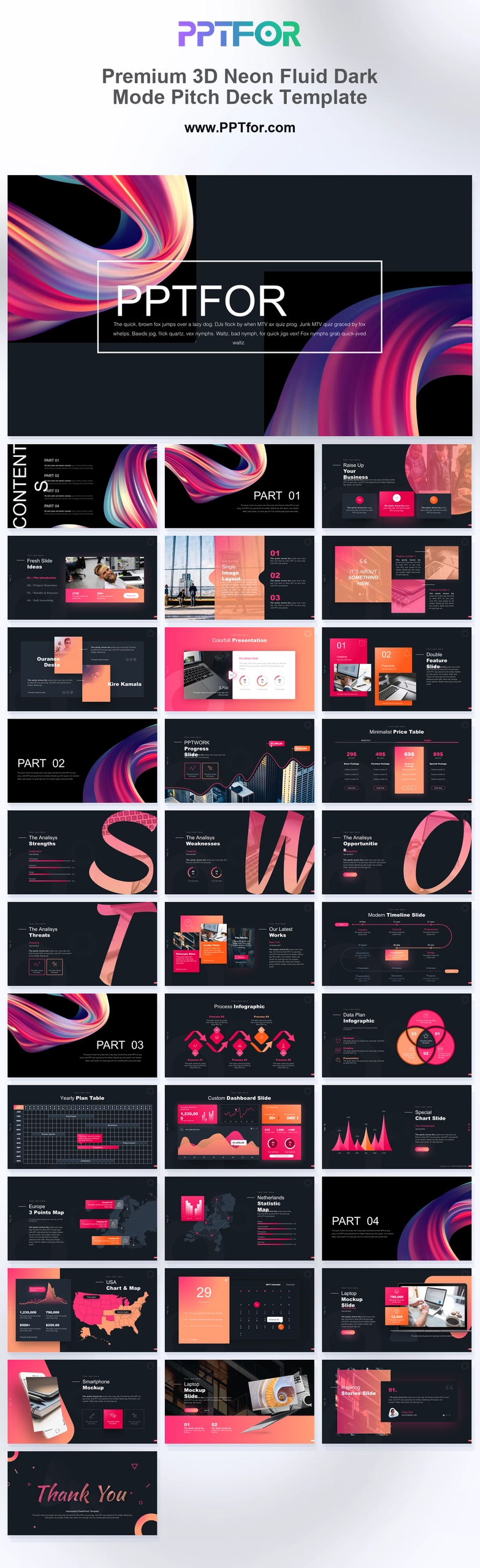
Visual elements include transparent 3D square patterns, linear grids, corporate timelines, infographics, and multi-column image layouts.

  • Compatibility: Microsoft PowerPoint. Check fonts, charts, and image placement after importing into Google Slides or Keynote.
  • Aspect Ratio: 16:9 widescreen
  • Graphics: Editable vector graphics
  • Placeholders: Drag-and-Drop Placeholders
  • Editability: Editable text, colors, fonts, and layouts
  • Slide Count: 27 slides

Suggested Uses and Presentation Tasks

  • CFOs presenting annual business reviews – use executive summary content, financial charts, and workflow funnels to connect yearly results with next-step priorities.
  • Communications managers preparing ESG reports – organize sustainability updates, corporate profile content, and decisions requiring stakeholder input in a modern geometric deck.
  • Operations directors reviewing quarterly financial reports – turn timelines, process funnels, and performance indicators into a structured leadership discussion.
  • Consultants building corporate strategy pitches – combine target boards, SWOT grids, 3D block diagrams, and strategy layouts to present recommendations clearly.
  • Business analysts creating project proposals – use bar and donut charts, wave charts, and multiquadrant layouts to summarize data-driven insights.
  • Investment firms updating stakeholders – frame portfolio progress, financial highlights, and market context in a high-tech annual report format.
  • Renewable energy companies reporting progress – connect ESG outcomes, project milestones, and strategic roadmap sections in a presentation-ready report deck.

Frequently Asked Questions

When should I choose this template?

Choose this general business version when you want teal geometric visuals for a proposal or operational review. Adapt the sample annual-report headings to the actual purpose and period of your presentation.

What should I prepare before editing?

Prepare the decision being discussed, current results, target outcomes, and the proposed sequence of work. Remove sample reporting-year references that do not apply to the presentation.

What layouts and report sections are included in this template?

The deck includes an annual report cover, executive summary, part dividers, corporate profile, team section, target board, workflow funnels, wave charts, arrow timeline, 3D block diagram, strategy grid, bar and donut charts, SWOT grid, desktop mockup, and closing slide.

How can I edit the template?

Edit the text, colors, and slide elements to match your presentation. Before updating a graphic, check whether it is a native chart, a grouped shape, or an image; the editing method differs.



Post a Comment

$15

$

  • Price is in US dollars and excludes tax
  • Size:16x9
  • Microsoft PowerPoint, Google Slides, Apple Keynote, PowerPoint for Mac / Office 365, WPS Office
  • 100% editable
  • What you see is what you get
  • This is a secure SSL encrypted payment. Credit Card Certificate

Get all products for only $29!

Get full access to our entire collection of premium PPT templates for one simple price.
Forget about complex tools or technical skills—just choose, edit, and download.