Get full access to premium PowerPoint templates at a limited-time price.Get Now
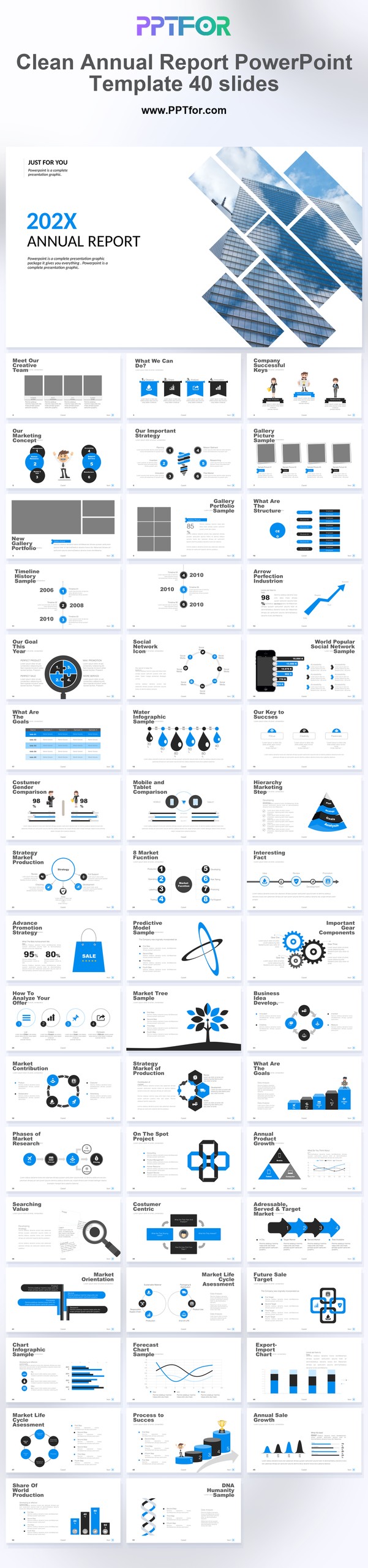
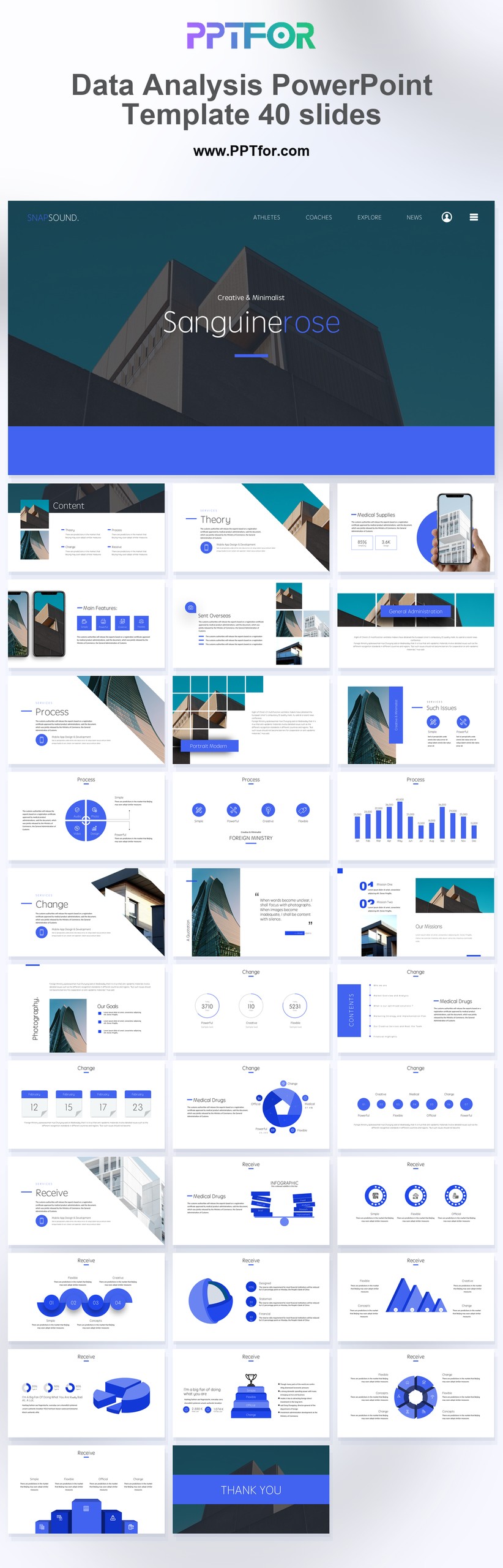
The Clean Annual Report PowerPoint Template provides 40 slides for year-end reporting. Use its minimal style to present annual results, explain changes from the previous year, and set out priorities for the next reporting cycle.
Edit the text, colors, and slide elements to match your presentation. Before updating a graphic, check whether it is a native chart, a grouped shape, or an image; the editing method differs.
Use PowerPoint for the PPTX workflow. If you import the file into Google Slides or Keynote, review fonts, chart labels, image crops, and spacing before presenting. Imported layouts may need adjustment.
Choose this 40-slide report when stakeholders need both a concise overview and supporting detail. Separate financial and operating results, and retain the same reporting definitions throughout the deck.
Gather finalized annual figures, prior-year comparisons, significant milestones, and management commentary. Clearly mark preliminary figures and forecasts, and identify the source of each headline result.

Get full access to our entire collection of premium PPT templates for one simple price.
Forget about complex tools or technical skills—just choose, edit, and download.