Avatar

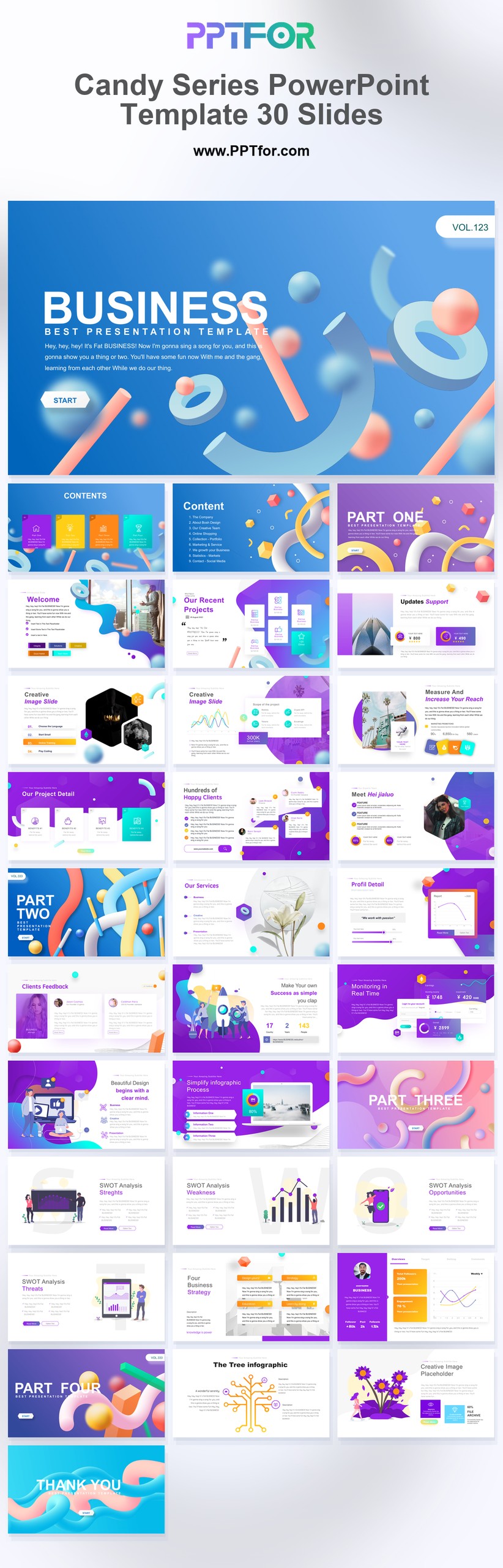
Candy Series PowerPoint Template 30 Slides

by PPTFOR Editorial Team in Marketing & Sales

Candy Series PowerPoint Template 30 Slides

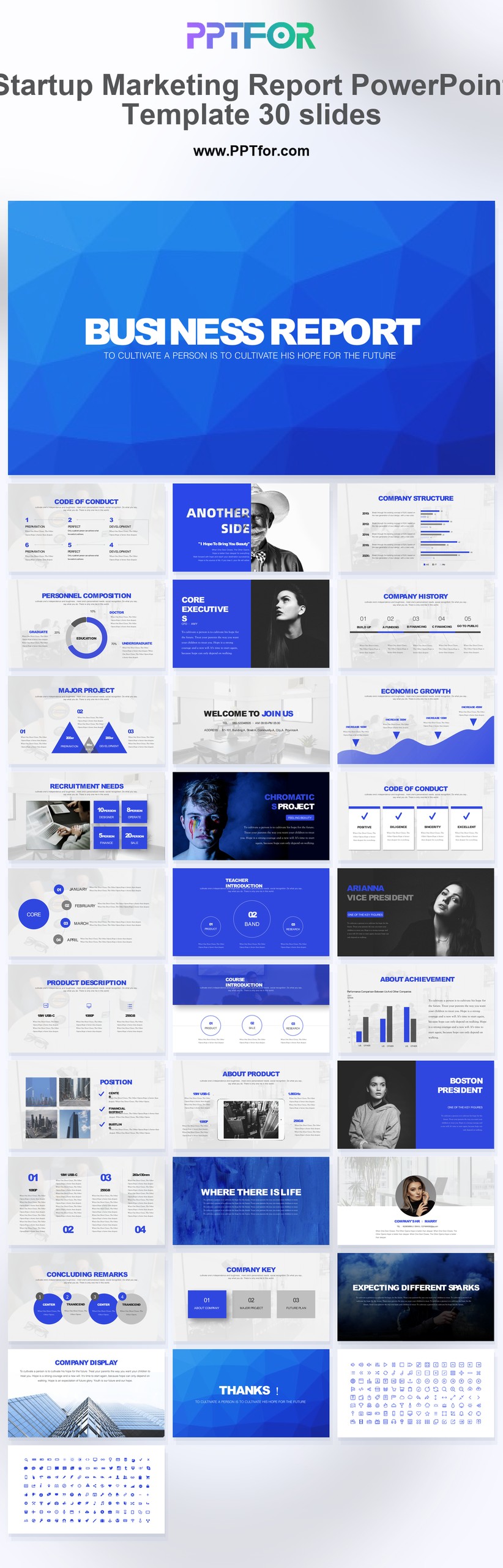
The Candy Series PowerPoint Template offers 30 slides with blue, white, and purple accents for brand analysis and marketing reviews. Use its chart layouts to present research findings while retaining a more colorful brand presentation style.

  • Compatibility: Microsoft PowerPoint. Check fonts, charts, and image placement after importing into Google Slides or Keynote.
  • Aspect Ratio: 16:9 widescreen
  • Graphics: Editable vector graphics
  • Placeholders: Drag-and-Drop Placeholders
  • Editability: Editable text, colors, fonts, and layouts
  • Slide Count: 30 slides

Suggested Content to Add

  • Campaign objective – state the audience, reporting period, and intended business outcome.
  • Channel investment – show spend and activity using consistent cost definitions.
  • Acquisition results – distinguish traffic, inquiries, qualified leads, and customers.
  • Conversion analysis – define the conversion event, denominator, and attribution window.
  • Audience findings – support segment comparisons with sample sizes and comparable periods.
  • Insights and limitations – explain unusual results and gaps in the measurement.
  • Next experiments – state the proposed change, owner, budget, and success measure.

Frequently Asked Questions

When should I choose this template?

Choose this deck for a brand review that combines visual identity with evidence about customer perception. Distinguish research findings from creative preferences so the design does not substitute for the analysis.

What should I prepare before editing?

Prepare brand objectives, audience research, campaign results, and examples of current assets. Record sample sizes and research dates when comparing awareness or perception measures.

What visible design traits does this template include?

The template uses blue, white, and purple with chart-led reporting layouts. Keep category colors consistent, and place a research finding beside the visual that supports it.

How can I edit the template?

Edit the text, colors, and slide elements to match your presentation. Before updating a graphic, check whether it is a native chart, a grouped shape, or an image; the editing method differs.



Post a Comment

$15

$

  • Price is in US dollars and excludes tax
  • Size:16x9
  • Microsoft PowerPoint, Google Slides, Apple Keynote, PowerPoint for Mac / Office 365, WPS Office
  • 100% editable
  • What you see is what you get
  • This is a secure SSL encrypted payment. Credit Card Certificate

Get all products for only $29!

Get full access to our entire collection of premium PPT templates for one simple price.
Forget about complex tools or technical skills—just choose, edit, and download.