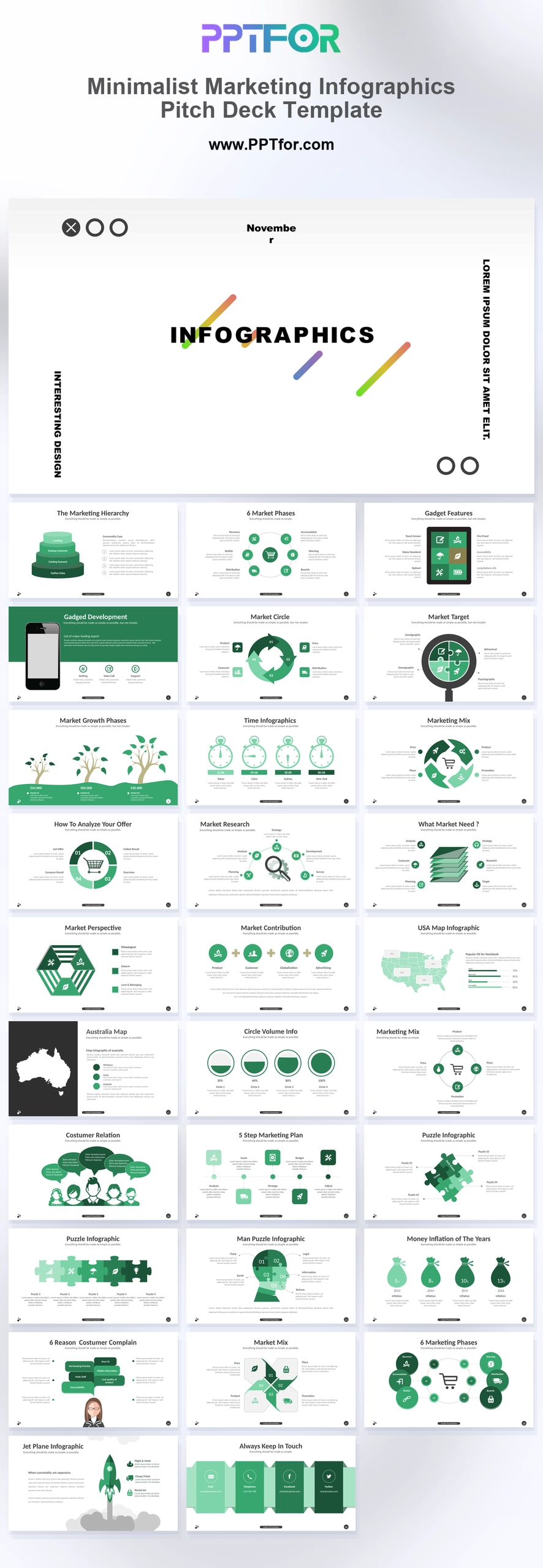
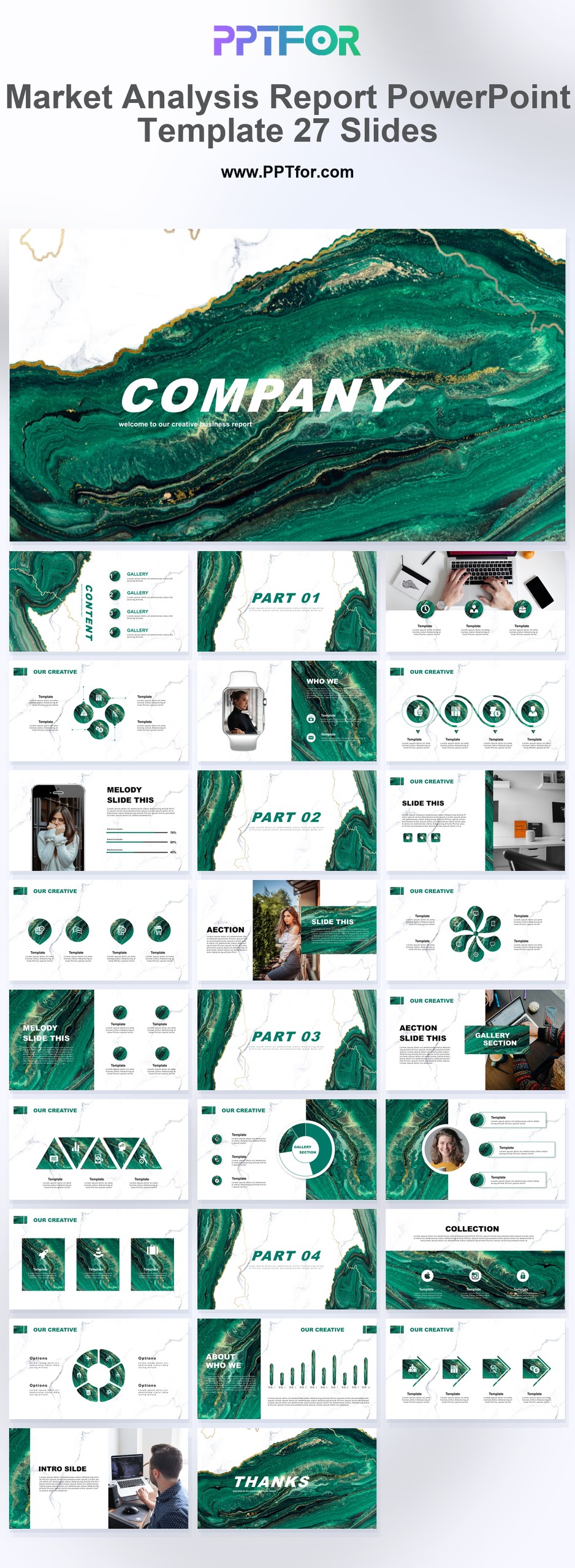
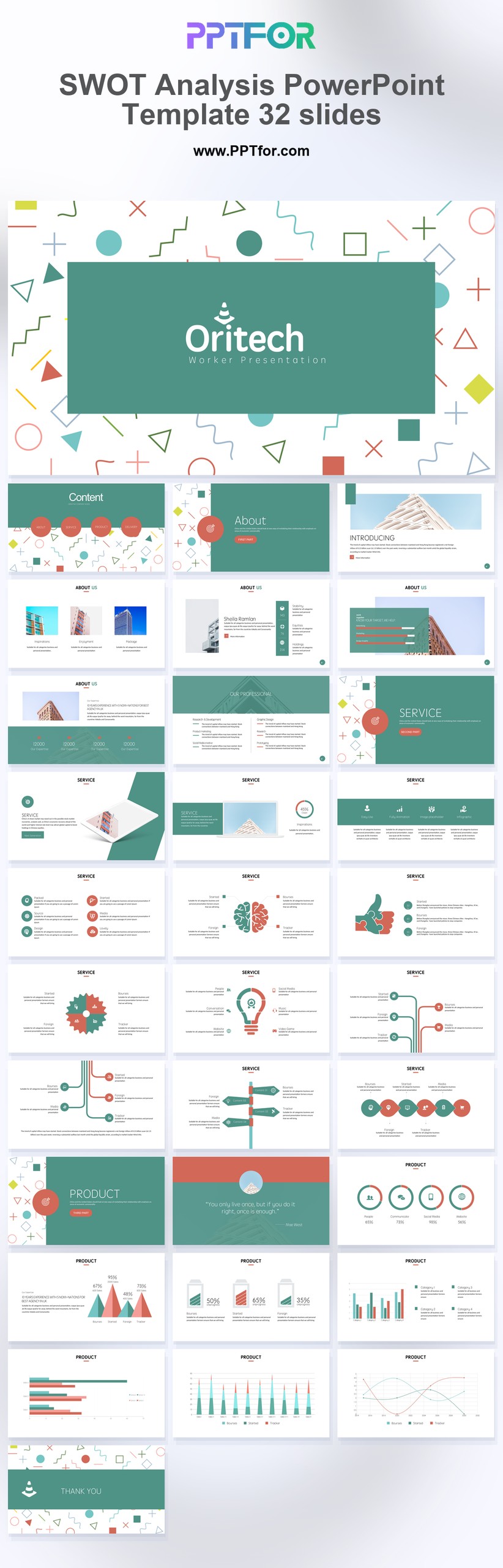
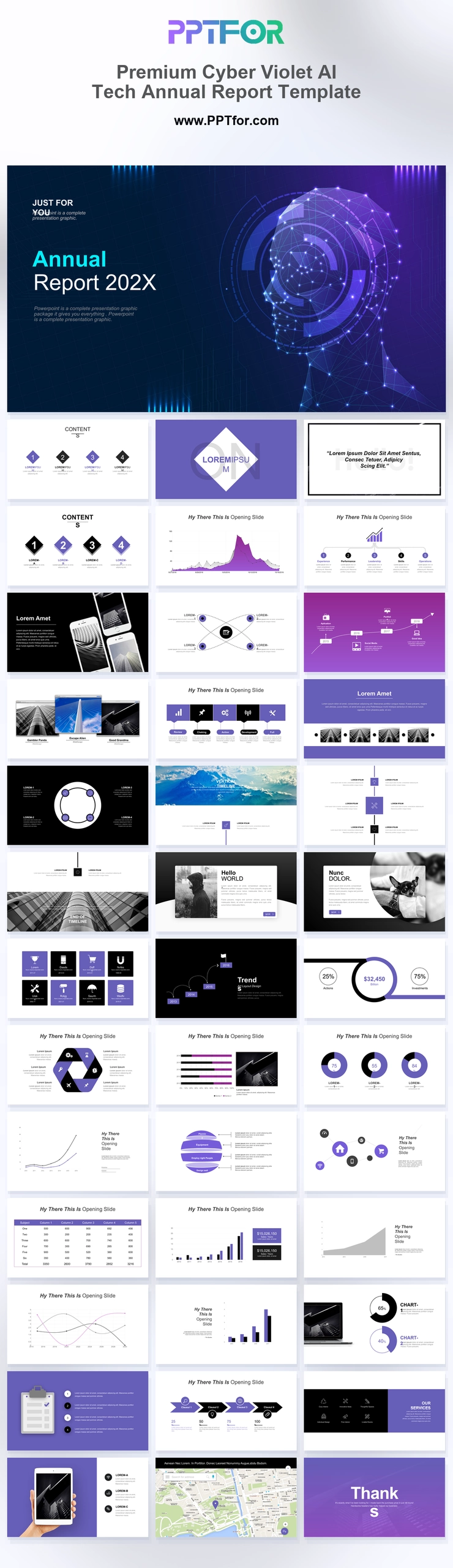
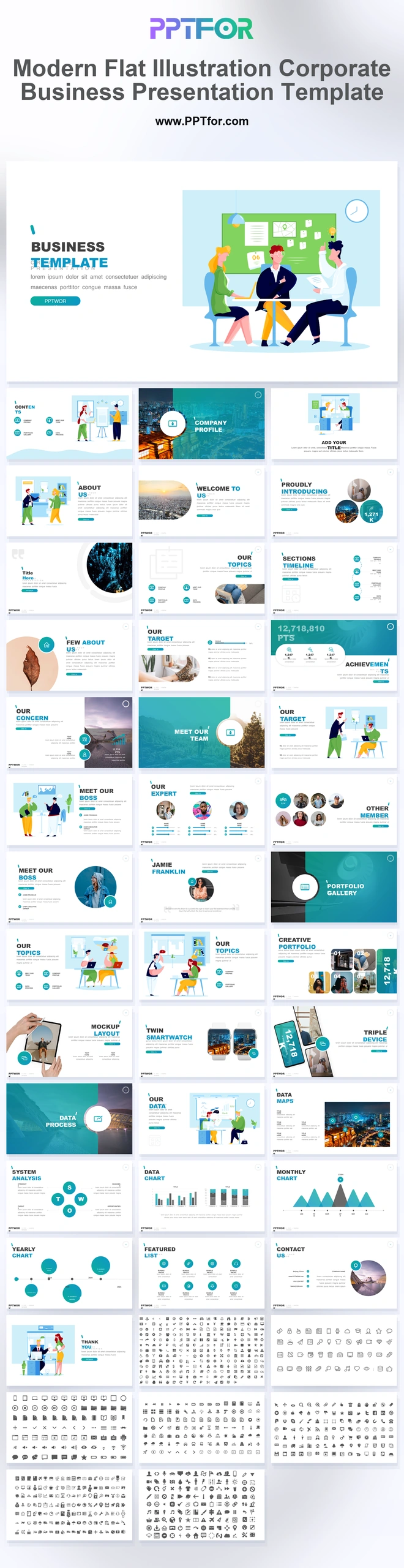
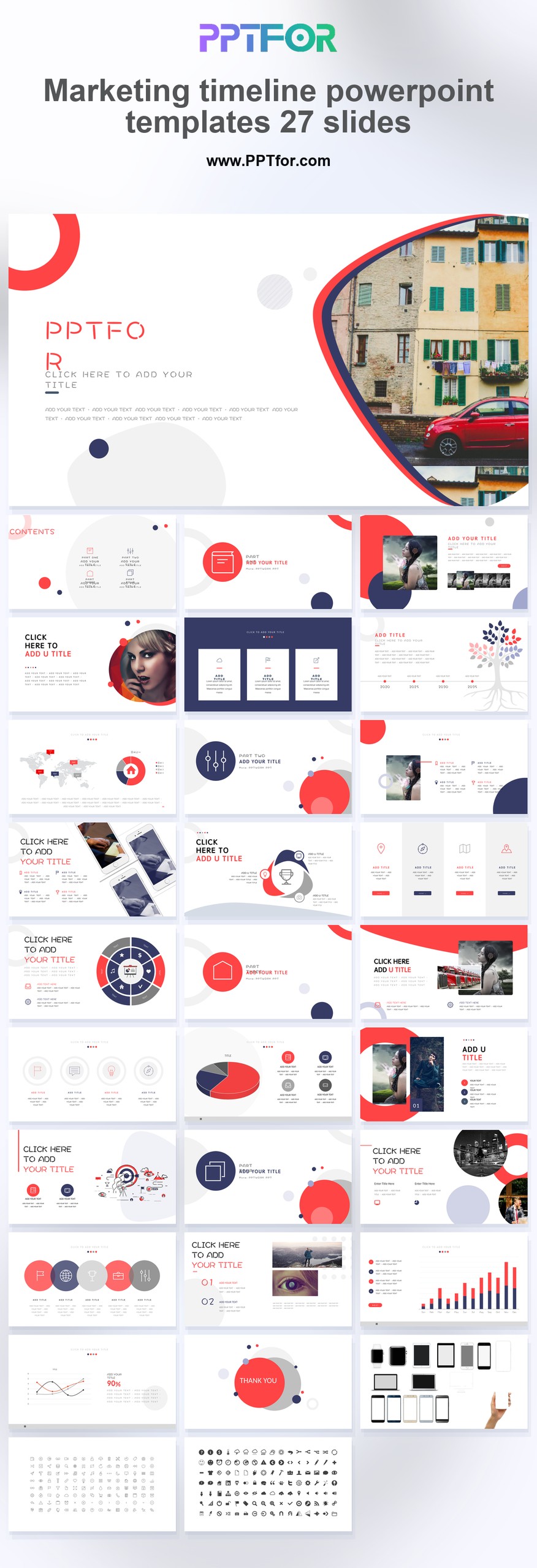
The Marketing Timeline PowerPoint Template provides 27 slides for campaign schedules and launch planning. Use the timeline layouts to show what happens before launch, which activities overlap, and where approvals or handoffs can delay delivery.
- Compatibility: Microsoft PowerPoint. Check fonts, charts, and image placement after importing into Google Slides or Keynote.
- Aspect Ratio: 16:9 widescreen
- Graphics: Editable vector graphics
- Placeholders: Drag-and-Drop Placeholders
- Editability: Editable text, colors, fonts, and layouts
- Slide Count: 27 slides
Suggested Content to Add
- Campaign phases – separate research, production, launch, optimization, and evaluation.
- Launch milestones – mark the dates that depend on external commitments or approvals.
- Channel activity – show which email, social, paid, or event activities run concurrently.
- Creative production – allow time for briefing, review, revisions, and final approval.
- Responsibility – name the person accountable for each deliverable and handoff.
- Dependencies – show which tasks cannot start until earlier work is complete.
- Review dates – schedule measurement and decisions before committing to the next campaign phase.
Frequently Asked Questions
When should I choose this template?
Choose this deck for a campaign planning meeting when the central question is who must deliver what by which date. A results-focused marketing report is a better companion for evaluating a completed campaign.
How can I edit the template?
Edit the text, colors, and slide elements to match your presentation. Before updating a graphic, check whether it is a native chart, a grouped shape, or an image; the editing method differs.
What should I check when importing into other presentation software?
Use PowerPoint for the PPTX workflow. If you import the file into Google Slides or Keynote, review fonts, chart labels, image crops, and spacing before presenting. Imported layouts may need adjustment.
What should I prepare before editing?
Prepare dates, activity owners, channel schedules, dependencies, and approval deadlines. Distinguish committed launch dates from provisional ones and identify the next milestone that needs a decision.

 Get full access to premium PowerPoint templates at a limited-time price.Get Now