Avatar

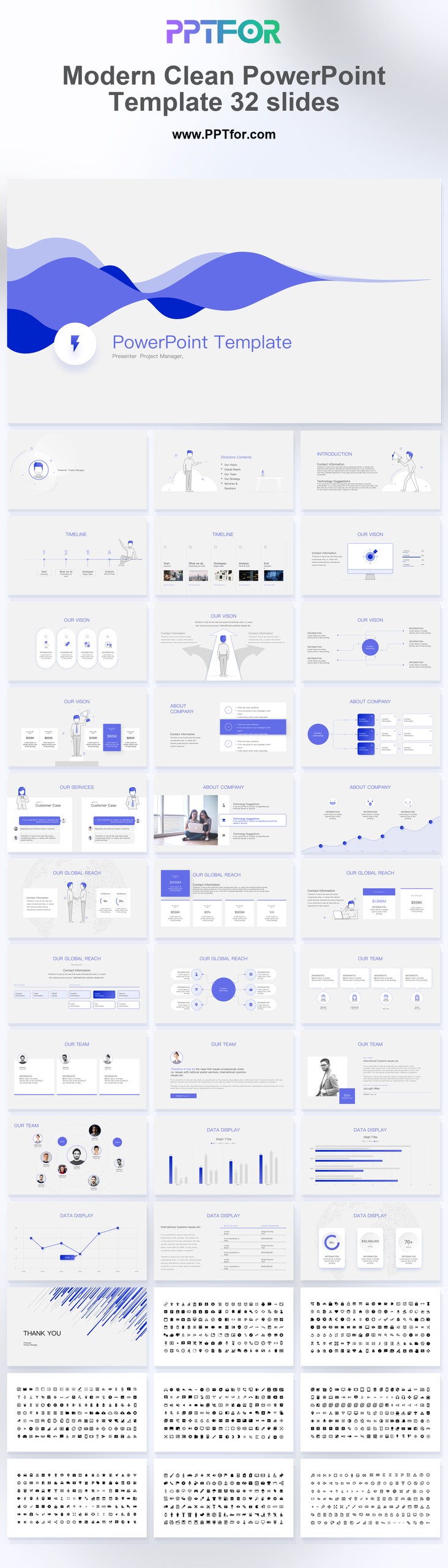
Modern Clean PowerPoint Template 32 Slides

by PPTFOR Editorial Team in Creative & Portfolio

Modern Clean PowerPoint Template 32 Slides

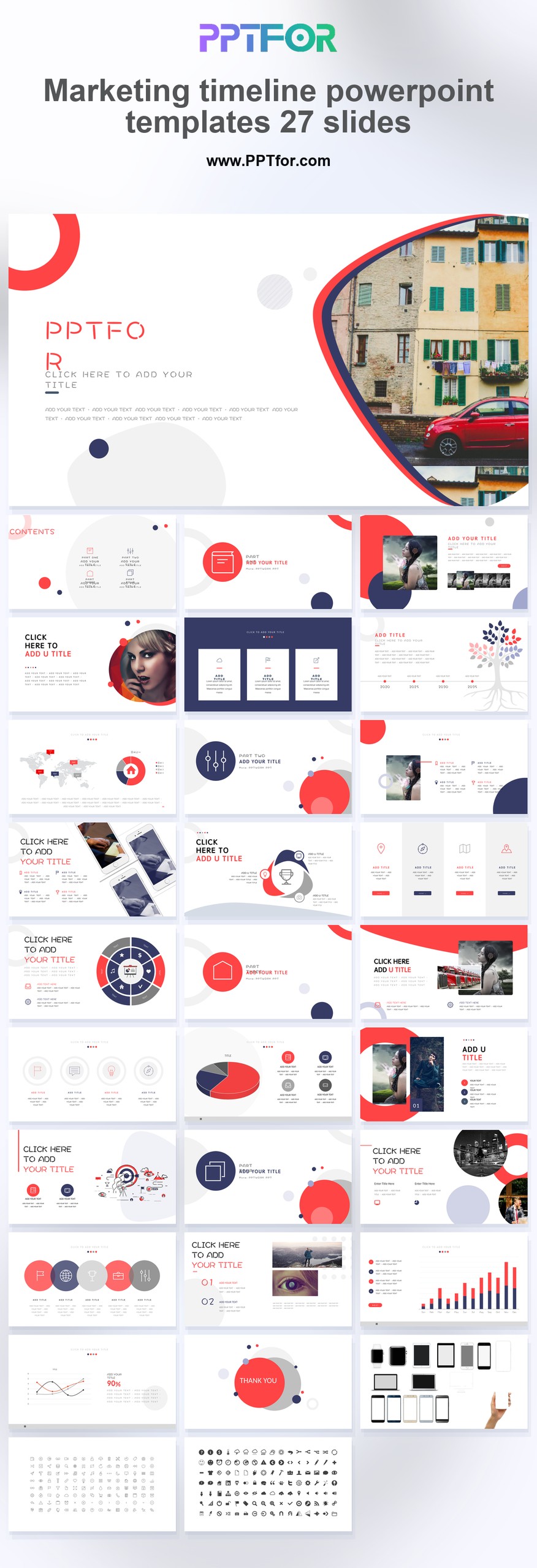
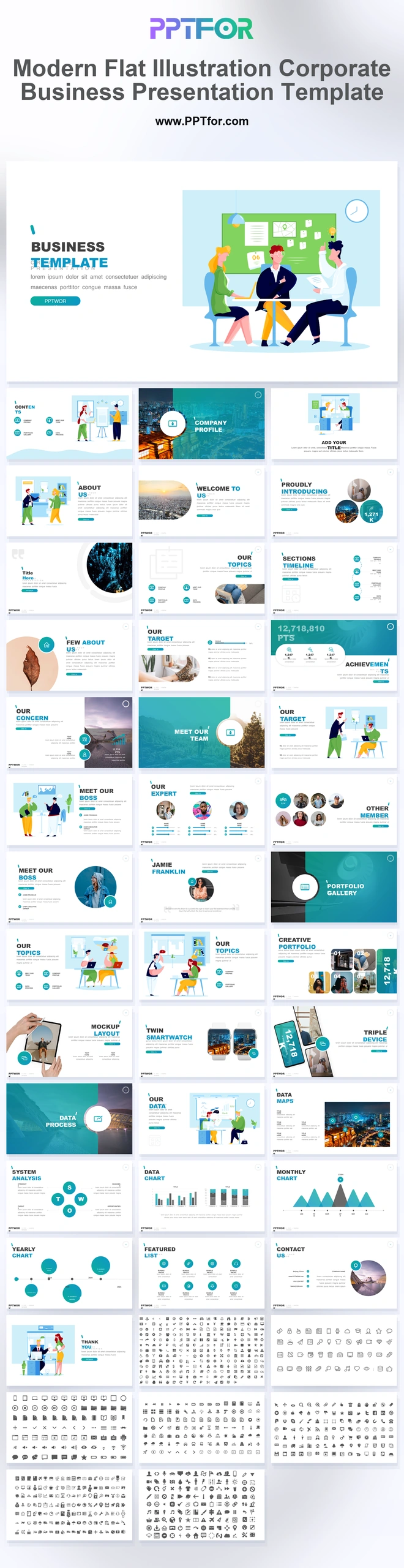
The Modern Clean PowerPoint Template provides 32 slides for business presentations with a restrained visual style. Adapt the layouts for an internal proposal, client update, or project discussion where text and evidence should remain prominent.

  • Compatibility: Microsoft PowerPoint. Check fonts, charts, and image placement after importing into Google Slides or Keynote.
  • Aspect Ratio: 16:9 widescreen
  • Graphics: Editable vector graphics
  • Placeholders: Drag-and-Drop Placeholders
  • Editability: Editable text, colors, fonts, and layouts
  • Slide Count: 32 slides

Suggested Content to Add

  • Opening message – state the purpose of the presentation and the decision or response needed.
  • Background – include only the context the audience needs to evaluate the proposal.
  • Main argument – give each slide one claim with the evidence that supports it.
  • Visual examples – use approved images that show the actual product, work, or situation.
  • Comparisons – apply consistent labels and units to options or results.
  • Recommendations – explain the proposed choice and the criteria behind it.
  • Next steps – identify the owner, timing, and information needed to proceed.

Frequently Asked Questions

How can I edit the template?

Edit the text, colors, and slide elements to match your presentation. Before updating a graphic, check whether it is a native chart, a grouped shape, or an image; the editing method differs.

What should I check when importing into other presentation software?

Use PowerPoint for the PPTX workflow. If you import the file into Google Slides or Keynote, review fonts, chart labels, image crops, and spacing before presenting. Imported layouts may need adjustment.

When should I choose this template?

Choose this general-purpose deck when your brand needs a neutral starting point. Use a consistent heading style and a small set of recurring layouts to keep a longer presentation coherent.

What should I prepare before editing?

Prepare the audience, purpose, key message, and supporting material before arranging slides. Identify the requested decision early, then keep only information that helps the audience make it.



Post a Comment

$15

$

  • Price is in US dollars and excludes tax
  • Size:16x9
  • Microsoft PowerPoint, Google Slides, Apple Keynote, PowerPoint for Mac / Office 365, WPS Office
  • 100% editable
  • What you see is what you get
  • This is a secure SSL encrypted payment. Credit Card Certificate

Get all products for only $29!

Get full access to our entire collection of premium PPT templates for one simple price.
Forget about complex tools or technical skills—just choose, edit, and download.