Avatar

Flat Illustration Corporate Presentation Template

by PPTFOR Editorial Team in Marketing & Sales

Flat Illustration Corporate Presentation Template

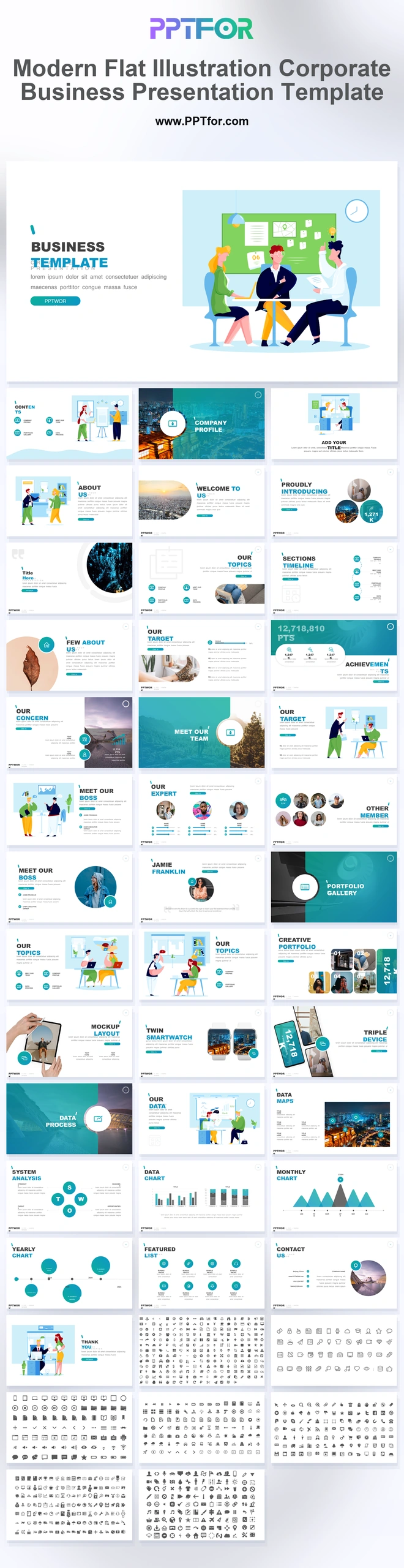
The Flat Illustration Corporate Presentation Template offers 36 slides for company and agency presentations. Teamwork illustrations, market demographics, portfolios, SWOT layouts, and monthly analytics combine people, work, and performance in one visual style.

Visual elements include vibrant character office illustrations, gradient circular framing masks, floating card blocks, cross-device grids, and micro-icon arrays.

  • Compatibility: Microsoft PowerPoint. Check fonts, charts, and image placement after importing into Google Slides or Keynote.
  • Aspect Ratio: 16:9 widescreen
  • Graphics: Editable vector graphics
  • Placeholders: Drag-and-Drop Placeholders
  • Editability: Editable text, colors, fonts, and layouts
  • Slide Count: 36 slides

Suggested Uses and Presentation Tasks

  • Marketing managers presenting digital strategy updates – organize campaign priorities, audience insights, and monthly analytics with clean illustrated business slides.
  • HR directors leading onboarding presentations – introduce teams, services, values, and workflows through friendly character-led layouts.
  • Creative consultants pitching agency services – combine portfolio grids, profile pages, and micro-icon arrays to make service offerings easier to compare.
  • Startup founders preparing corporate profile pitches – present company story, target demographics, achievements, and strategy with an approachable SaaS-ready design.
  • Account executives reviewing quarterly performance – use achievement boards, SWOT analysis, and analytics slides to guide client conversations.
  • Remote team solution providers explaining product value – use cross-device layouts, smartwatch mockups, and tablet interface slides to show connected workflows.
  • Co-working space teams building partner presentations – frame community, services, member highlights, and growth metrics in a illustrative format.

Frequently Asked Questions

When should I choose this template?

Choose this illustrated deck for a company overview or agency proposal that includes both service delivery and results. Use actual project imagery in the portfolio sections to complement the illustrations.

What should I prepare before editing?

Prepare company facts, target-audience definitions, team information, approved work examples, and monthly results. Keep demographic labels and reporting periods consistent across the presentation.

What layouts are included in this 36-slide business deck?

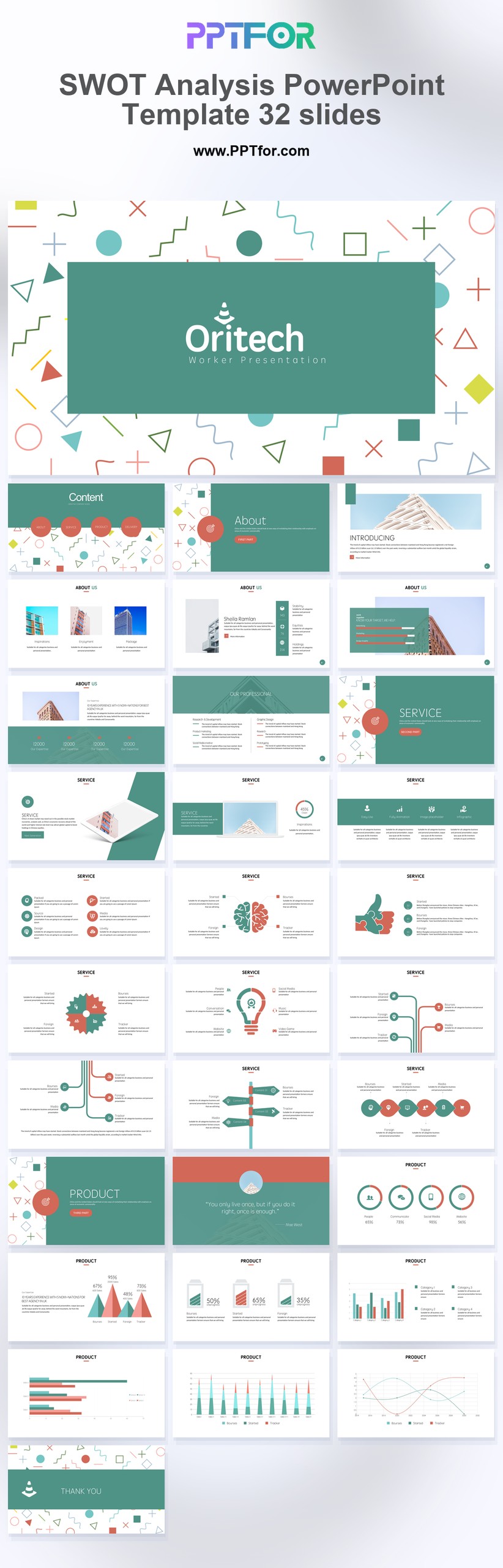
The deck includes a teamwork cover, contents agenda, section dividers, agency profile slides, executive highlights, target market demographics, achievement boards, portfolio grids, tablet layouts, smartwatch mockups, device strategy slides, SWOT analysis, monthly analytics, and a 480+ icon library.

How can I edit the template?

Edit the text, colors, and slide elements to match your presentation. Before updating a graphic, check whether it is a native chart, a grouped shape, or an image; the editing method differs.



Post a Comment

$15

$

  • Price is in US dollars and excludes tax
  • Size:16x9
  • Microsoft PowerPoint, Google Slides, Apple Keynote, PowerPoint for Mac / Office 365, WPS Office
  • 100% editable
  • What you see is what you get
  • This is a secure SSL encrypted payment. Credit Card Certificate

Get all products for only $29!

Get full access to our entire collection of premium PPT templates for one simple price.
Forget about complex tools or technical skills—just choose, edit, and download.