Avatar

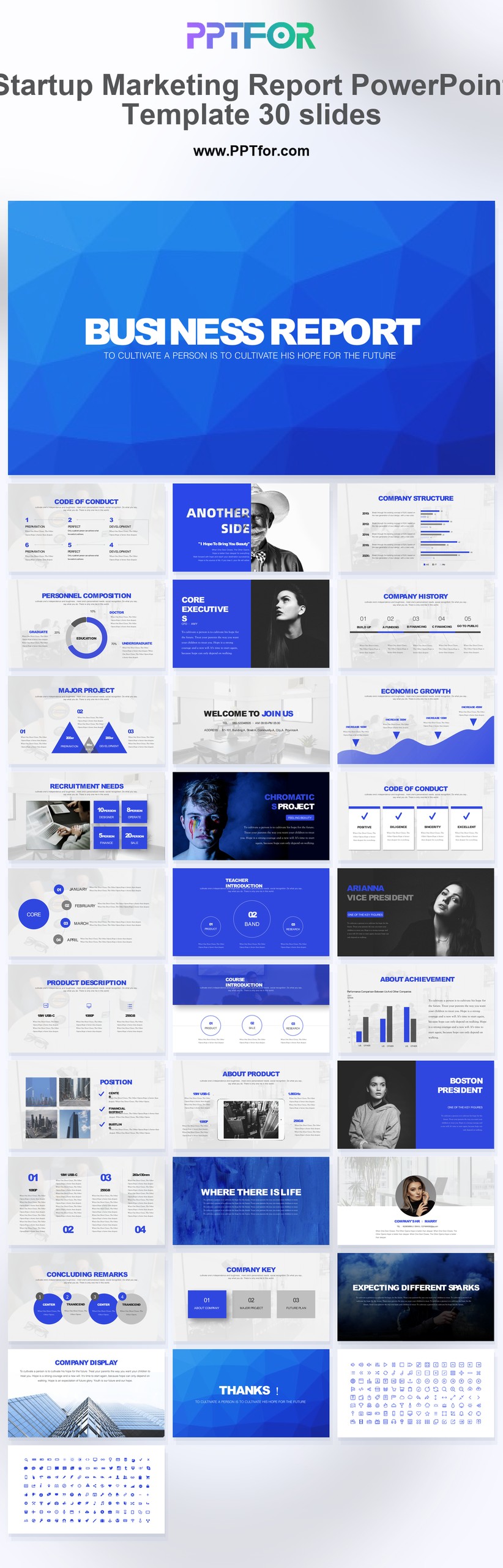
Startup Marketing Report PowerPoint Template 30 Slides

by PPTFOR Editorial Team in Data & Analytics Reports

Startup Marketing Report PowerPoint Template 30 Slides

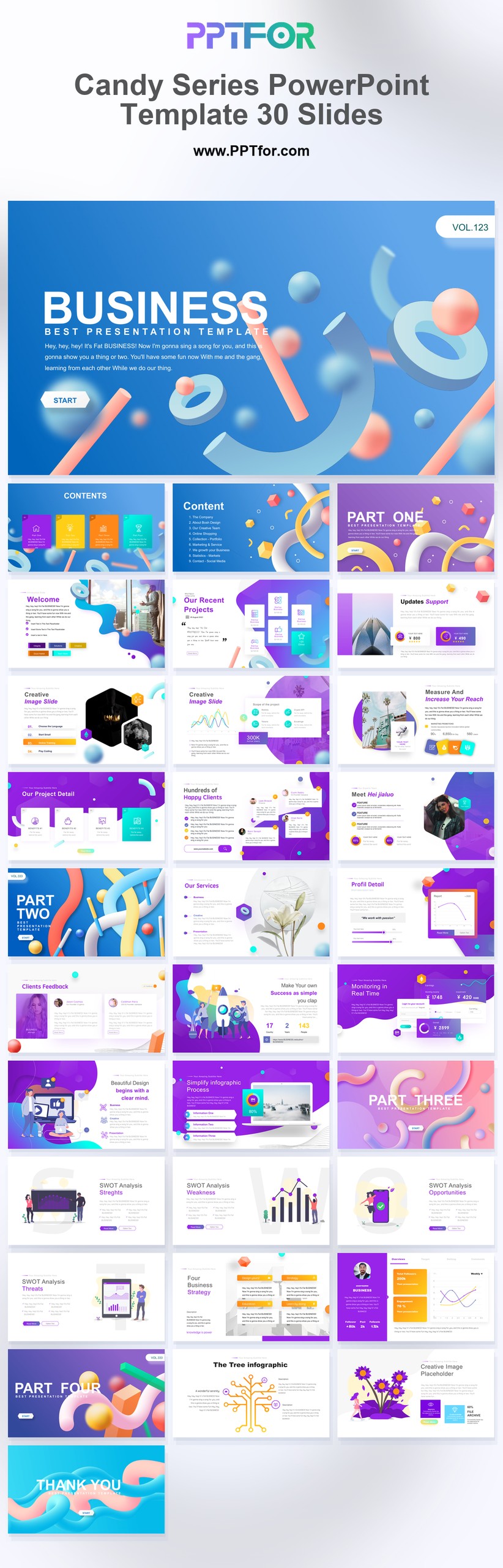
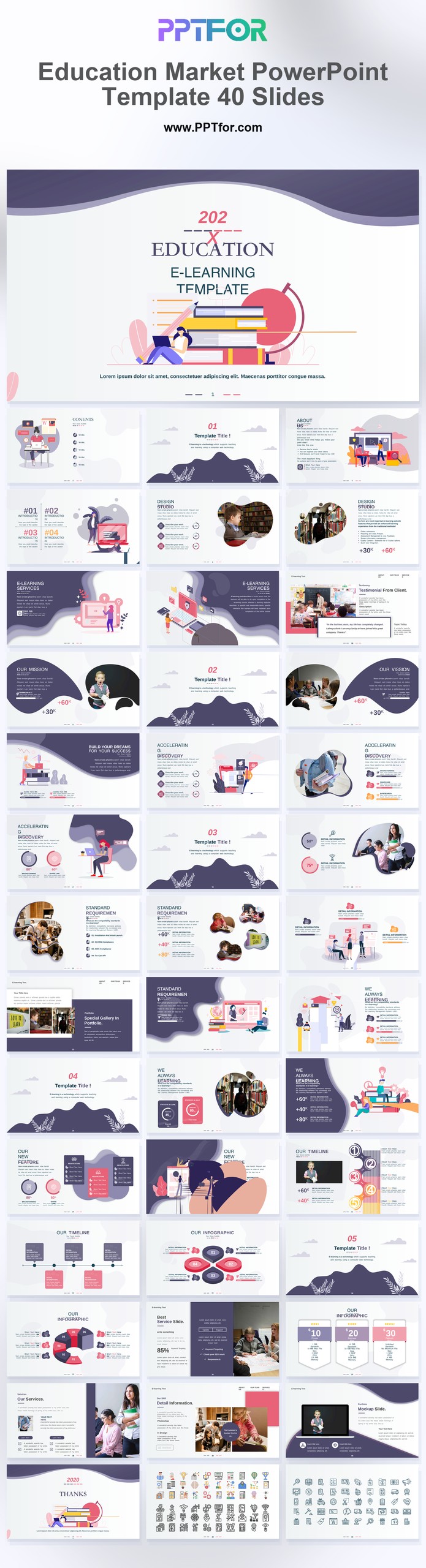
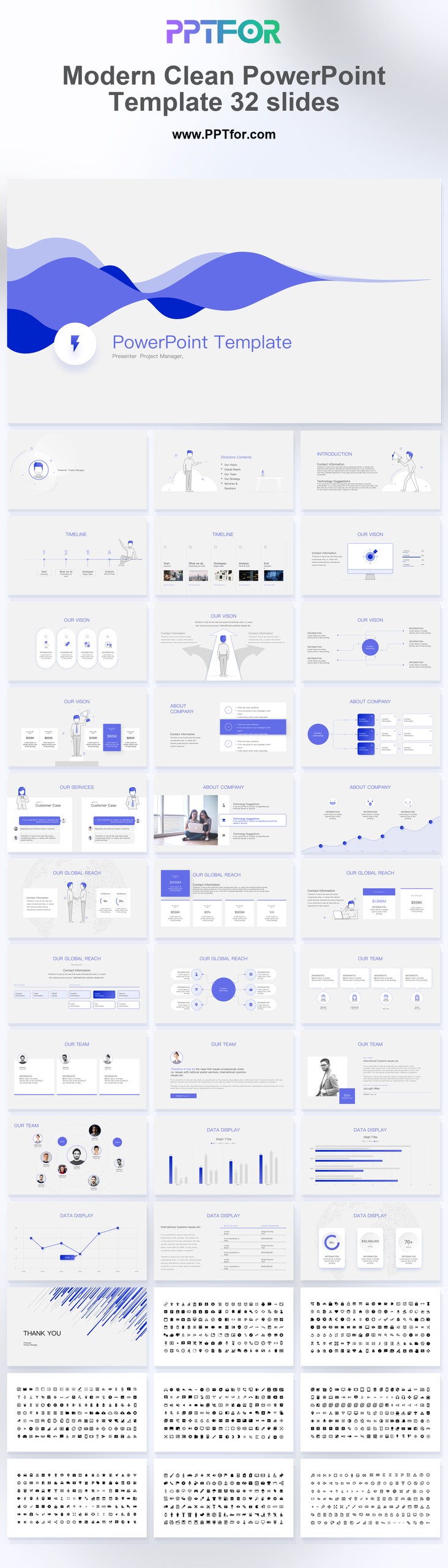
The Startup Marketing Report PowerPoint Template provides 30 slides for reviewing campaign performance and marketing traction. Organize the report around acquisition activity, spend, results, and the experiments proposed for the next period.

  • Compatibility: Microsoft PowerPoint. Check fonts, charts, and image placement after importing into Google Slides or Keynote.
  • Aspect Ratio: 16:9 widescreen
  • Graphics: Editable vector graphics
  • Placeholders: Drag-and-Drop Placeholders
  • Editability: Editable text, colors, fonts, and layouts
  • Slide Count: 30 slides

Suggested Content to Add

  • Campaign objective – state the audience, reporting period, and intended business outcome.
  • Channel investment – show spend and activity using consistent cost definitions.
  • Acquisition results – distinguish traffic, inquiries, qualified leads, and customers.
  • Conversion analysis – define the conversion event, denominator, and attribution window.
  • Audience findings – support segment comparisons with sample sizes and comparable periods.
  • Insights and limitations – explain unusual results and gaps in the measurement.
  • Next experiments – state the proposed change, owner, budget, and success measure.

Frequently Asked Questions

How can I edit the template?

Edit the text, colors, and slide elements to match your presentation. Before updating a graphic, check whether it is a native chart, a grouped shape, or an image; the editing method differs.

What should I check when importing into other presentation software?

Use PowerPoint for the PPTX workflow. If you import the file into Google Slides or Keynote, review fonts, chart labels, image crops, and spacing before presenting. Imported layouts may need adjustment.

When should I choose this template?

Choose this deck for a startup marketing review where limited budget makes channel decisions important. It supports reporting on results; a forward-looking campaign schedule belongs in a separate planning section.

What should I prepare before editing?

Bring channel spend, qualified leads or customers, conversion definitions, and the attribution period. Label small samples and distinguish observed results from targets for the next campaign.



Post a Comment

$15

$

  • Price is in US dollars and excludes tax
  • Size:16x9
  • Microsoft PowerPoint, Google Slides, Apple Keynote, PowerPoint for Mac / Office 365, WPS Office
  • 100% editable
  • What you see is what you get
  • This is a secure SSL encrypted payment. Credit Card Certificate

Get all products for only $29!

Get full access to our entire collection of premium PPT templates for one simple price.
Forget about complex tools or technical skills—just choose, edit, and download.