A well‑designed market analysis PowerPoint helps you turn complex data about customers, competitors, and trends into a clear story that executives and clients can understand in minutes. Instead of sending long PDFs, a structured market analysis PPT lets you walk people through the key insights and decisions step by step.
In this guide, you’ll learn:
- What a market analysis PowerPoint should include
- How to structure your slides for maximum clarity
- Design tips for data‑heavy market presentations
- Where to find ready‑made market analysis PowerPoint templates
If you already have data ready, you can skip to the step‑by‑step checklist or the FAQ below.
What is a market analysis PowerPoint?
A market analysis PowerPoint is a slide deck that explains the size, structure, dynamics, and opportunities of a particular market. It is often used for business plans, investor decks, product launches, and strategic planning sessions.
A good market analysis PPT should:
- Summarise key data points and trends
- Explain what those numbers mean for your business
- Lead to clear decisions and next steps
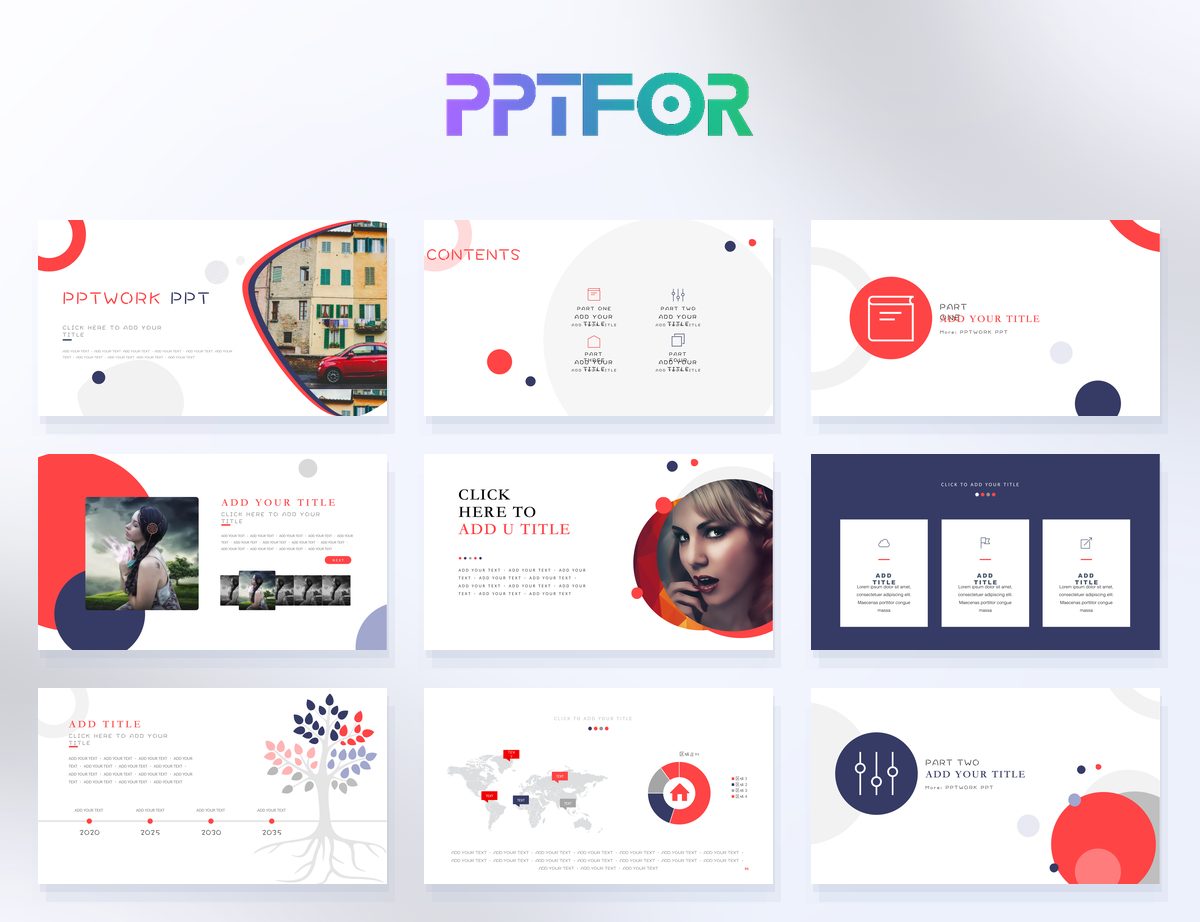
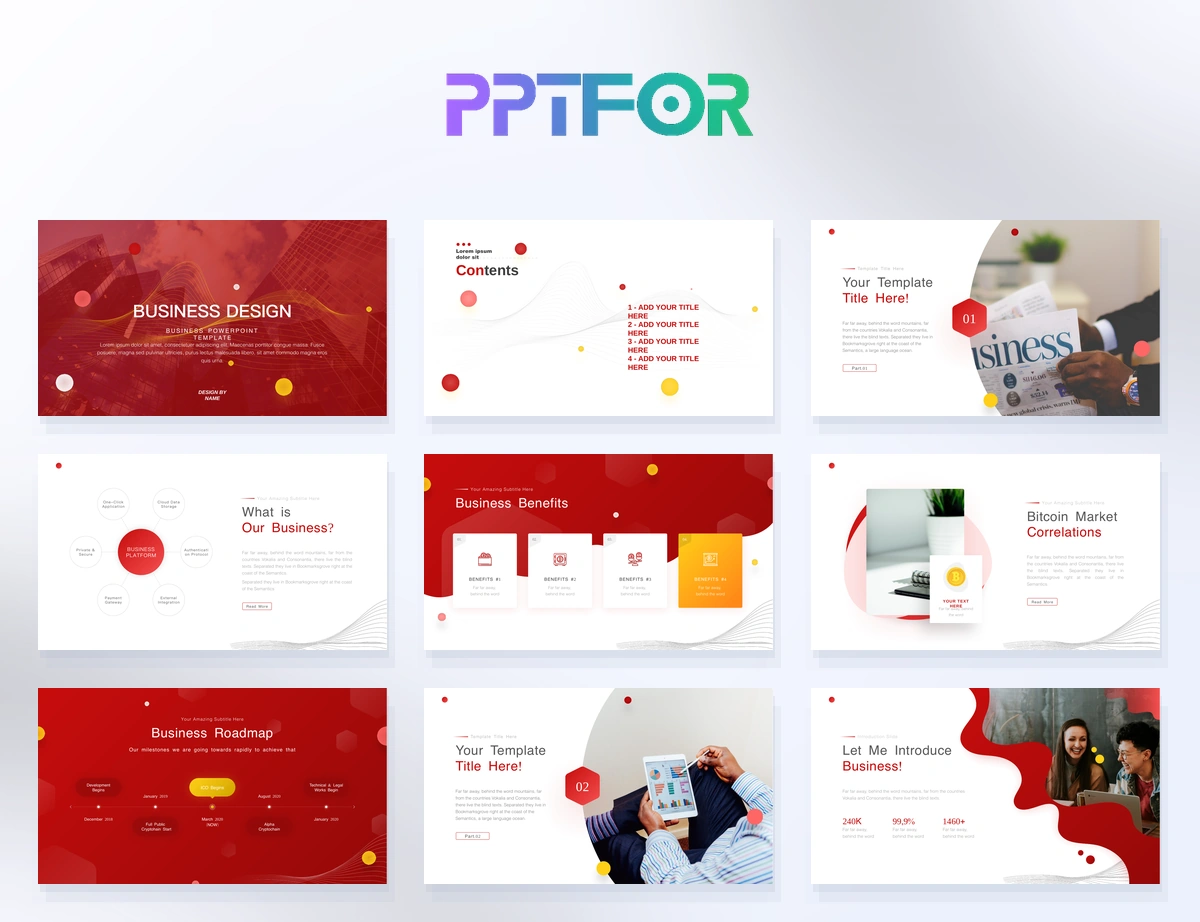
Instead of building every slide from scratch, you can start from a market analysis PowerPoint template and adapt it to your data. For more data‑heavy pages, you can also use layouts from the Data & Analytics Reports collection.
Key slides to include in a market analysis PowerPoint
1. Market overview
Introduce the market you are analysing:
- Definition of the market and scope
- Geography and time period
- Why this market matters to your business
2. Market size and growth
Show the overall opportunity:
- Total addressable market (TAM)
- Serviceable market segments (SAM / SOM)
- Historical and projected growth
3. Segmentation and customer profiles
Break down the market into segments:
- By customer type, industry, or region
- Customer needs, behaviours, and budgets
- Personas or profiles for your main segments
4. Competitive landscape
Show who else is playing in this market:
- Main competitors and their positioning
- Strengths and weaknesses
- Any gaps or underserved segments
5. Trends and drivers
Highlight key forces shaping the market:
- Technology and innovation trends
- Regulatory and economic factors
- Customer behaviour shifts
6. Opportunities and risks
Summarise your perspective:
- Where you see the biggest opportunities
- Risks and barriers to entry or growth
- What this means for your product and go‑to‑market strategy
Design tips for market analysis PPT slides
- Use one main chart per slide – Avoid clutter; highlight one key message and one chart per slide.
- Write headlines as insights – Replace “Market Size” with “The SaaS market is growing 20% per year in our target region.”
- Colour‑code segments and competitors – Use consistent colours for each segment or competitor throughout the deck.
- Keep text short – Use 3–5 bullets per slide to support the chart, not overwhelm it.
Step by step: How to build a market analysis PowerPoint from a template
- Clarify your goal and audience – Are you presenting to investors, executives, or a product team?
- Choose a template – Select a layout from the Market Analysis PowerPoint Templates tag that matches your content style.
- Outline your story – Decide which of the key sections you need: overview, size, segments, competitors, trends, opportunities.
- Import your data – Bring charts and tables from spreadsheets or BI tools into the template.
- Write clear, insight‑driven headlines – Make each slide title explain the main takeaway, not just the topic.
- Review and simplify – Remove any slides that don’t support your main message.
Frequently asked questions
What should a market analysis PowerPoint include?
It should include a market overview, market size and growth, segmentation and customer profiles, competitive landscape, trends and drivers, and a summary of opportunities and risks.
How many slides should a market analysis PPT have?
Most market analysis PPTs work well with 10–20 slides. Keep the main story short and put detailed tables in an appendix.
Where can I find market analysis PowerPoint templates?
You can browse ready‑made layouts in the Market Analysis PowerPoint Templates tag and data‑heavy layouts in the Data & Analytics Reports section.
 Get full access to premium PowerPoint templates at a limited-time price.Get Now