Knowing how to improve slide readability for executive presentations helps teams make business communication faster and more effective. Executive audiences often scan slides quickly while listening, so readability depends on more than visual style. It depends on whether the slide can be understood without extra effort.
Most readability problems come from dense copy, weak hierarchy, crowded layouts, and unnecessary visual noise. A cleaner executive slide is not always simpler because it looks minimal. It is better because it helps leaders see the point faster.
Executive slides are easier to read when they contain one clear message, a strong headline, a small number of supporting elements, and enough whitespace to separate ideas. The audience should know what to notice first and what decision or interpretation matters most.
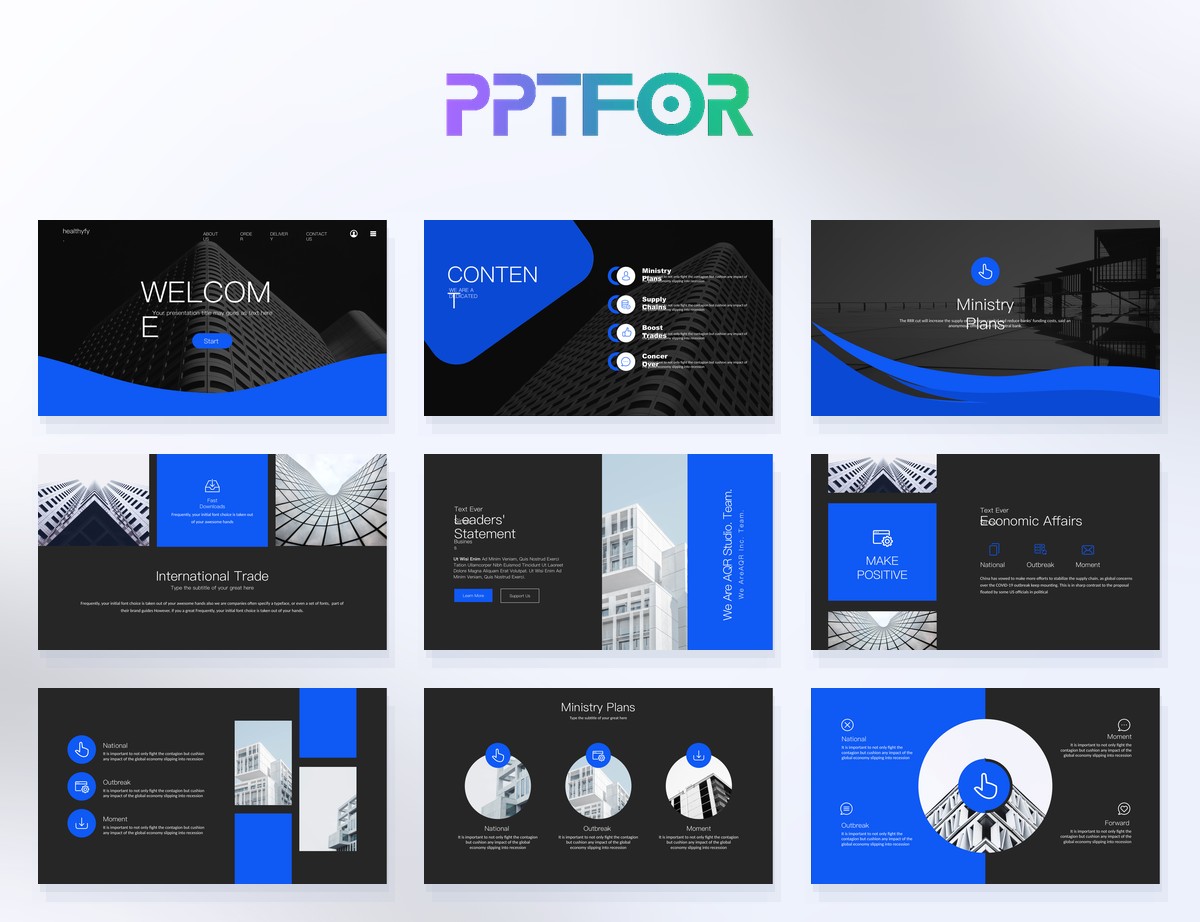
The Minimalist Report PowerPoint Template is a strong reference for readable executive layouts because it keeps spacing and typography controlled. The Company Profile PowerPoint Template also shows how a larger business deck can maintain readability across different slide types.
Executive audiences rarely need full paragraphs on screen. Short statements, grouped support points, and clear labels usually work better than long blocks of text.
Headlines, key figures, and takeaways should stand out immediately. If all text looks equal, the audience has to work harder to find the point.
Slides become easier to scan when related content stays grouped and spacing helps separate sections naturally.
They are usually hard to read because they contain too much text, unclear hierarchy, weak contrast, or crowded layout choices that slow down scanning.
Usually not. Executive presentations are easier to follow when the slide supports the spoken narrative with short, structured on-screen content.
Templates with strong hierarchy, clean spacing, and stable content zones usually support executive readability best. For examples, browse Business & Corporate.
The fastest improvement usually comes from reducing text, strengthening the headline, and creating more space between content blocks so the message is easier to scan.

Get full access to our entire collection of premium PPT templates for one simple price.
Forget about complex tools or technical skills—just choose, edit, and download.
