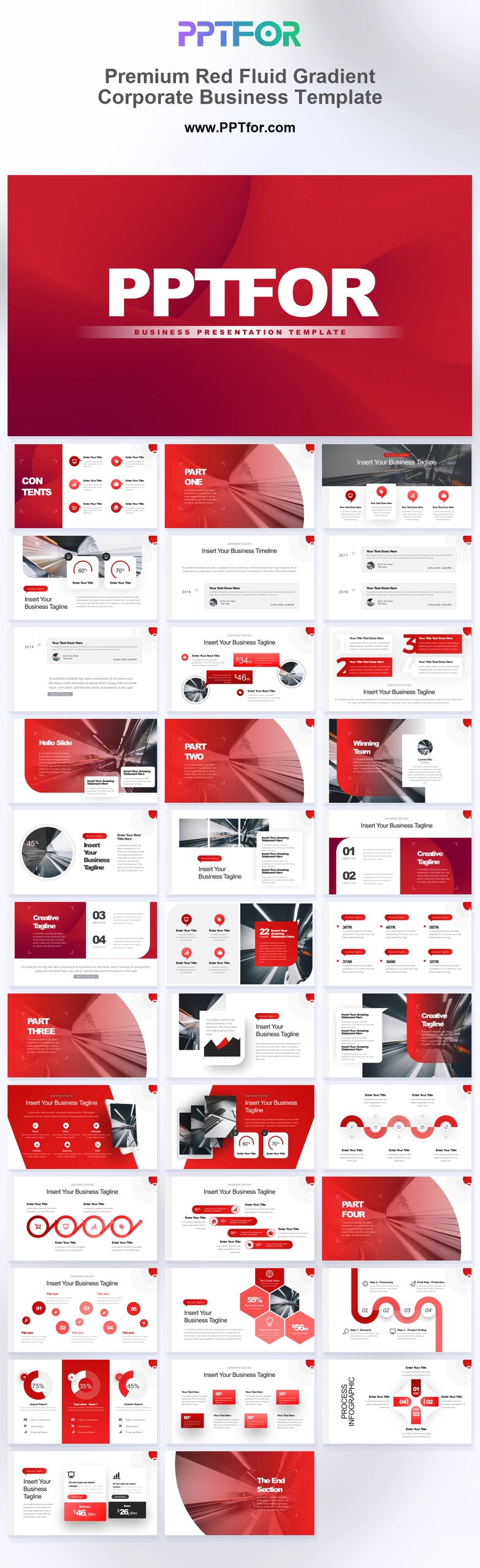
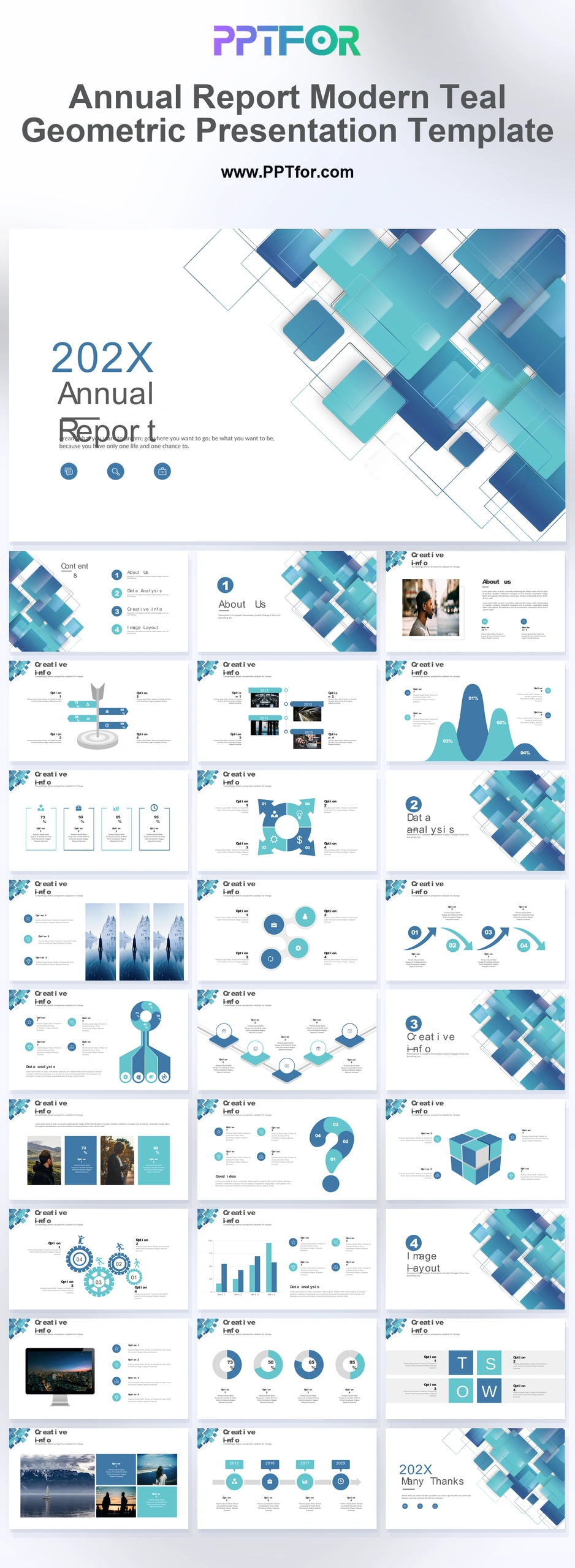
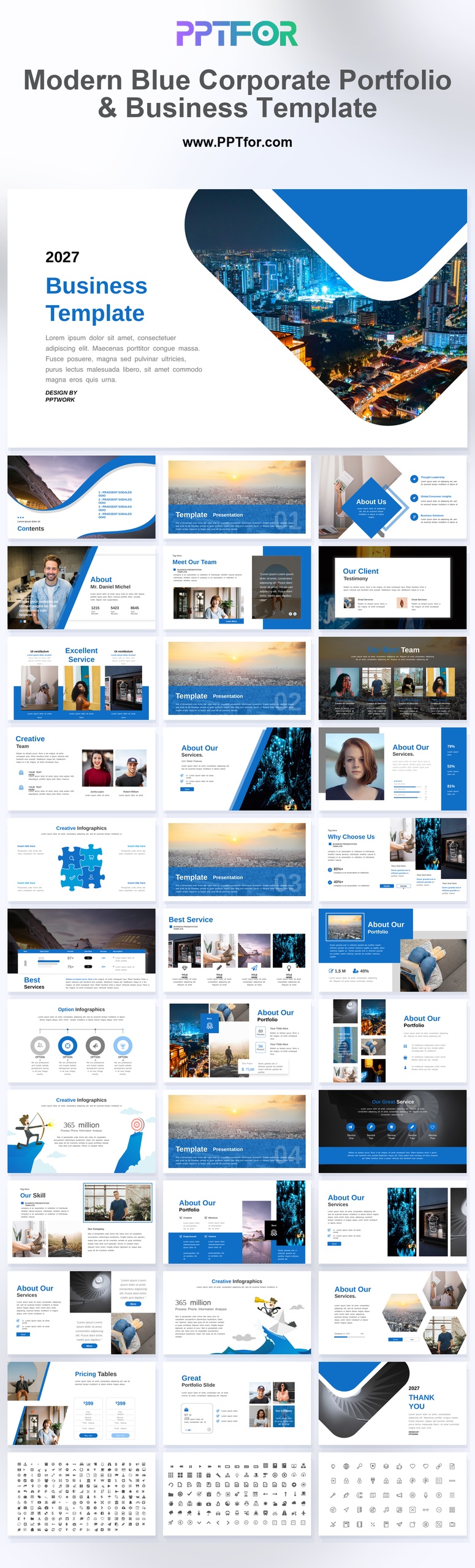
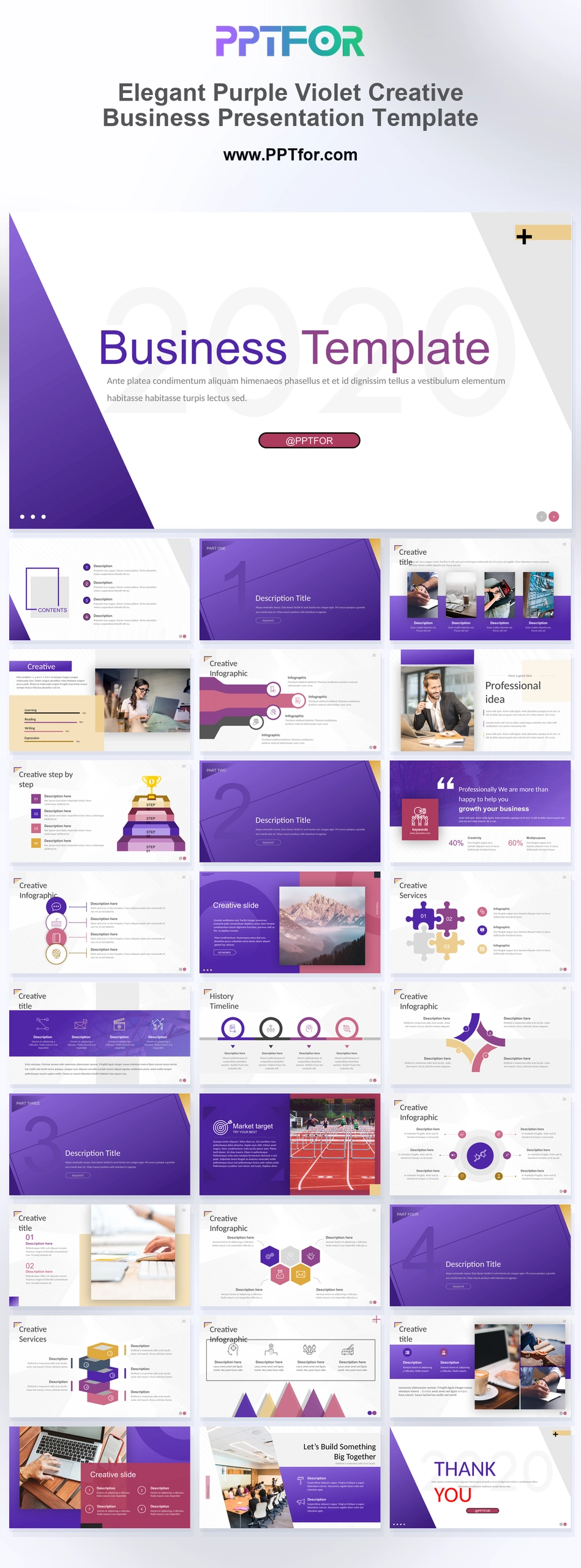
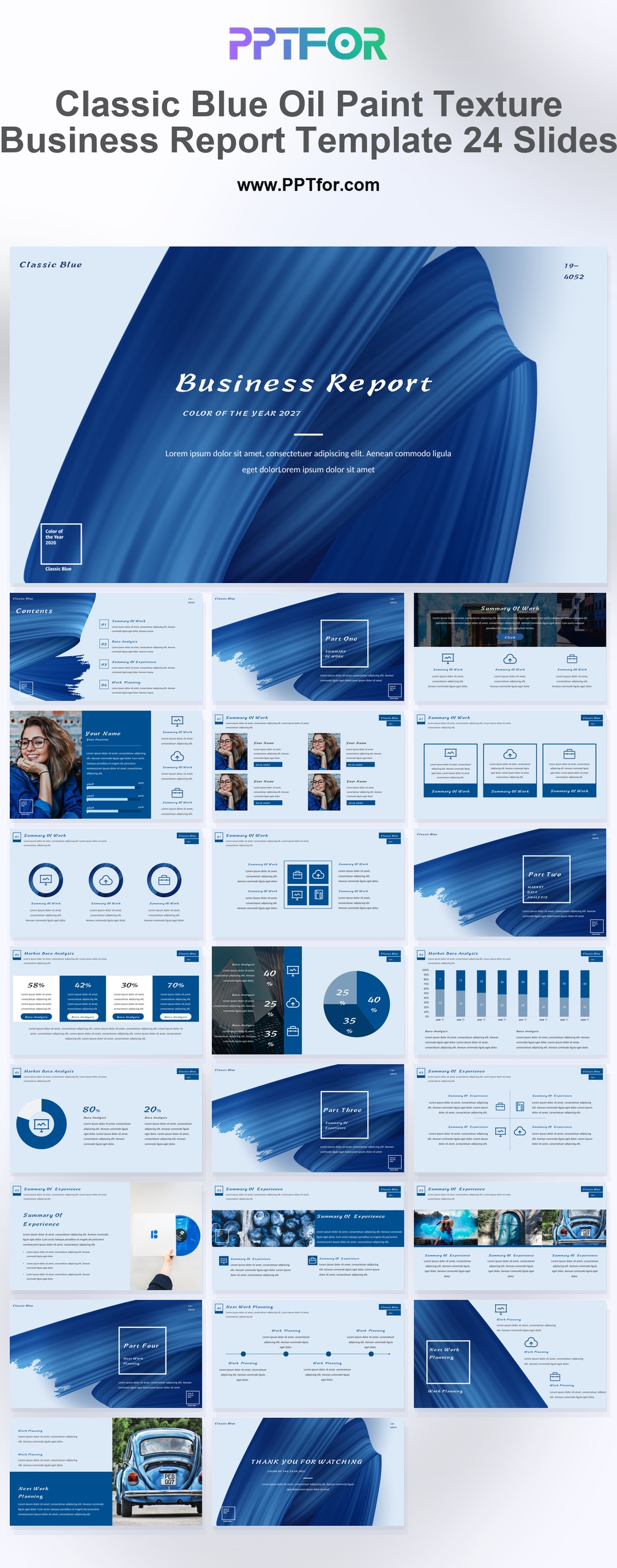
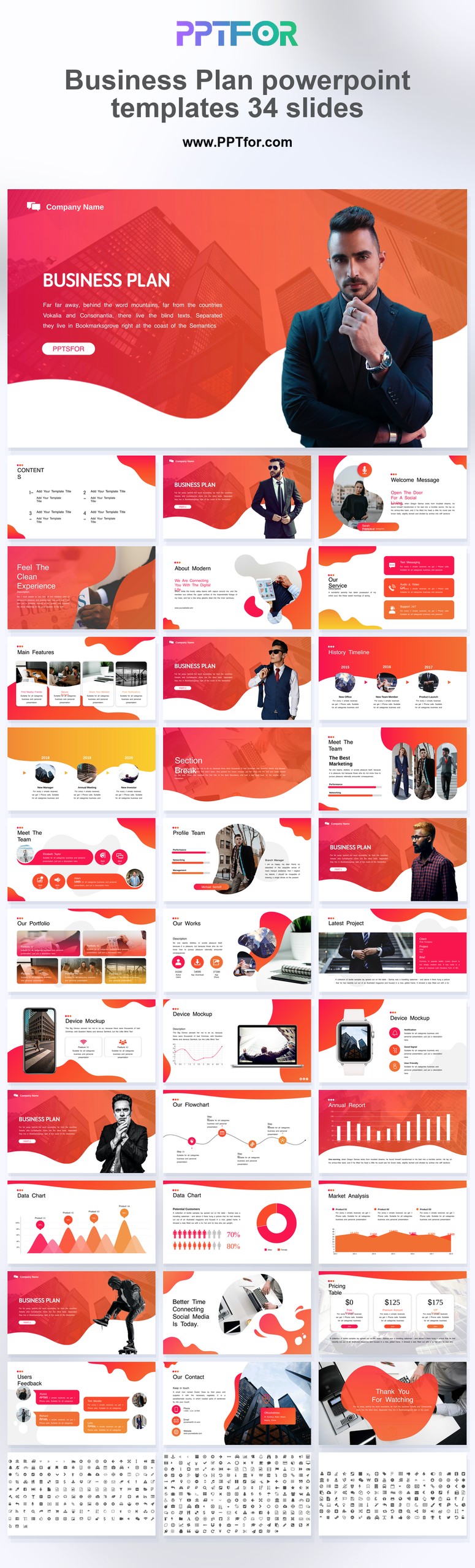
This Business Analysis Report PowerPoint Template supports efficient editing and dependable use across Microsoft PowerPoint, Google Slides, and Apple Keynote. Template compatibility includes 100% Vector Graphics, Drag-and-Drop Placeholders, and fully customizable slides, colors, fonts, and layouts, making it easy to tailor each page to your reporting style, branding, and audience. The clean minimal design helps teams present business insights with greater credibility while reducing time spent on layout work and manual formatting. Download this Business Analysis Report PowerPoint Template today and create a sharper report with faster professional impact.
- Compatibility: Microsoft PowerPoint, Google Slides, Apple Keynote
- Aspect Ratio: 16:9 widescreen
- Graphics: 100% Vector Graphics
- Placeholders: Drag-and-Drop Placeholders
- Editability: Fully customizable slides, colors, fonts, and layouts
- Slide Count: 30-40 slides
What You Can Use This Business Analysis Report PowerPoint Template For
- Business analysts presenting performance findings – organize trends, operational gaps, and recommendations in a clearer format that improves decision-making and stakeholder engagement.
- Consultants delivering client assessment reports – turn research and conclusions into a polished executive summary that supports faster alignment and stronger professional credibility.
- Managers reviewing quarterly business results – explain priorities, risks, and next-step actions with a more structured strategic roadmap for leadership teams.
- Strategy teams preparing internal planning reviews – present market context, operational insights, and performance direction in a way that sharpens the value proposition behind key decisions.
- Project leads summarizing business impact – communicate measurable outcomes, current blockers, and future priorities with less editing time and better visual consistency.
- Executives evaluating business opportunities – compare options, review performance signals, and guide planning discussions with a cleaner report format that is easier to absorb.
- Operations teams reporting process improvements – show progress, efficiency findings, and action plans in a more professional deck that supports quicker review cycles.
Frequently Asked Questions
Can I customize this business analysis report template without design experience?
Yes, the template is built for easy editing. You can update text, colors, fonts, and layouts quickly, which helps professionals create polished reports without needing advanced presentation design skills.
Is this Business Analysis Report PowerPoint Template compatible with Google Slides and Keynote?
Yes, it works with Microsoft PowerPoint, Google Slides, and Apple Keynote. That cross-platform compatibility makes it easier to share, edit, and present reports across teams using different software.
How does this template help save time on business reporting?
It saves time by providing a ready-made structure for analysis, recommendations, and reporting flow. Drag-and-Drop Placeholders and editable layouts reduce formatting work and speed up report preparation.
What makes this template suitable for professional business reports?
The template uses clean grids, strong visual hierarchy, and organized slide layouts to keep content clear. That structure helps teams present business insights with more confidence and stronger executive-level polish.