Avatar

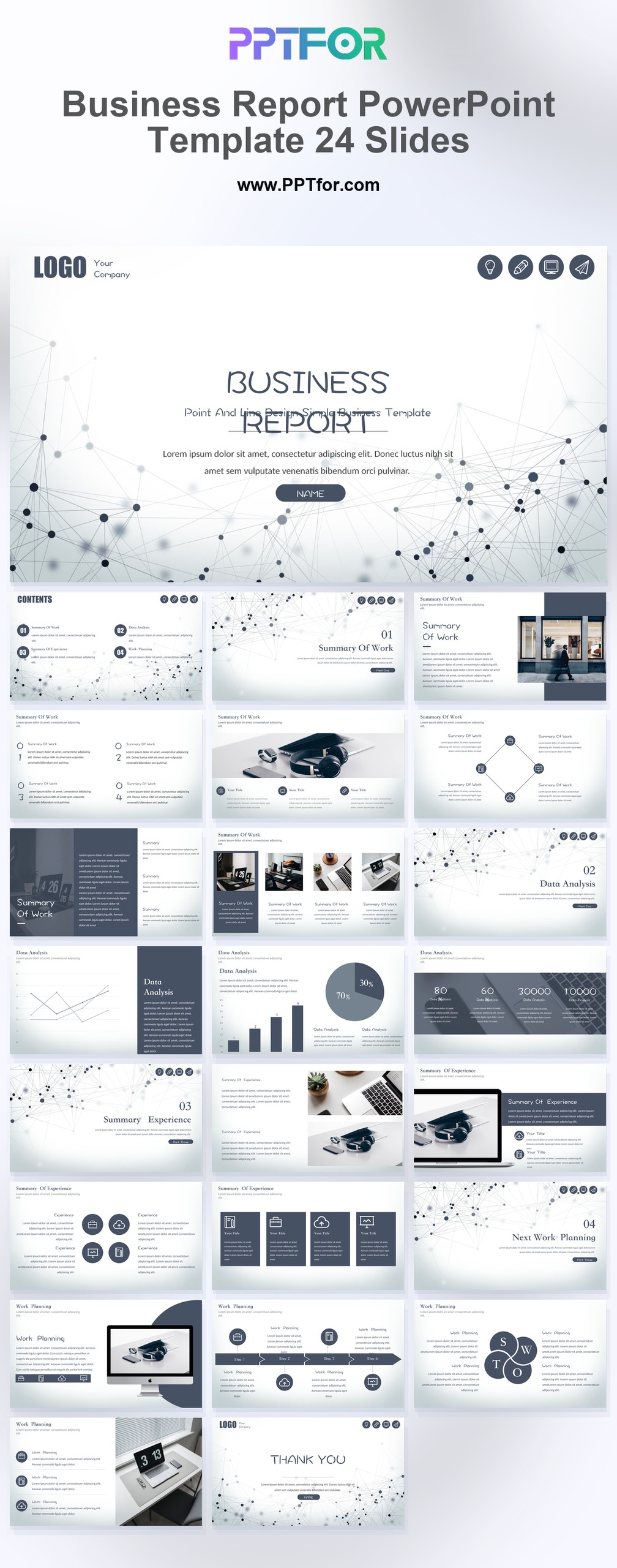
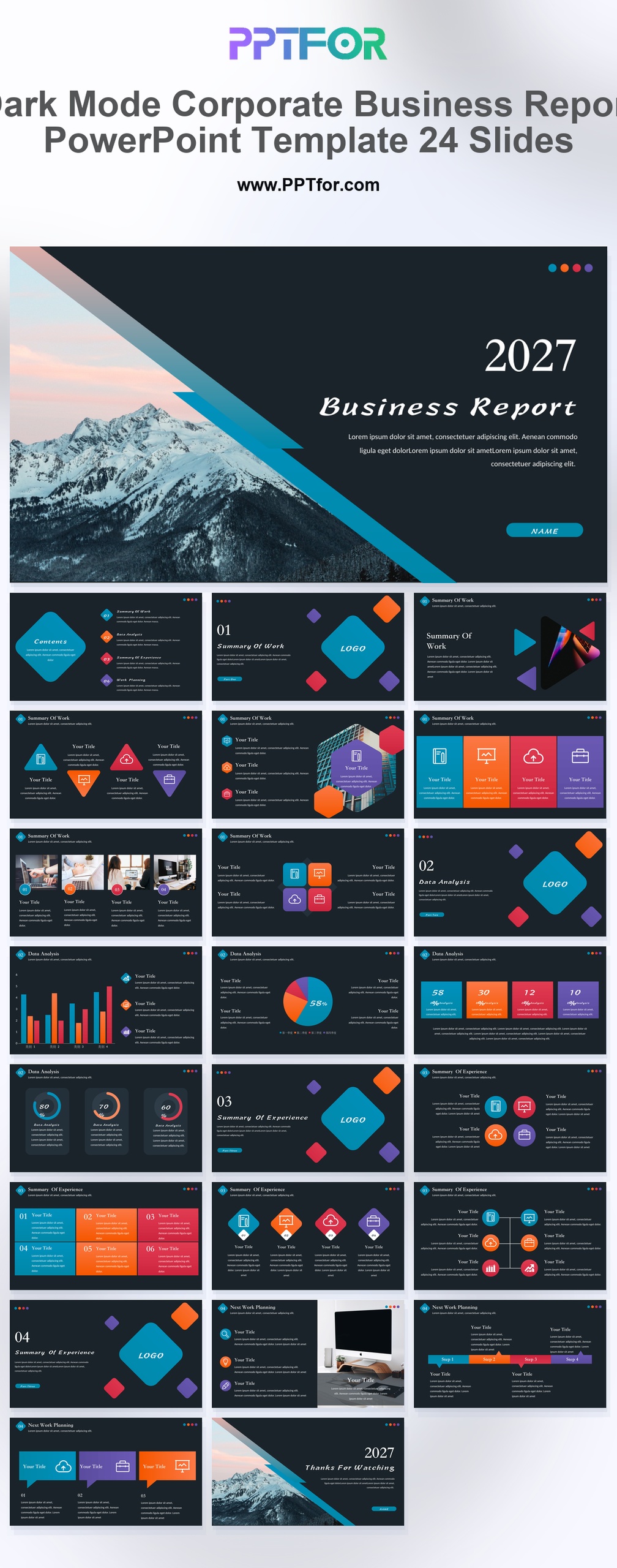
Business Report PowerPoint Template 24 Slides

by PPTFOR Editorial Team in Business & Corporate

Business Report PowerPoint Template 24 Slides

The 24-slide Business Report PowerPoint Template uses a gray-and-white style for concise reporting. Adapt its business analysis, chart, and infographic layouts for an update that concentrates on results and the next actions.

  • Compatibility: Microsoft PowerPoint. Check fonts, charts, and image placement after importing into Google Slides or Keynote.
  • Aspect Ratio: 16:9 widescreen
  • Graphics: Editable vector graphics
  • Placeholders: Drag-and-Drop Placeholders
  • Editability: Editable text, colors, fonts, and layouts
  • Slide Count: 24 slides

Suggested Content to Add

  • Executive summary – state the reporting period, headline result, and decision required.
  • Performance against plan – compare actual and target figures using the same metric definitions.
  • Significant variances – explain the causes of material changes and separate one-off effects.
  • Operational progress – show completed milestones and work that is behind schedule.
  • Risks and dependencies – identify the issue, its business impact, and the response owner.
  • Supporting evidence – retain source tables and calculation notes for questions after the presentation.

Frequently Asked Questions

When should I choose this template?

Choose this version for short internal updates or client reviews where a neutral design is useful. Keep the executive summary brief and use supporting slides only for findings that need explanation.

What should I prepare before editing?

Prepare a small set of headline metrics, their targets, reasons for changes, and action owners. State the reporting period on the cover and keep it consistent in every chart.

What types of layouts does this template support?

The template supports business analysis, data analysis, data visualization, business chart, and infographic-style report layouts, giving users a practical structure for findings, comparisons, summaries, and recommendations.

How can I edit the template?

Edit the text, colors, and slide elements to match your presentation. Before updating a graphic, check whether it is a native chart, a grouped shape, or an image; the editing method differs.



Post a Comment

$15

$

  • Price is in US dollars and excludes tax
  • Size:16x9
  • Microsoft PowerPoint, Google Slides, Apple Keynote, PowerPoint for Mac / Office 365, WPS Office
  • 100% editable
  • What you see is what you get
  • This is a secure SSL encrypted payment. Credit Card Certificate

Get all products for only $29!

Get full access to our entire collection of premium PPT templates for one simple price.
Forget about complex tools or technical skills—just choose, edit, and download.