Get full access to premium PowerPoint templates at a limited-time price.Get Now
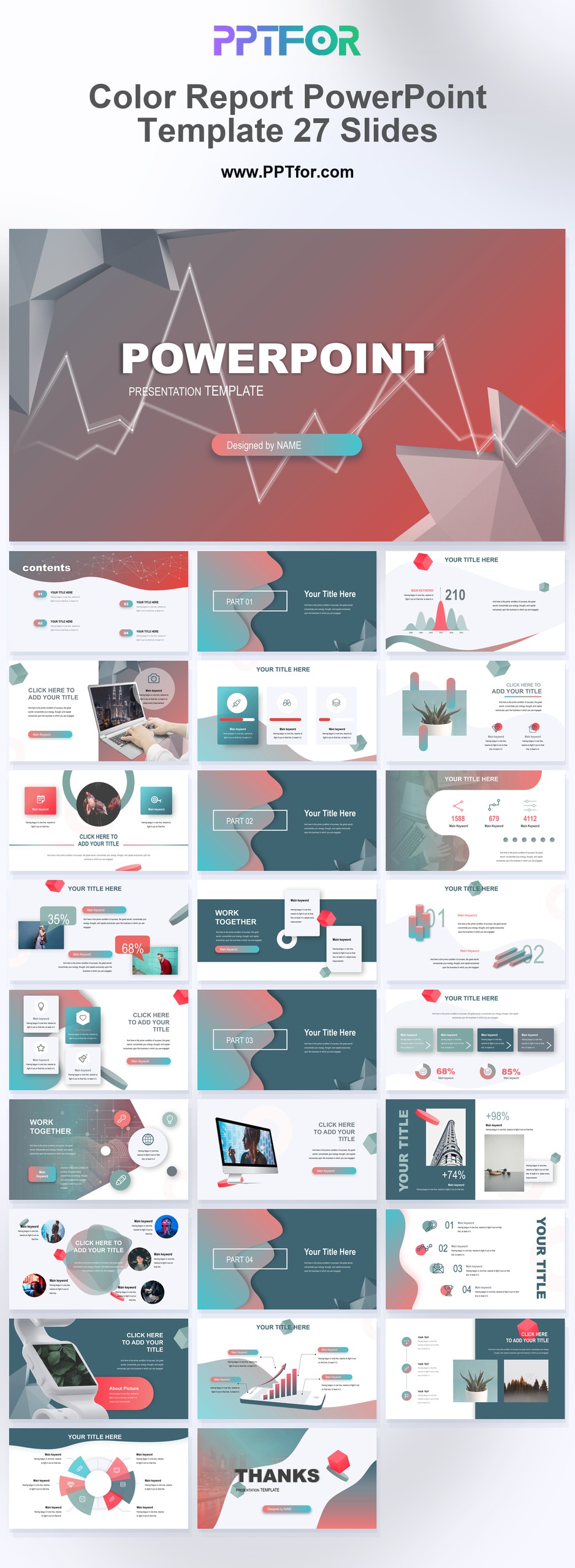
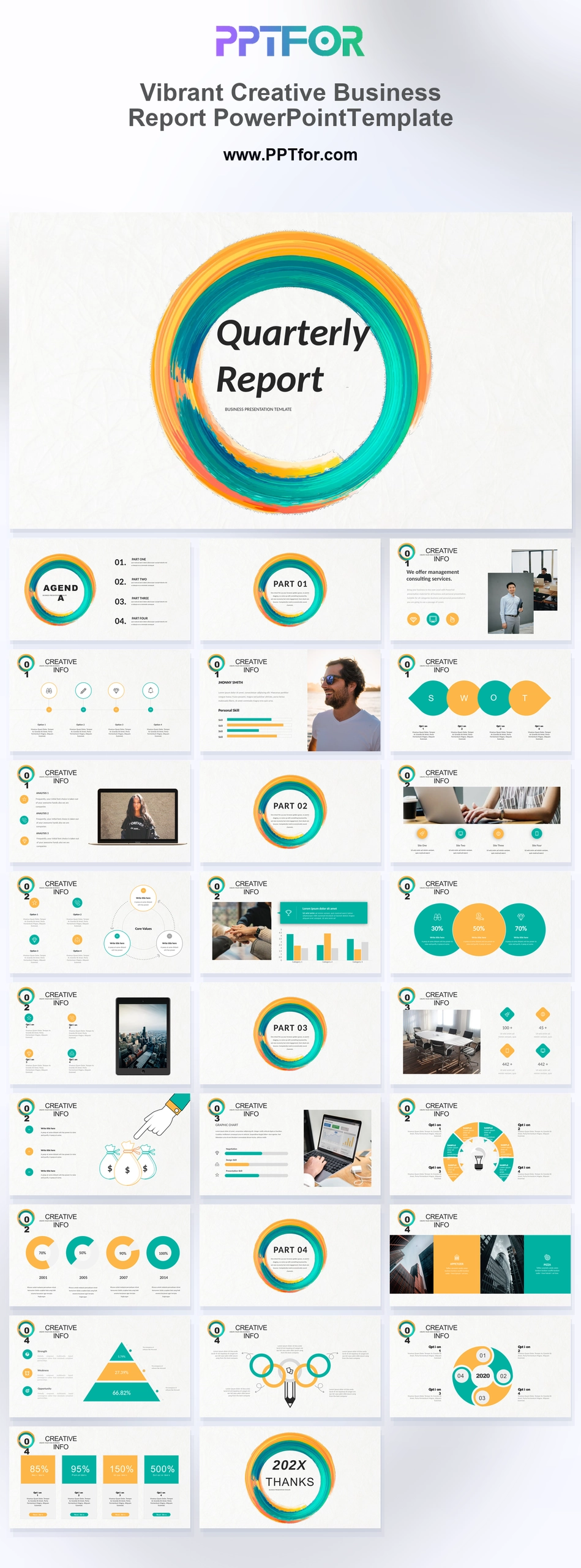
The Color Report PowerPoint Template provides 27 slides for business findings and market reviews. Use its colorful report style to distinguish sections and categories while keeping charts and conclusions connected.
Choose this deck when the report needs visual separation between topics. Establish a color key at the start and retain it throughout, especially when several categories appear on the same chart.
Prepare the reporting question, key metrics, comparison dates, and recommendations. Assign one purpose to each color and include labels so the meaning does not depend on color alone.
The template supports business analysis, data analysis, data visualization, business chart, and infographic-style report layouts, giving users a practical structure for findings, comparisons, summaries, and recommendations.
Edit the text, colors, and slide elements to match your presentation. Before updating a graphic, check whether it is a native chart, a grouped shape, or an image; the editing method differs.

Get full access to our entire collection of premium PPT templates for one simple price.
Forget about complex tools or technical skills—just choose, edit, and download.