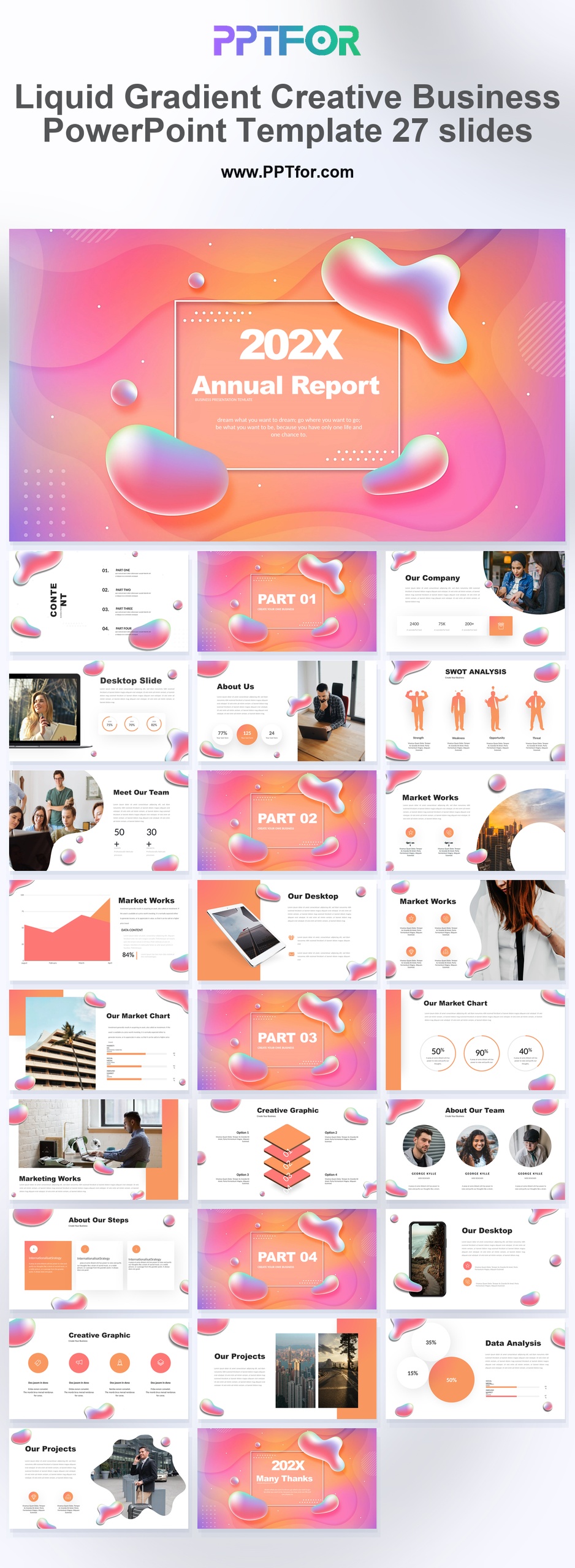
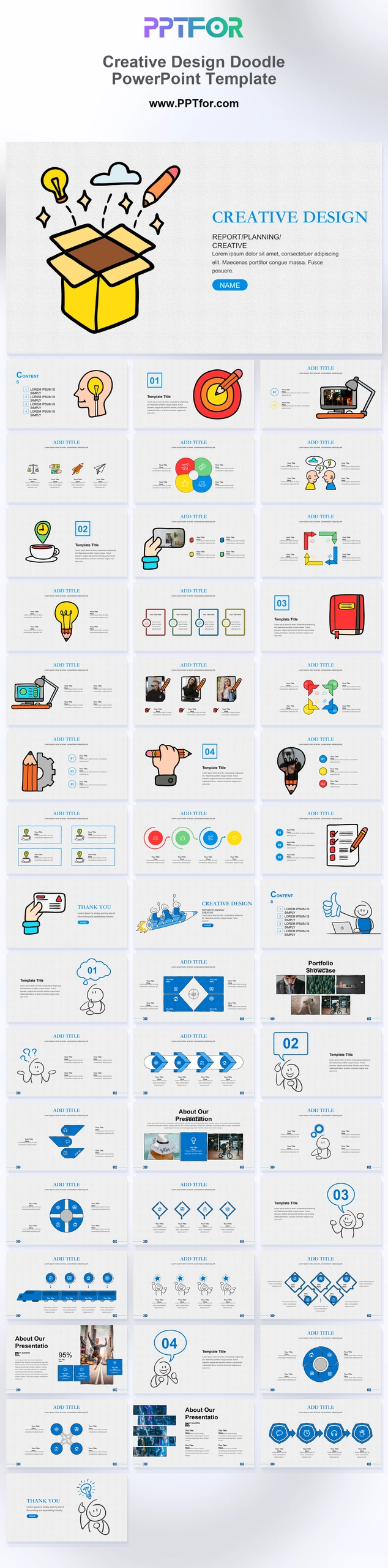
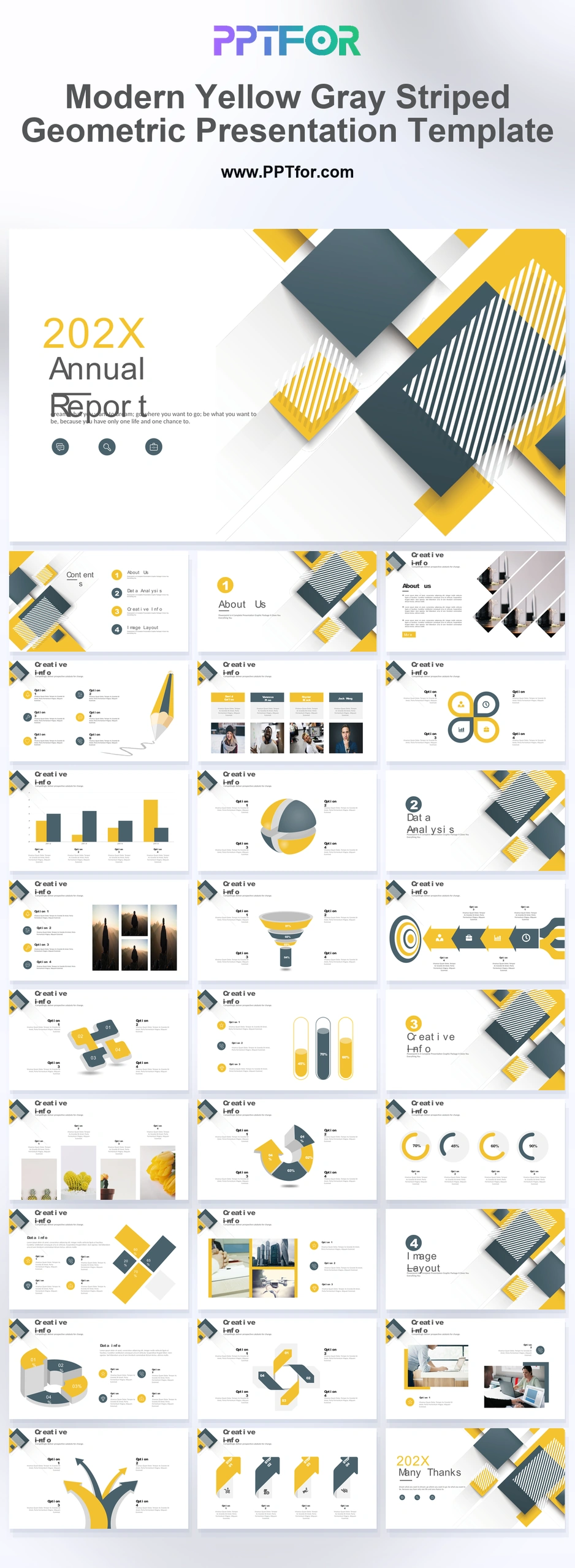
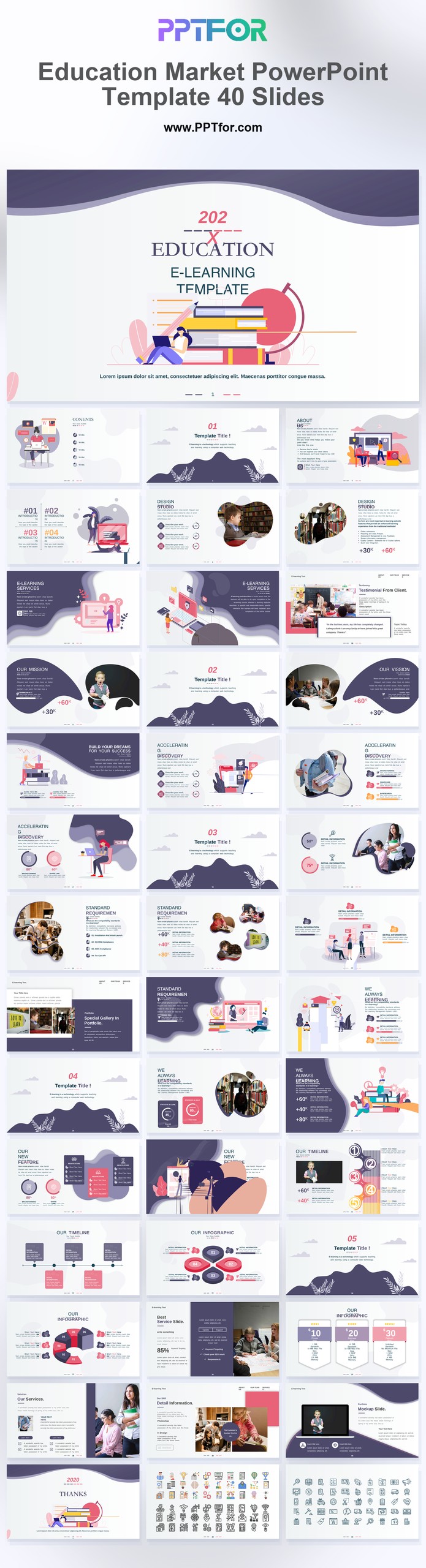
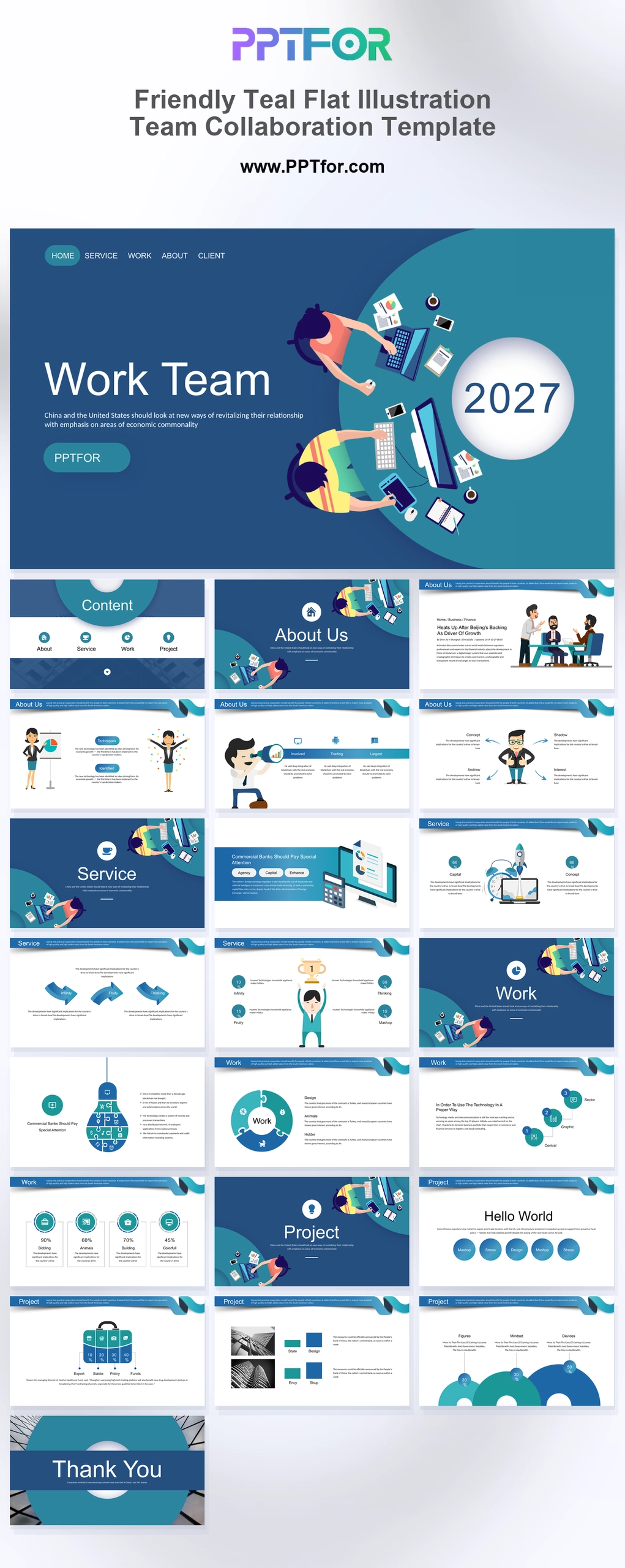
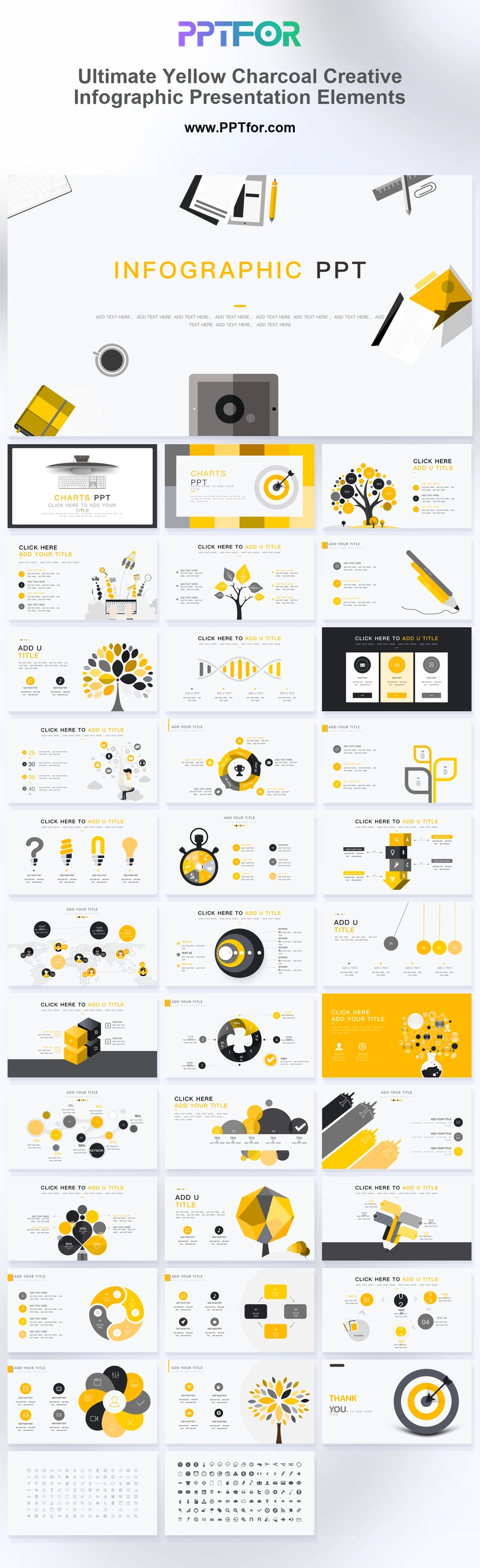
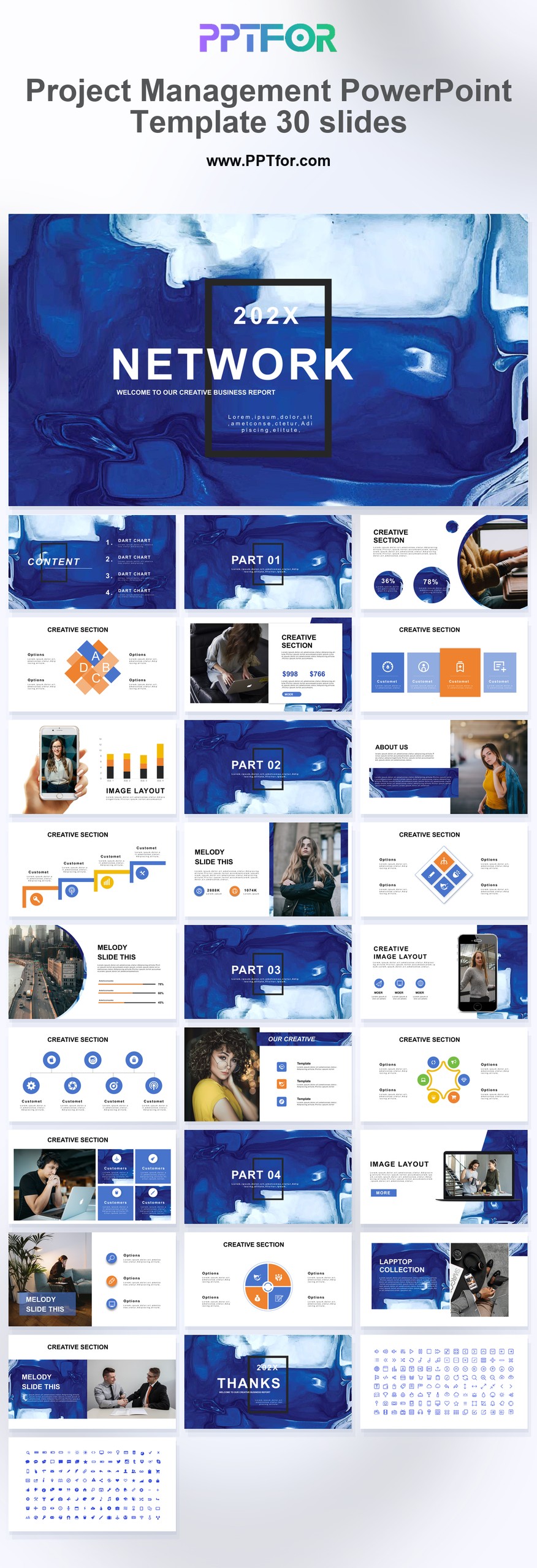
The Liquid Gradient Business PPT Template provides 27 slides with fluid graphics, device mockups, and area charts. Use it for a company or digital-product presentation that needs space for both screenshots and business information.
Visual elements include 3D fluid blobs, holographic liquid shapes, vibrant mesh gradients, isometric graphics, clean sans-serif typography, and rounded image masks.
- Compatibility: Microsoft PowerPoint. Check fonts, charts, and image placement after importing into Google Slides or Keynote.
- Aspect Ratio: 16:9 widescreen
- Graphics: Editable vector graphics
- Placeholders: Drag-and-Drop Placeholders
- Editability: Editable text, colors, fonts, and layouts
- Slide Count: 27 slides
Suggested Uses and Presentation Tasks
- Creative directors pitching brand strategy – use holographic liquid shapes, mesh gradients, and rounded image masks to frame visual identity decisions with more energy.
- Social media managers presenting digital marketing proposals – connect campaign ideas, trend signals, and performance direction with a high-impact creative deck.
- Tech entrepreneurs explaining lifestyle app concepts – show company context, product direction, mobile mockups, and data analysis circles in a format that feels current.
- Fashion brand strategists building trend forecasts – translate seasonal direction, audience mood, and visual storytelling into a presentation with futuristic liquid styling.
- Modern agency teams creating annual reports – turn business findings, team updates, SWOT analysis, and area charts into a report deck with a creative twist.
- Marketing leaders reviewing campaign performance – use customizable data-driven charts and isometric graphics to explain key metrics without losing the deck’s expressive style.
- Startup teams preparing investor-adjacent brand decks – combine About Us, company narrative, team slides, and market context into a creative business presentation.
Frequently Asked Questions
When should I choose this template?
Choose this deck when showing a digital experience is central to the presentation. Use the device layouts for actual screenshots and keep gradient artwork away from small labels and detailed figures.
What should I prepare before editing?
Prepare company information, product screenshots, team details, and the figures for any charts. Check image proportions before placing screenshots inside the desktop or mobile frames.
What visual sections and layouts are included in this PowerPoint template?
The deck includes a 3D Fluid Cover, content outline, part transitions, About Us/Company, SWOT silhouettes, team content, desktop and mobile mockups, area charts, data analysis circles, and creative isometric graphics.
How can I edit the template?
Edit the text, colors, and slide elements to match your presentation. Before updating a graphic, check whether it is a native chart, a grouped shape, or an image; the editing method differs.
 Get full access to premium PowerPoint templates at a limited-time price.Get Now