Avatar

Modern Dark Mode Coral Gradient Business Report Template

by PPTFOR Editorial Team in Business & Corporate

Modern Dark Mode Coral Gradient Business Report Template

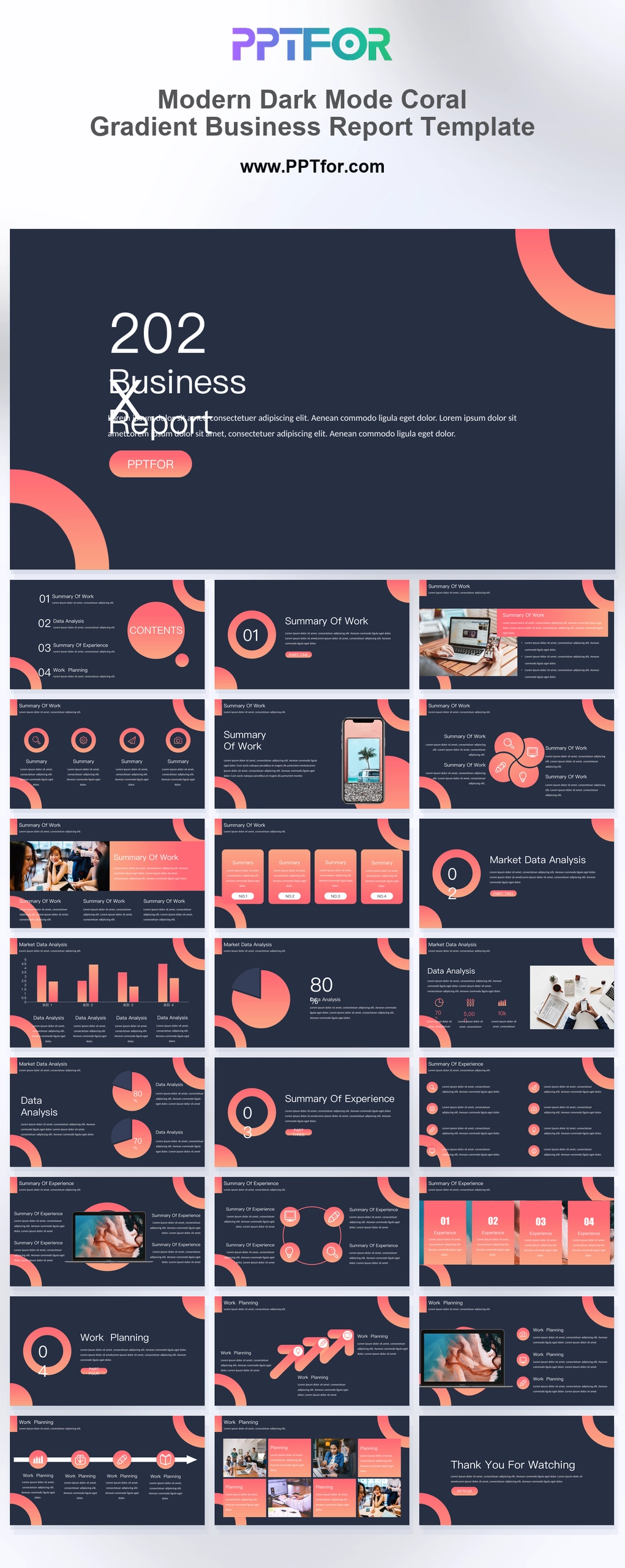
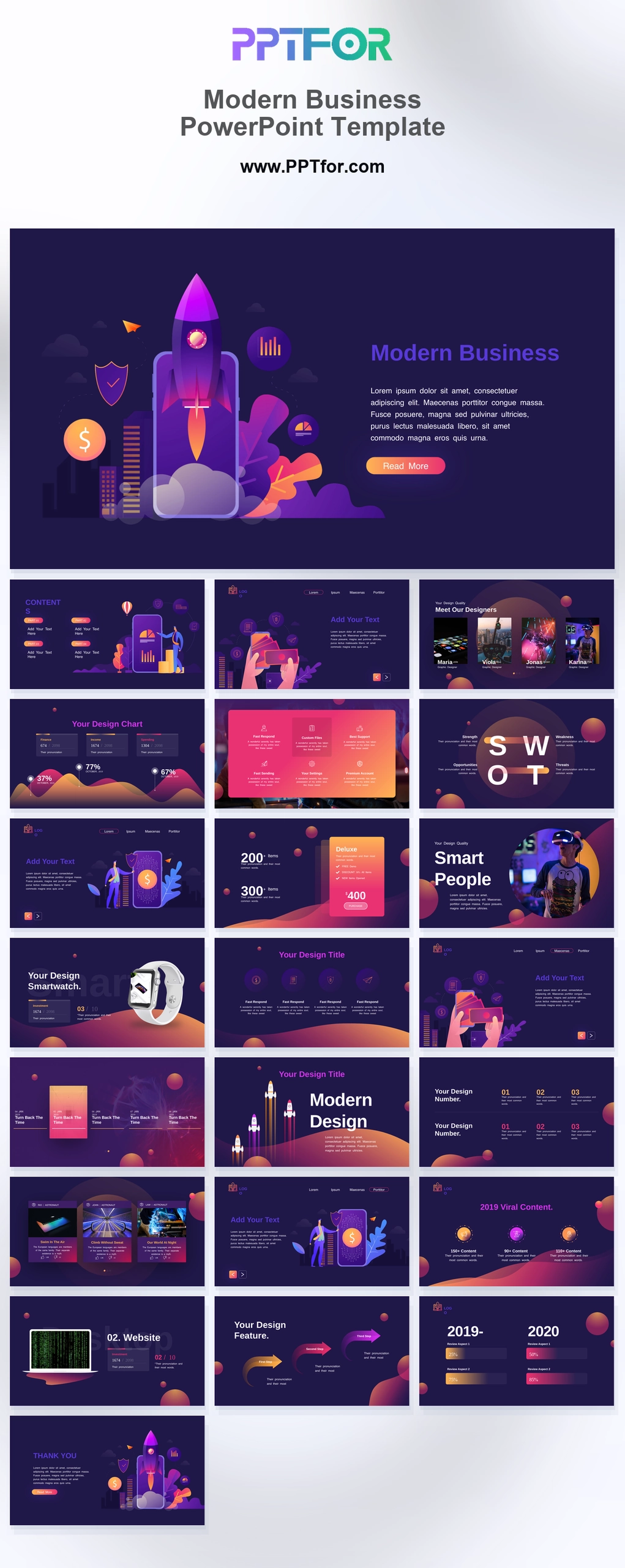
The Modern Dark Mode Coral Gradient Business Report Template offers 25 slides combining metric cards, charts, service layouts, and roadmaps. Use it for a business review that connects performance with the products or services being discussed.

Visual elements include dark mode layouts, glowing coral-to-peach circular arcs, high-contrast typography, upward trend arrows, flower matrix diagrams, and smartphone and laptop UI placeholders.

  • Compatibility: Microsoft PowerPoint. Check fonts, charts, and image placement after importing into Google Slides or Keynote.
  • Aspect Ratio: 16:9 widescreen
  • Graphics: Editable vector graphics
  • Placeholders: Drag-and-Drop Placeholders
  • Editability: Editable text, colors, fonts, and layouts
  • Slide Count: 25 slides

Suggested Uses and Presentation Tasks

  • Marketing directors presenting annual business reports – organize campaign outcomes, service highlights, and performance dashboards in a high-contrast report deck.
  • Growth managers analyzing quarterly market data – use metric cards, bar charts, pie callouts, and roadmap timelines to explain trend movement and next steps.
  • Product leads building launch keynotes – pair app mockups, feature highlights, and coral gradient arcs to present product value with digital polish.
  • Tech founders pitching investors – frame growth indicators, dashboard mockups, and strategic timelines in a dark mode investor-ready format.
  • Creative strategists writing growth proposals – use flower matrix diagrams, service matrices, and upward arrows to connect ideas with measurable business direction.
  • Operations executives reviewing performance updates – present team profiles, dashboards, and linear roadmap timelines for clearer leadership discussion.
  • Digital agencies showcasing client results – combine image strips, analytics dashboards, and bold section breaks to build a reporting narrative.

Frequently Asked Questions

When should I choose this template?

Choose this dark report when coral accents fit the brand and the presentation is mainly viewed on screen. Keep the accent color consistent across recurring metrics and test smaller chart labels before the meeting.

What should I prepare before editing?

Prepare the reporting period, headline metrics, supporting charts, and proposed actions. Supply current screenshots for the device layouts and label any interface concepts that are not yet available.

What layouts are included in this 25-slide report deck?

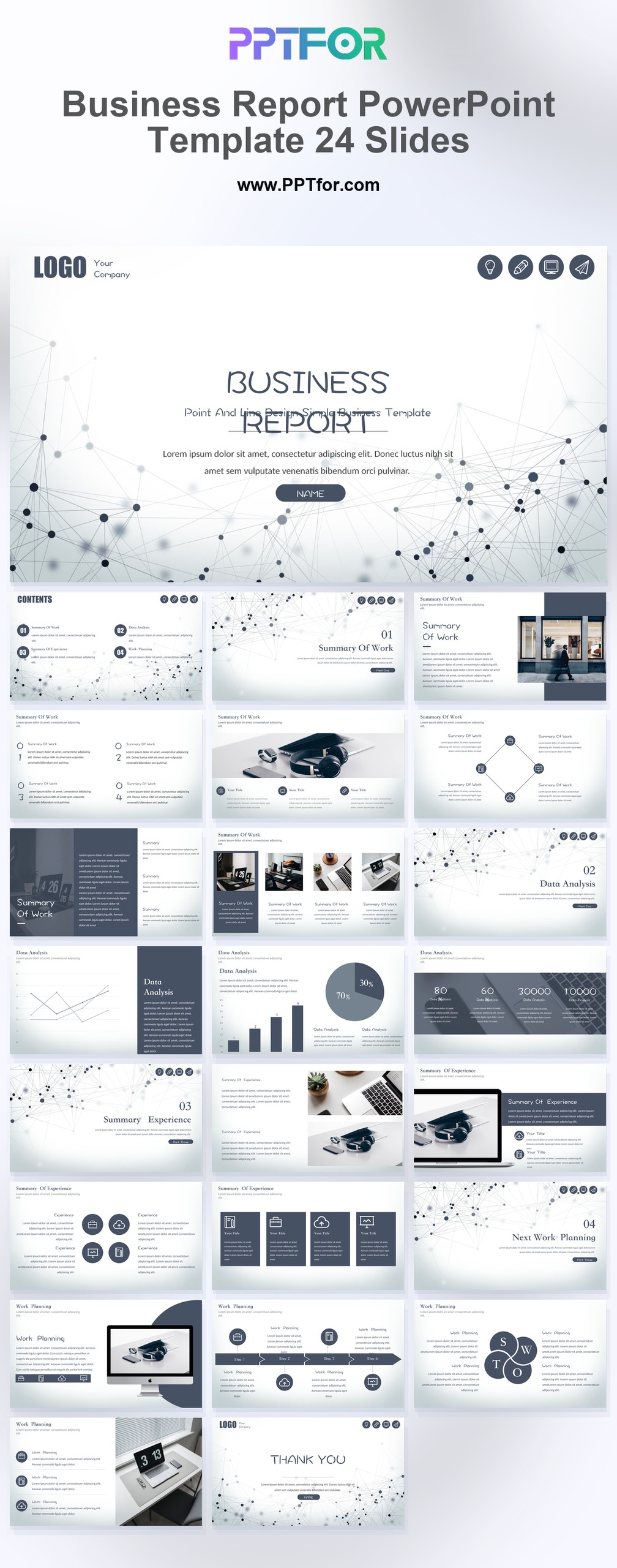
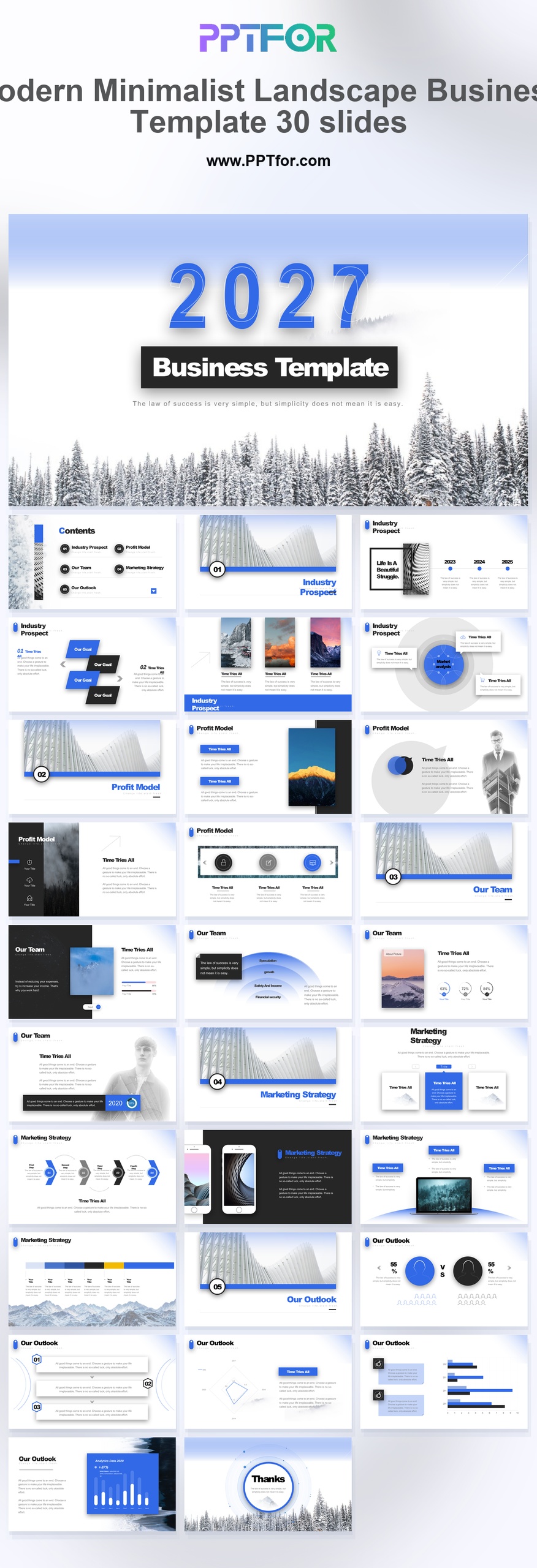
The deck includes a dark mode cover, arc-framed contents, section breaks, feature highlights, service matrices, smartphone mockup, petal interconnections, metric cards, team galleries, bar charts, pie callouts, analytics dashboards, roadmaps, growth arrows, MacBook Pro mockup, image strips, and closing slide.

How can I edit the template?

Edit the text, colors, and slide elements to match your presentation. Before updating a graphic, check whether it is a native chart, a grouped shape, or an image; the editing method differs.



Post a Comment

$13

$

  • Price is in US dollars and excludes tax
  • Size:16x9
  • Microsoft PowerPoint, Google Slides, Apple Keynote, PowerPoint for Mac / Office 365, WPS Office
  • 100% editable
  • What you see is what you get
  • This is a secure SSL encrypted payment. Credit Card Certificate

Get all products for only $29!

Get full access to our entire collection of premium PPT templates for one simple price.
Forget about complex tools or technical skills—just choose, edit, and download.