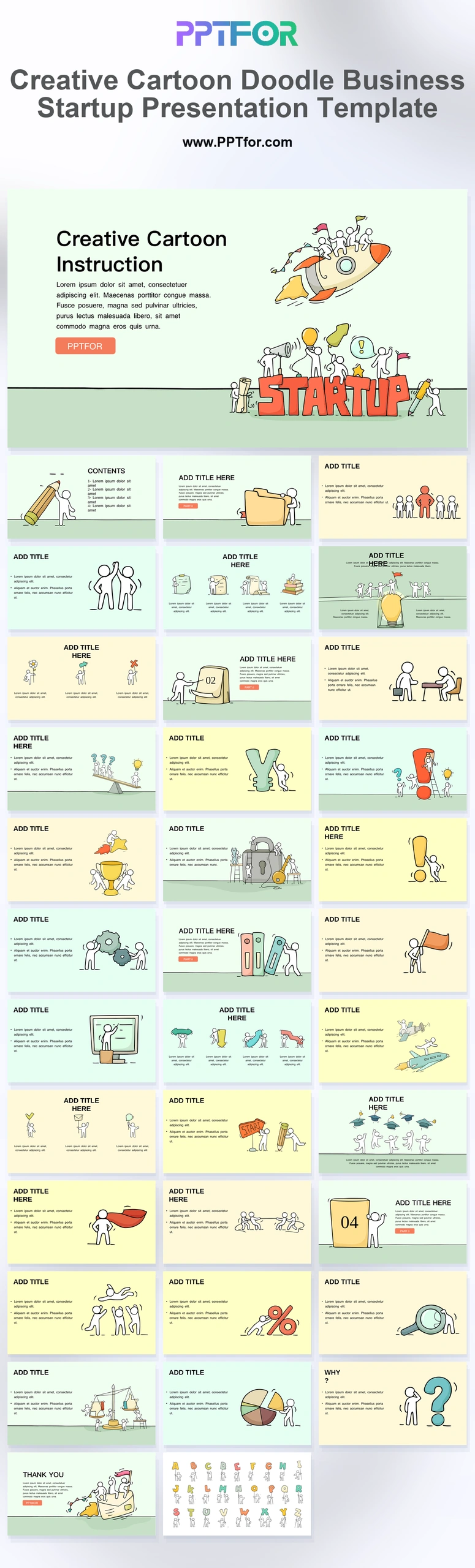
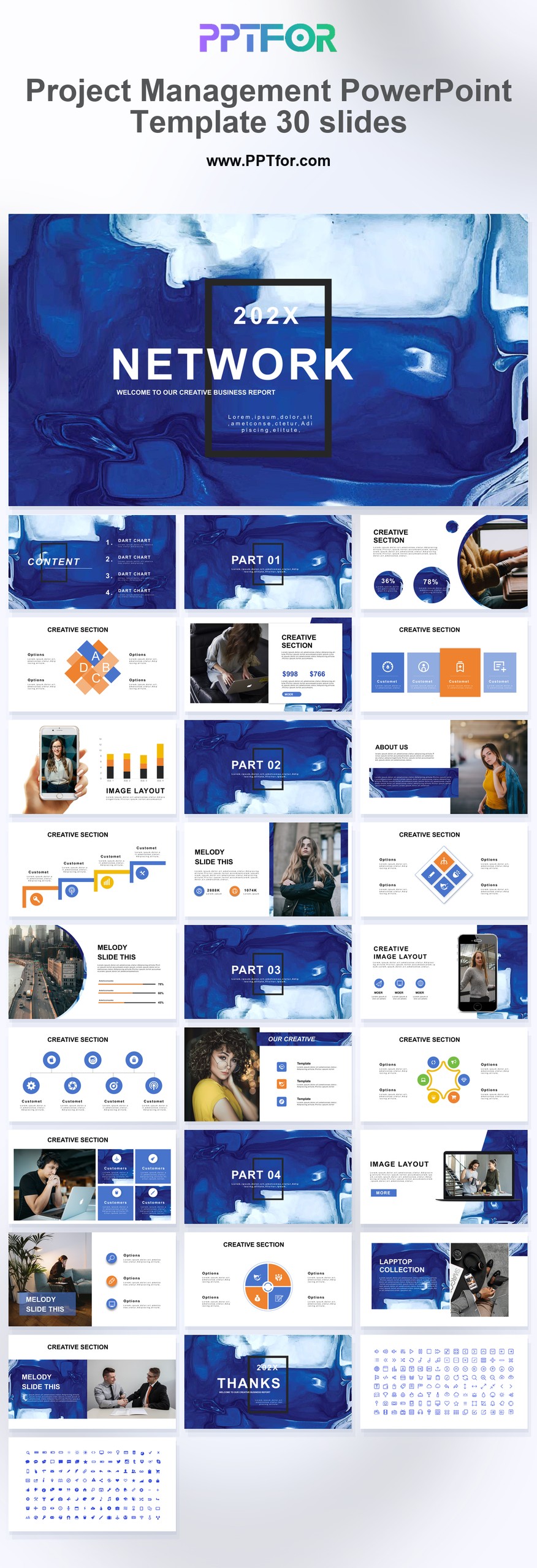
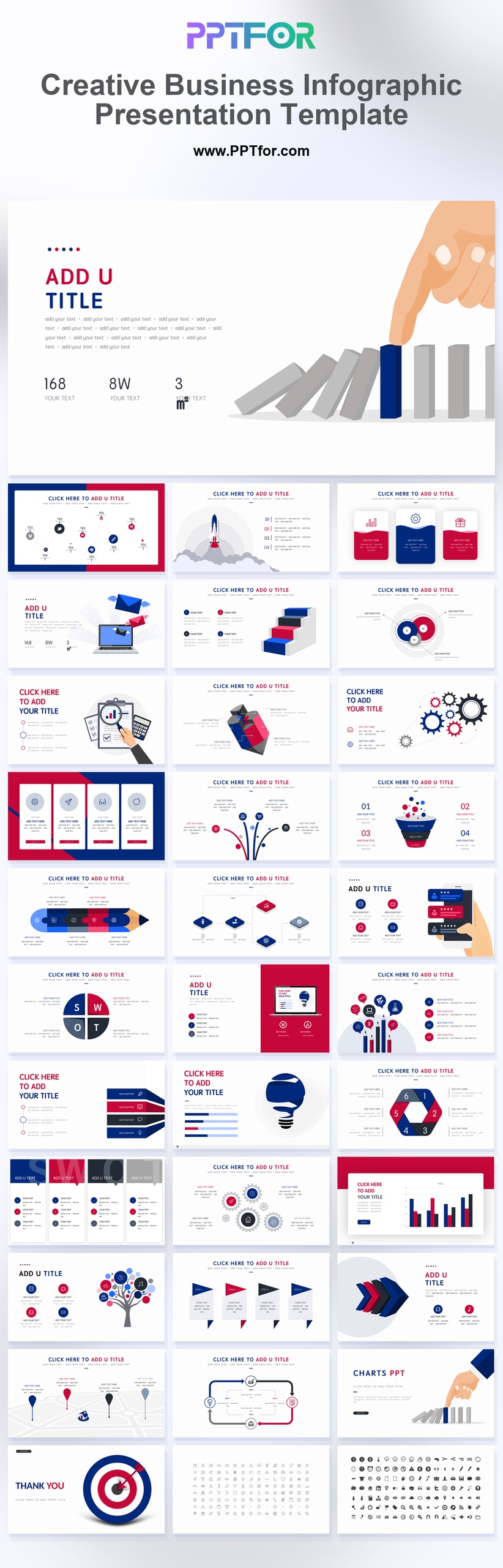
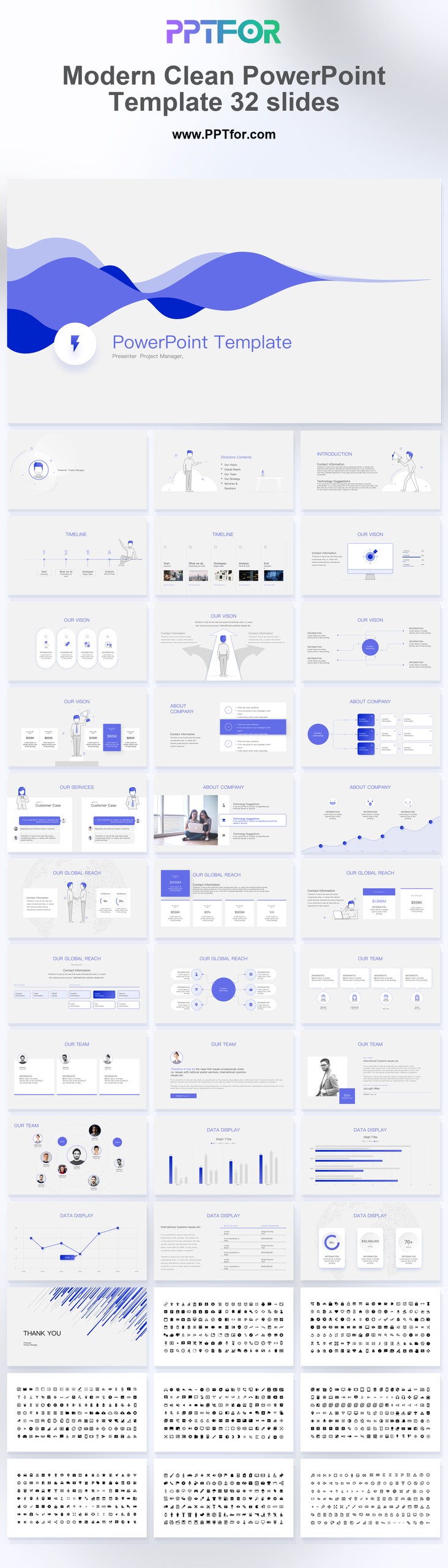
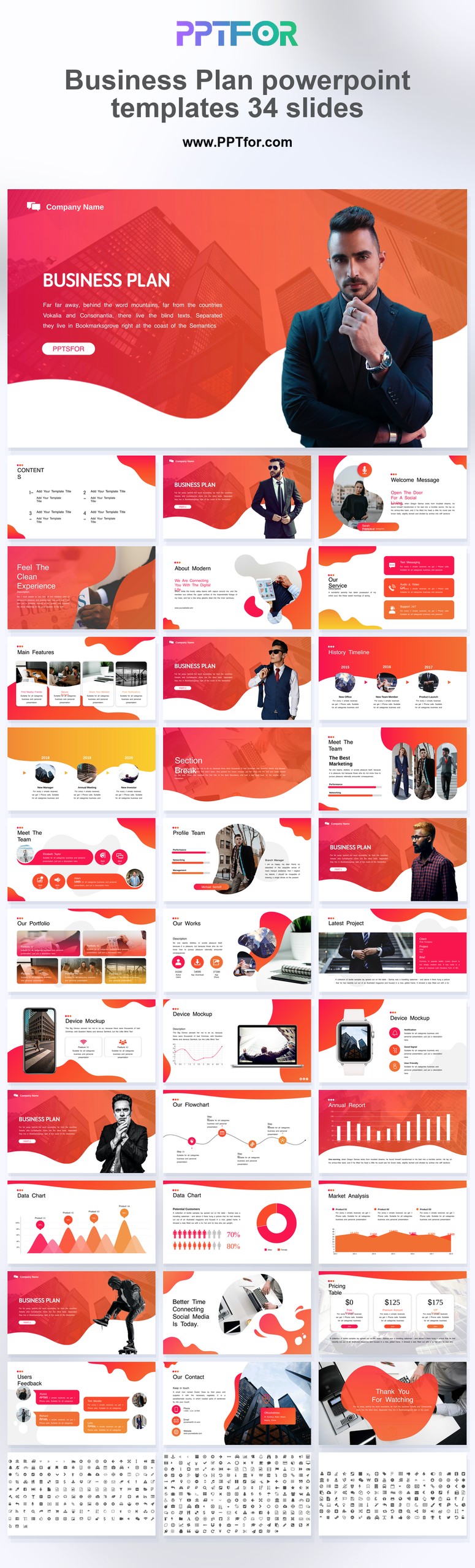
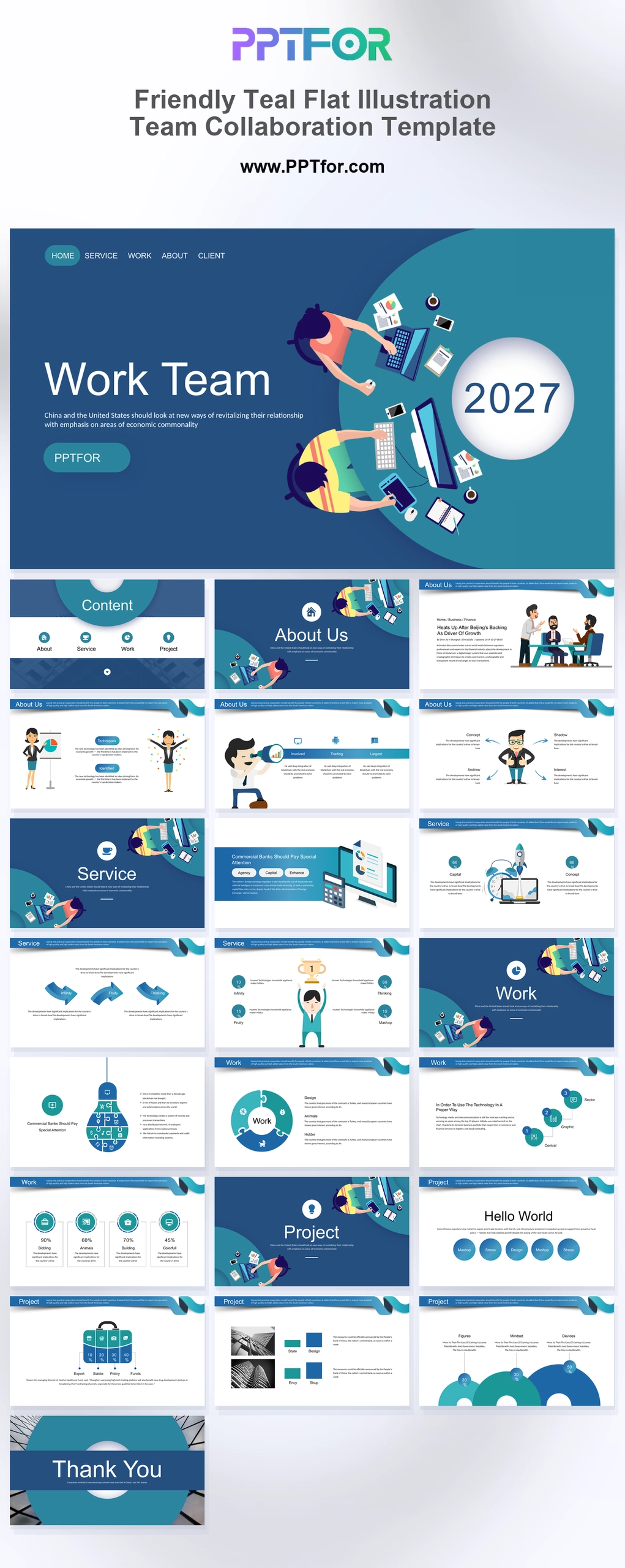
This Creative Portfolio PowerPoint Templates package helps creative professionals build a polished presentation faster with Microsoft PowerPoint, Google Slides, and Apple Keynote compatibility included. The creative portfolio template uses 100% Vector Graphics, Drag-and-Drop Placeholders, and fully customizable slides, colors, fonts, and layouts so every project can be tailored to a unique visual style. Aspect ratio is 16:9 widescreen, and the template set follows a clean minimal foundation that supports flexible editing across industries. Use it to organize portfolio highlights, present moodboard-driven concepts, and communicate your work with stronger professional clarity. Download this template now to create a sharper creative portfolio faster.
- Compatibility: Microsoft PowerPoint, Google Slides, Apple Keynote
- Aspect Ratio: 16:9 widescreen
- Graphics: 100% Vector Graphics
- Placeholders: Drag-and-Drop Placeholders
- Editability: Fully customizable slides, colors, fonts, and layouts
- Slide Count: 30-40 slides
What You Can Use This Creative Portfolio PowerPoint Templates For
- Graphic designers presenting a client portfolio – showcase selected work, visual storytelling, and brand identity in a format that strengthens credibility and improves client confidence.
- Photographers building a presentation for prospects – display image collections and project highlights with cleaner pacing that makes aesthetic harmony easier to communicate.
- Creative agencies pitching design services – organize case studies, concepts, and portfolio samples into a polished story that supports stronger business conversations.
- Freelancers preparing a personal brand deck – present signature work, design consistency, and service style with a more professional and memorable visual structure.
- Brand consultants sharing identity concepts – package moodboard direction, project references, and creative rationale into a presentation that is easier for stakeholders to review.
- Art directors reviewing campaign ideas – compare concepts, layouts, and visual approaches with a cleaner format that improves feedback and decision speed.
- Students and emerging creatives presenting portfolio work – build a stronger first impression with editable slides that help projects look more polished and professionally arranged.
Frequently Asked Questions
What is this creative portfolio template best used for?
It is built for showcasing creative work, case studies, brand concepts, and project collections in a polished format that helps your portfolio look more professional and easier to review.
Can I customize this creative portfolio template without advanced design skills?
Yes. The template is fully editable, with drag-and-drop placeholders and customizable colors, fonts, layouts, and vector elements that make updates simple and fast.
Is this portfolio template compatible with PowerPoint, Google Slides, and Keynote?
Yes. Template compatibility includes Microsoft PowerPoint, Google Slides, and Apple Keynote, giving you flexible editing and presentation options across major platforms.
Why use a creative portfolio presentation template instead of starting from scratch?
It saves time while improving presentation quality. A ready-made structure helps you organize work clearly, maintain design consistency, and present your portfolio with more confidence.