Avatar

Cartoon Doodle Startup Presentation Template

by PPTFOR Editorial Team in Creative & Portfolio

Cartoon Doodle Startup Presentation Template

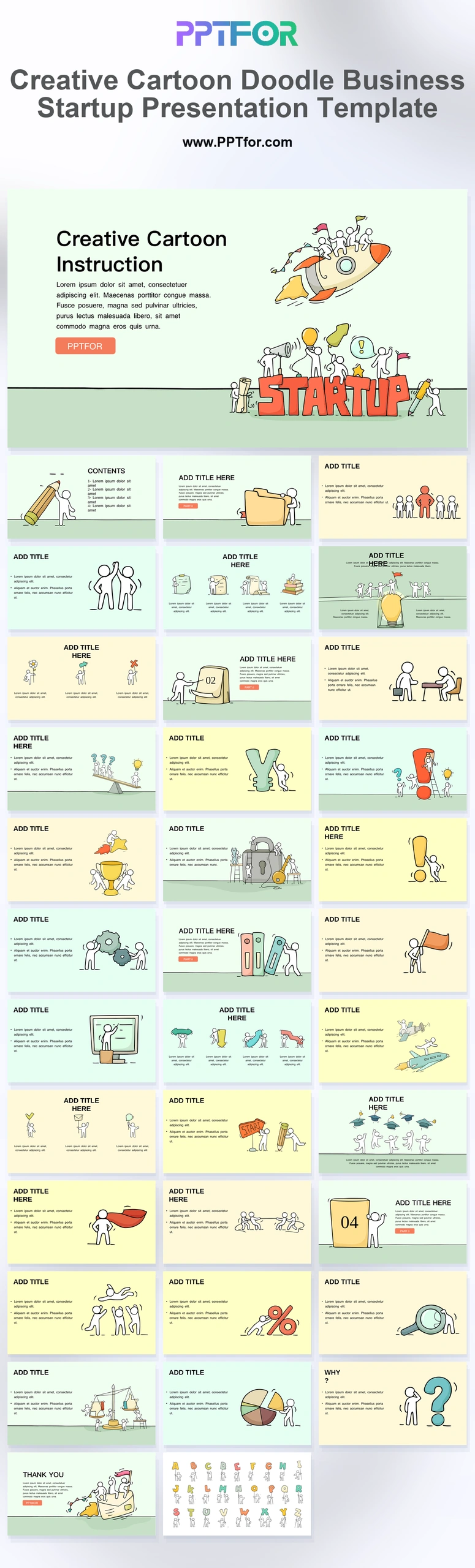
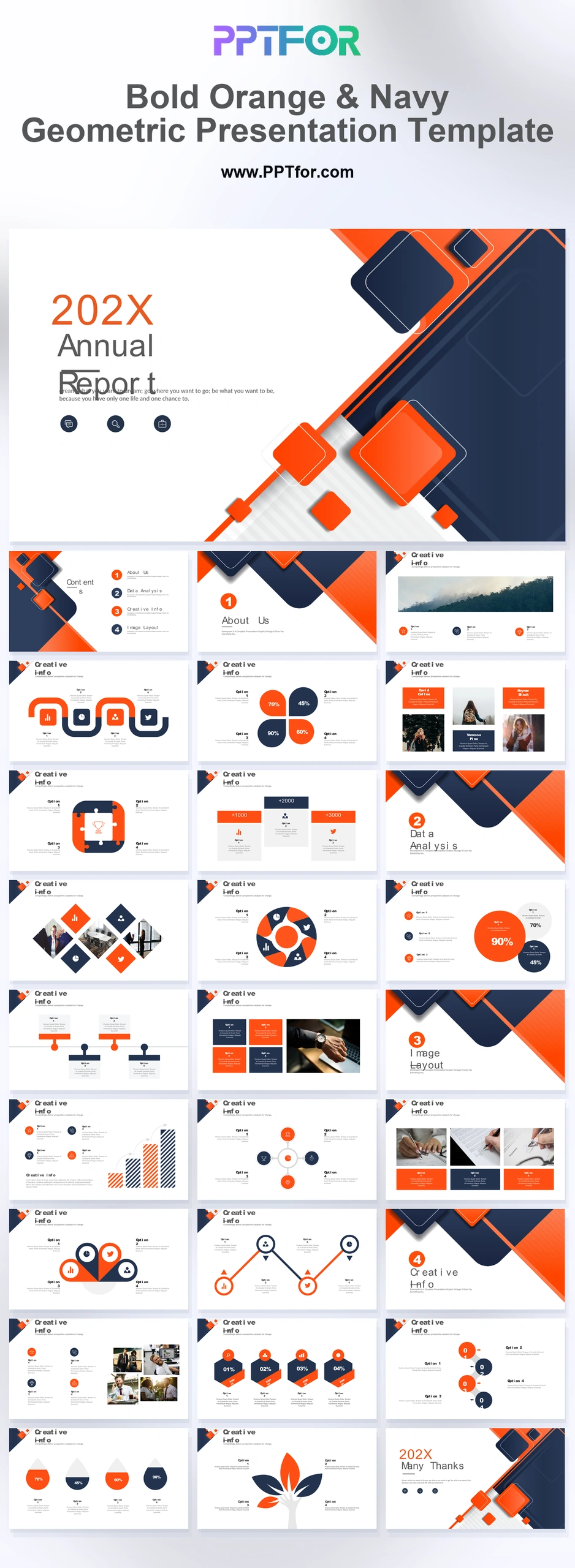
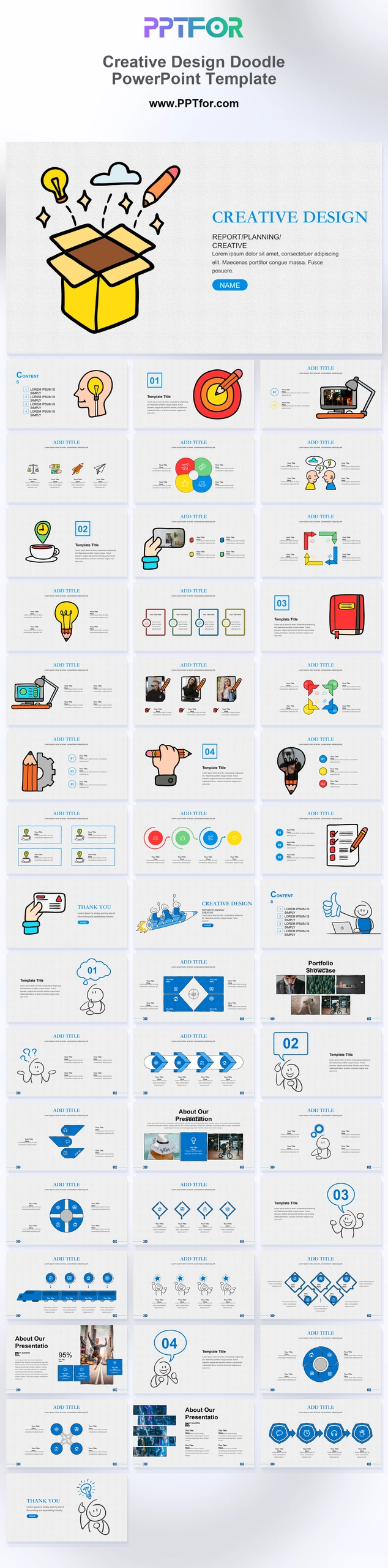
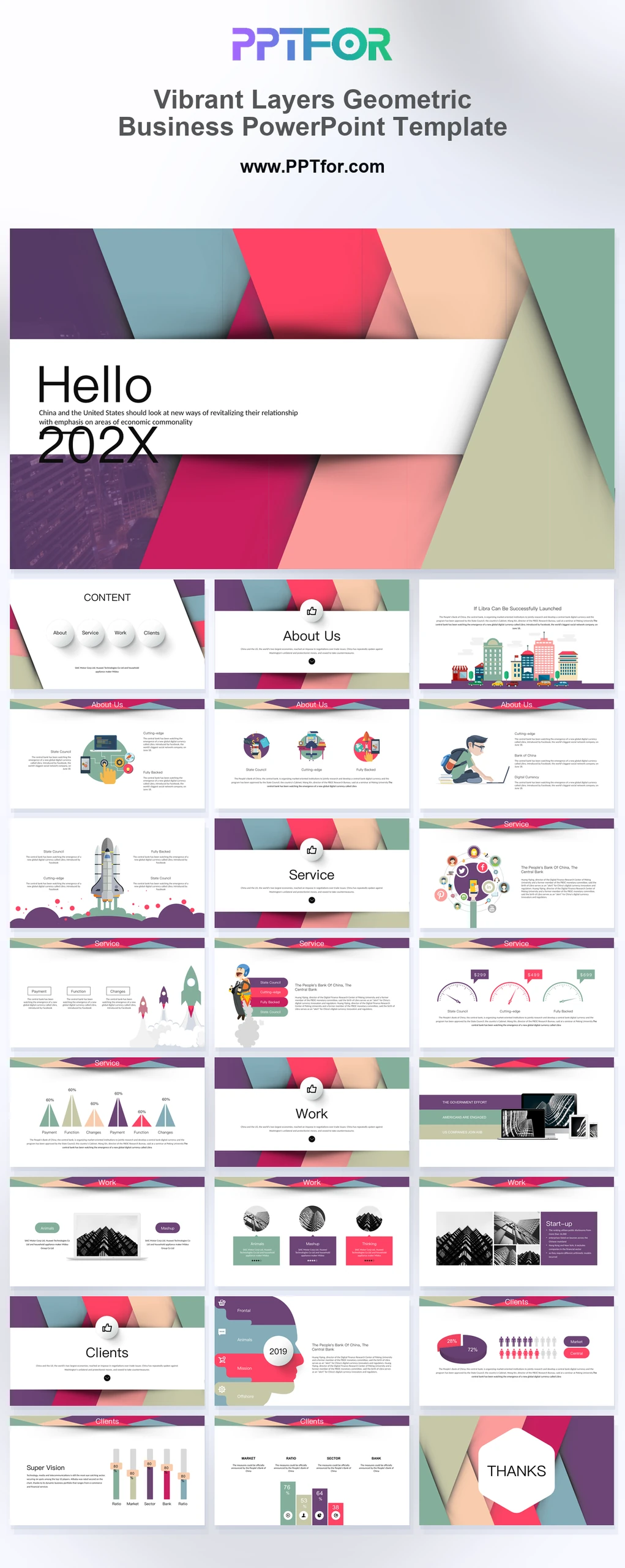
The Cartoon Doodle Startup Presentation Template provides 36 slides with sketch-style visuals, roadmap layouts, SWOT content, and a doodle icon library. Use it to discuss an early business idea, workshop findings, or a team’s proposed direction.

Visual elements include hand-drawn stick figure doodles, whimsical line art, rocket, lightbulb, and gear graphics, pastel backgrounds, and organic text titles.

  • Compatibility: Microsoft PowerPoint. Check fonts, charts, and image placement after importing into Google Slides or Keynote.
  • Aspect Ratio: 16:9 widescreen
  • Graphics: Editable vector graphics
  • Placeholders: Drag-and-Drop Placeholders
  • Editability: Editable text, colors, fonts, and layouts
  • Slide Count: 36 slides

Suggested Uses and Presentation Tasks

  • Startup founders pitching early-stage business ideas – explain the problem, solution, roadmap, and financial logic with approachable illustrated slides.
  • Creative directors introducing agency concepts – turn abstract campaign ideas into playful, structured visual storytelling.
  • Educators teaching business lessons – use doodle graphics, pie charts, and idea visuals to make lecture content easier to follow.
  • HR managers running onboarding workshops – present team values, workflows, and future vision in a warmer, less formal format.
  • Marketing coordinators planning strategy sessions – organize campaign goals, process gear wheels, and comparison points into clear discussion slides.
  • Nonprofit teams explaining program plans – communicate mission, progress, and success highlights with friendly business graphics.
  • Kids brand teams presenting creative campaigns – match cheerful pastel backgrounds with playful icons and organic titles for brand-safe energy.

Frequently Asked Questions

When should I choose this template?

Choose this doodle deck for an exploratory presentation where the audience needs to engage with an idea. A formal funding submission may need a more restrained style and additional financial detail.

What should I prepare before editing?

Prepare the problem, intended customer, proposed solution, and the assumptions still to test. Label concepts as concepts and separate customer evidence from the team’s current hypotheses.

What slide content is included in this doodle business deck?

The deck includes an instruction cover, contents outline, text columns, teamwork layouts, project mileposts, idea visuals, balance scale metrics, financial symbol grids, roadmaps, a SWOT matrix, pie charts, and a doodle icon and alphabet library.

How can I edit the template?

Edit the text, colors, and slide elements to match your presentation. Before updating a graphic, check whether it is a native chart, a grouped shape, or an image; the editing method differs.



Post a Comment

$15

$

  • Price is in US dollars and excludes tax
  • Size:16x9
  • Microsoft PowerPoint, Google Slides, Apple Keynote, PowerPoint for Mac / Office 365, WPS Office
  • 100% editable
  • What you see is what you get
  • This is a secure SSL encrypted payment. Credit Card Certificate

Get all products for only $29!

Get full access to our entire collection of premium PPT templates for one simple price.
Forget about complex tools or technical skills—just choose, edit, and download.