Avatar

Ultimate Multi-Color Business Infographics Mega Element Pack

by PPTFOR Editorial Team in Creative & Portfolio

Ultimate Multi-Color Business Infographics Mega Element Pack

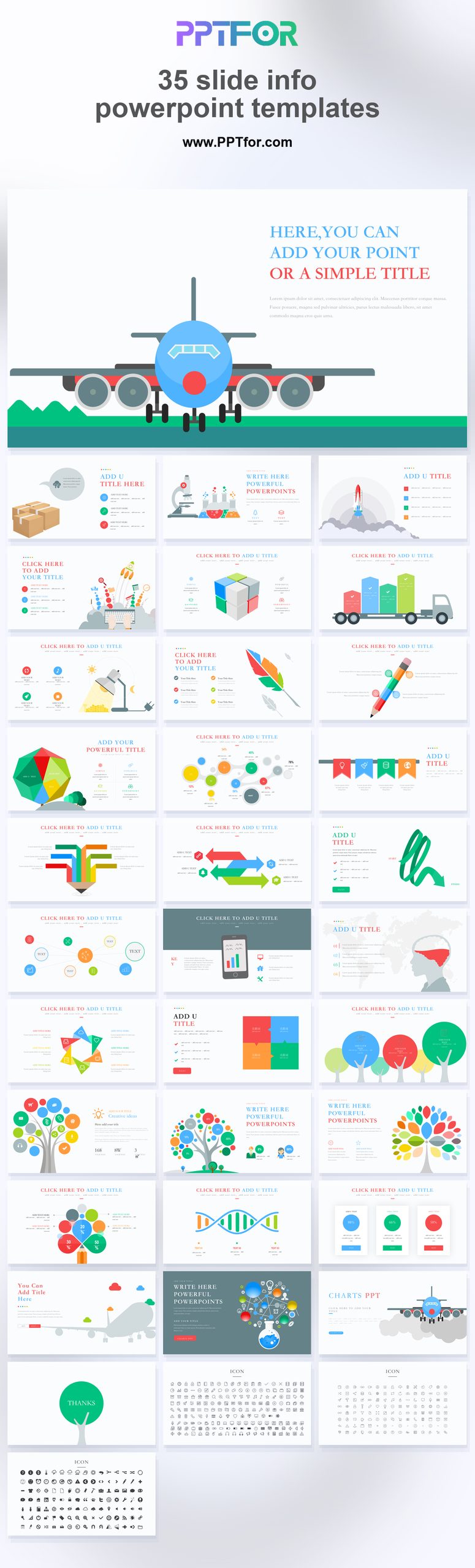
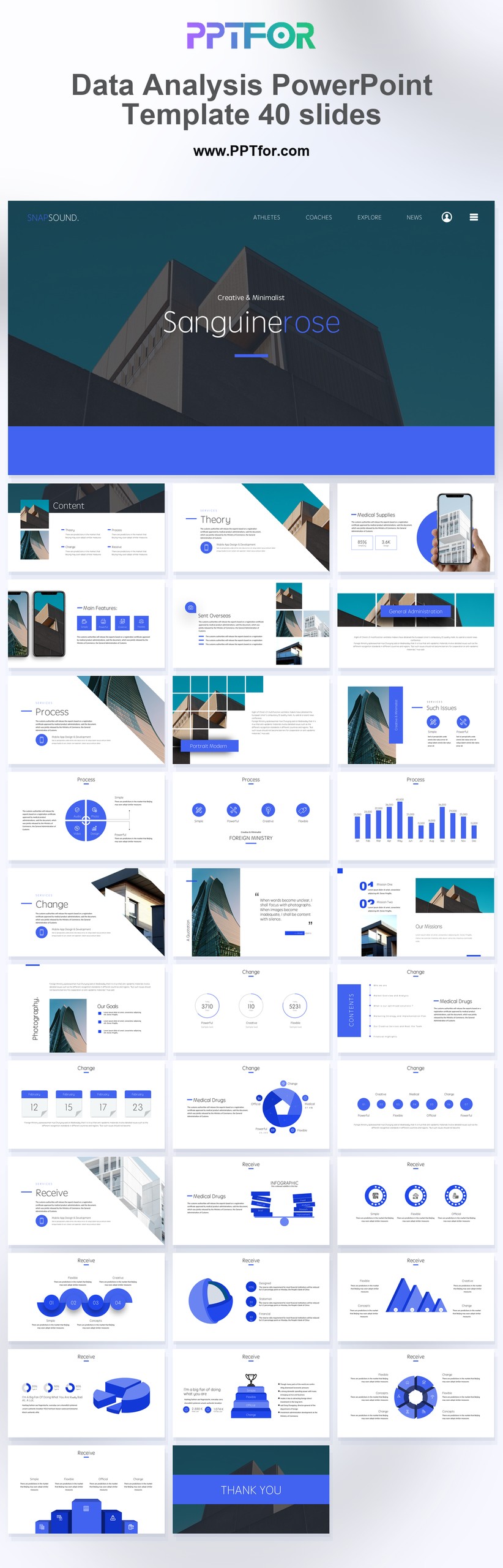
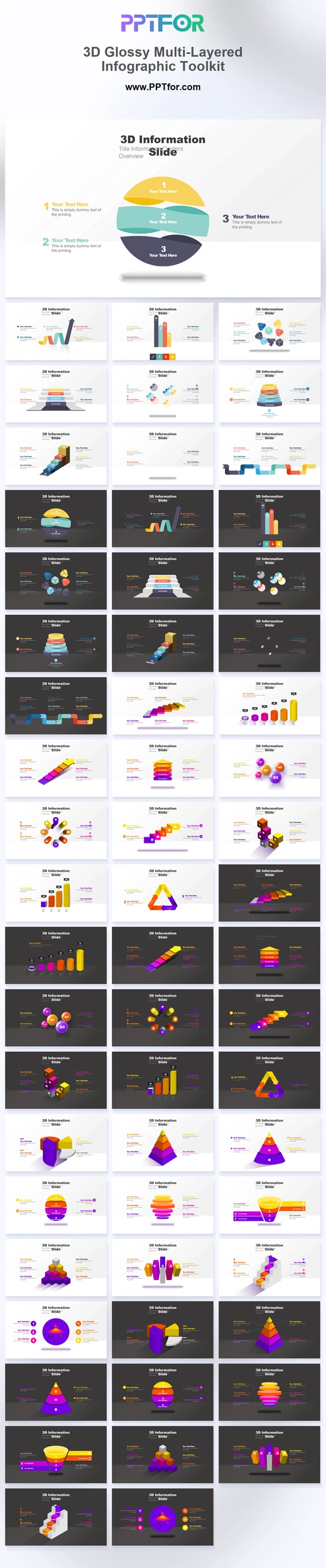
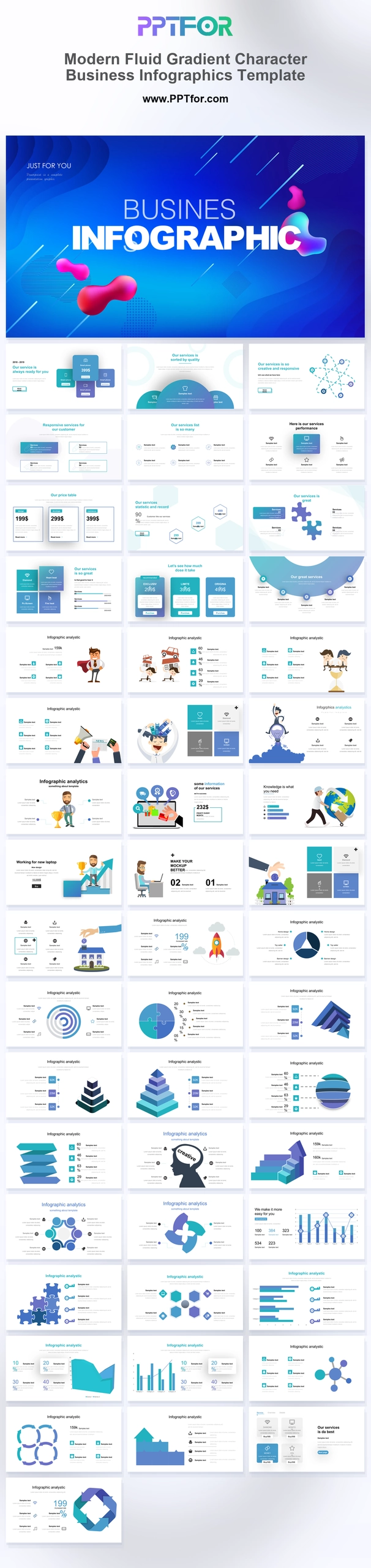
The Multi-Color Business Infographics Mega Element Pack is a library of more than 100 infographic slides. Loops, pyramids, funnels, puzzle flows, timelines, and networks can be selected individually for reports, workshops, and proposals.

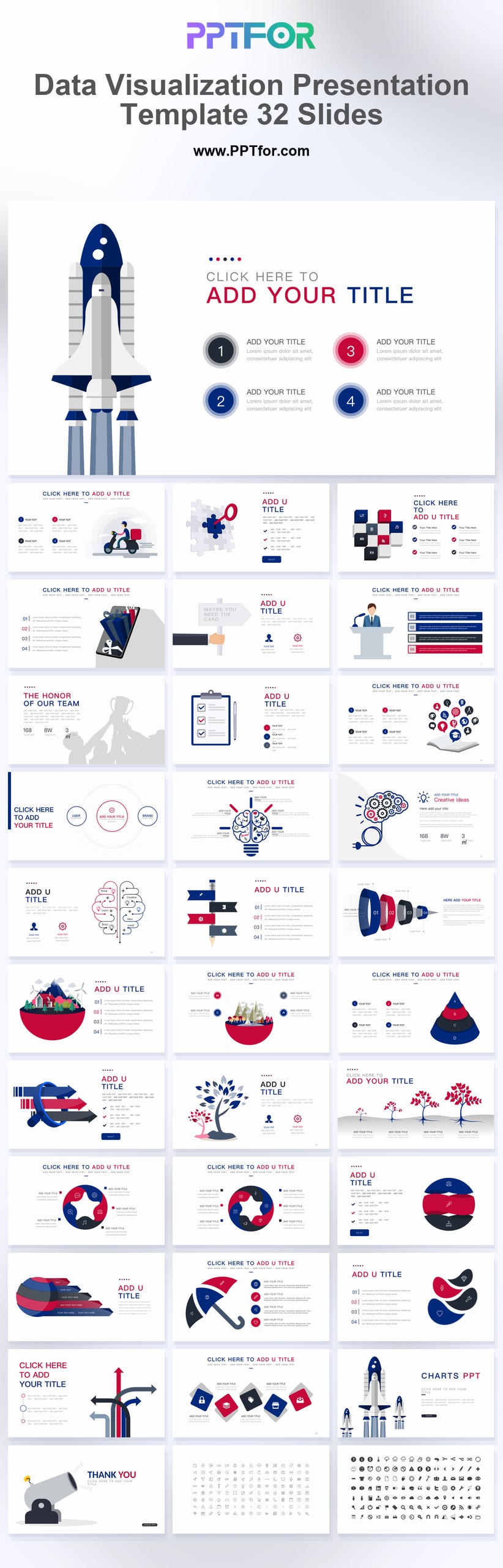
Visual elements include flat-vector diagram matrices, circular loops, layered pyramids, conversion funnels, puzzle flows, chevron timelines, gear mechanisms, radial networks, and arrow paths.

  • Compatibility: Microsoft PowerPoint. Check fonts, charts, and image placement after importing into Google Slides or Keynote.
  • Aspect Ratio: 16:9 widescreen
  • Graphics: Editable vector graphics
  • Placeholders: Drag-and-Drop Placeholders
  • Editability: Editable text, colors, fonts, and layouts
  • Slide Count: 100+ infographic slides

Suggested Uses and Presentation Tasks

  • Business consultants designing strategy frameworks – use Venn diagrams, strategy wheels, and SWOT matrices to organize recommendations for client decisions.
  • Project managers mapping process workflows – turn chevron timelines, arrow paths, and cross-functional diagrams into clearer project execution slides.
  • Marketing analysts presenting funnel insights – explain conversion funnels, customer paths, and campaign stages with clean multi-color infographic structures.
  • Data specialists enhancing visual reports – use layered pyramids, circular loops, and radial networks to make complex findings easier to scan.
  • Presentation designers fine-tuning pitch decks – add plug-and-play diagram elements that improve structure without rebuilding the full deck.
  • Operations leads creating executive dashboards – combine process paths, gear mechanisms, and milestone timelines for performance review slides.
  • Training teams explaining business concepts – use framework trees, puzzle flows, and step-by-step paths to support clearer learning materials.

Frequently Asked Questions

When should I choose this template?

Choose this library when you need many diagram options across recurring presentation work. It is most useful as a source of selected visual elements, rather than a deck to present from beginning to end.

What should I prepare before editing?

Identify the relationships and quantities you need to explain, then select a small set of compatible diagrams. Normalize fonts, colors, and labels before combining the slides with an existing presentation.

What infographic elements are included in this presentation pack?

The pack includes Venn diagrams, circular progress loops, analysis pyramids, conversion funnels, strategy wheels, milestone timelines, puzzle flowcharts, framework trees, gear logic systems, SWOT matrices, radial networks, progression steps, and process paths.

How can I edit the template?

Edit the text, colors, and slide elements to match your presentation. Before updating a graphic, check whether it is a native chart, a grouped shape, or an image; the editing method differs.



Post a Comment

$16

$

  • Price is in US dollars and excludes tax
  • Size:16x9
  • Microsoft PowerPoint, Google Slides, Apple Keynote, PowerPoint for Mac / Office 365, WPS Office
  • 100% editable
  • What you see is what you get
  • This is a secure SSL encrypted payment. Credit Card Certificate

Get all products for only $29!

Get full access to our entire collection of premium PPT templates for one simple price.
Forget about complex tools or technical skills—just choose, edit, and download.