Get full access to premium PowerPoint templates at a limited-time price.Get Now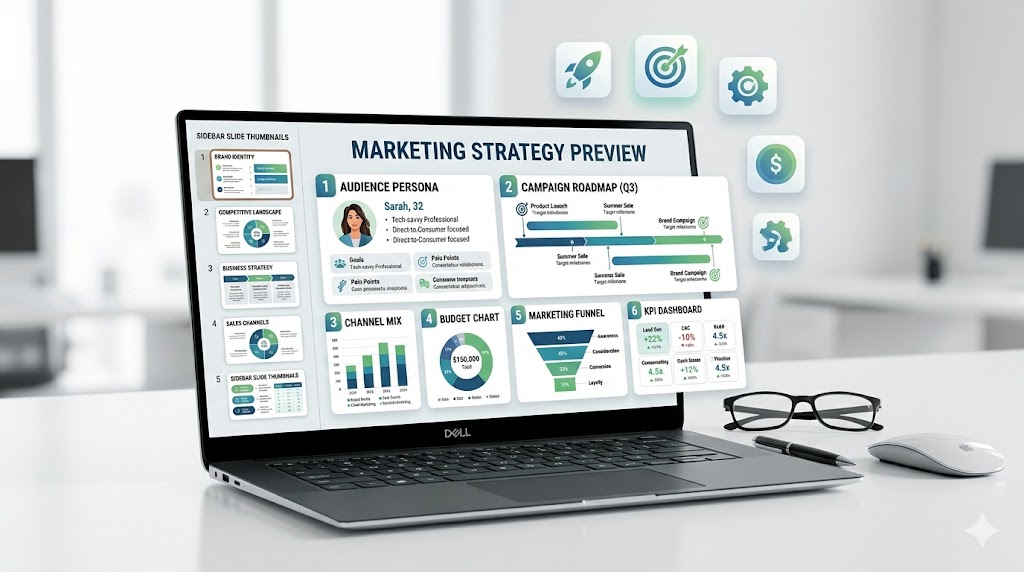
A marketing strategy PowerPoint template helps teams explain how they will reach the right audience, position an offer, choose marketing channels, plan campaigns, allocate budget, and measure results. A strong marketing strategy deck should make the plan clear enough for leadership, clients, sales teams, and execution teams to understand what will happen next.
This guide explains what to include in a marketing strategy presentation, how it differs from a marketing plan or go-to-market deck, which slides are most useful, and how to choose a PowerPoint template that supports real marketing decisions.
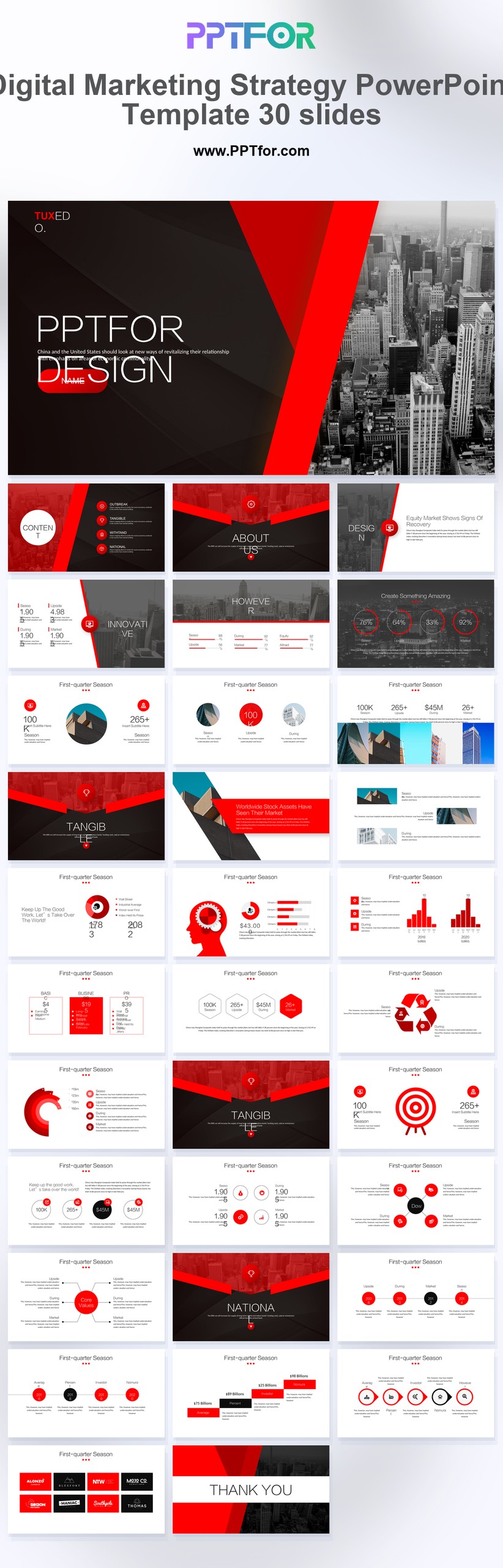
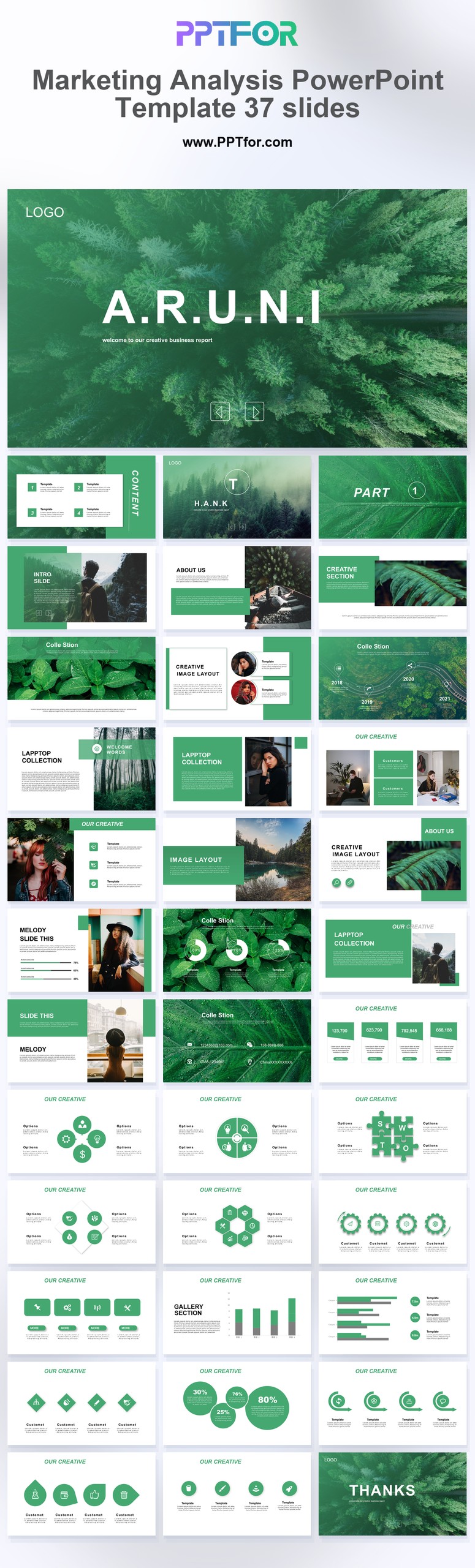
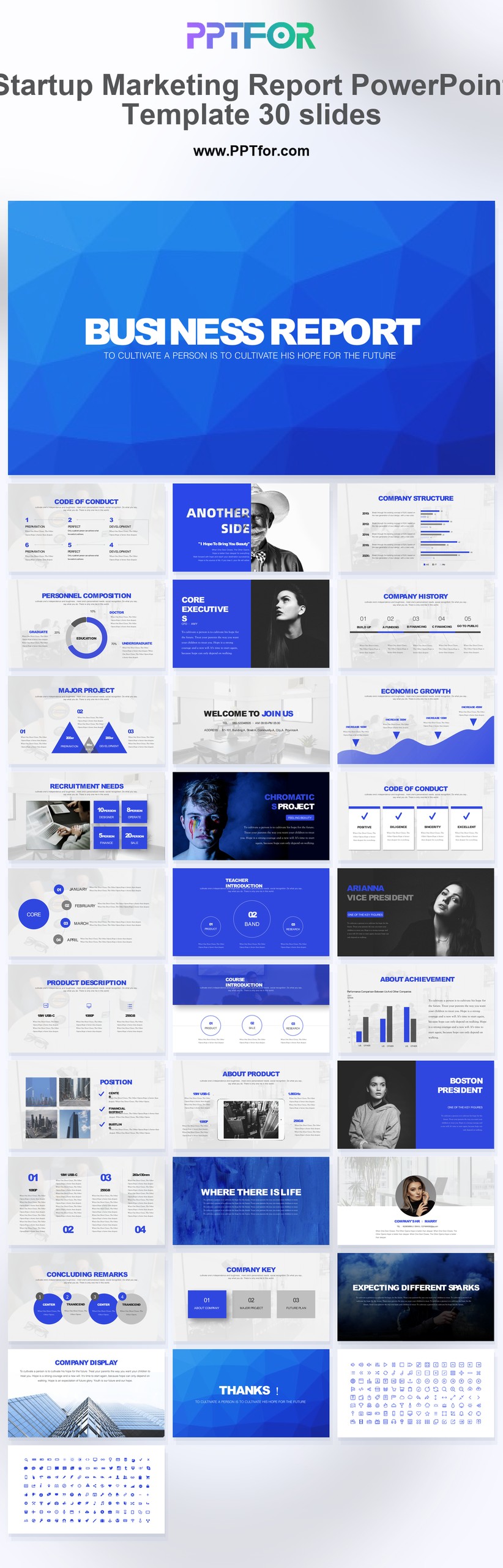
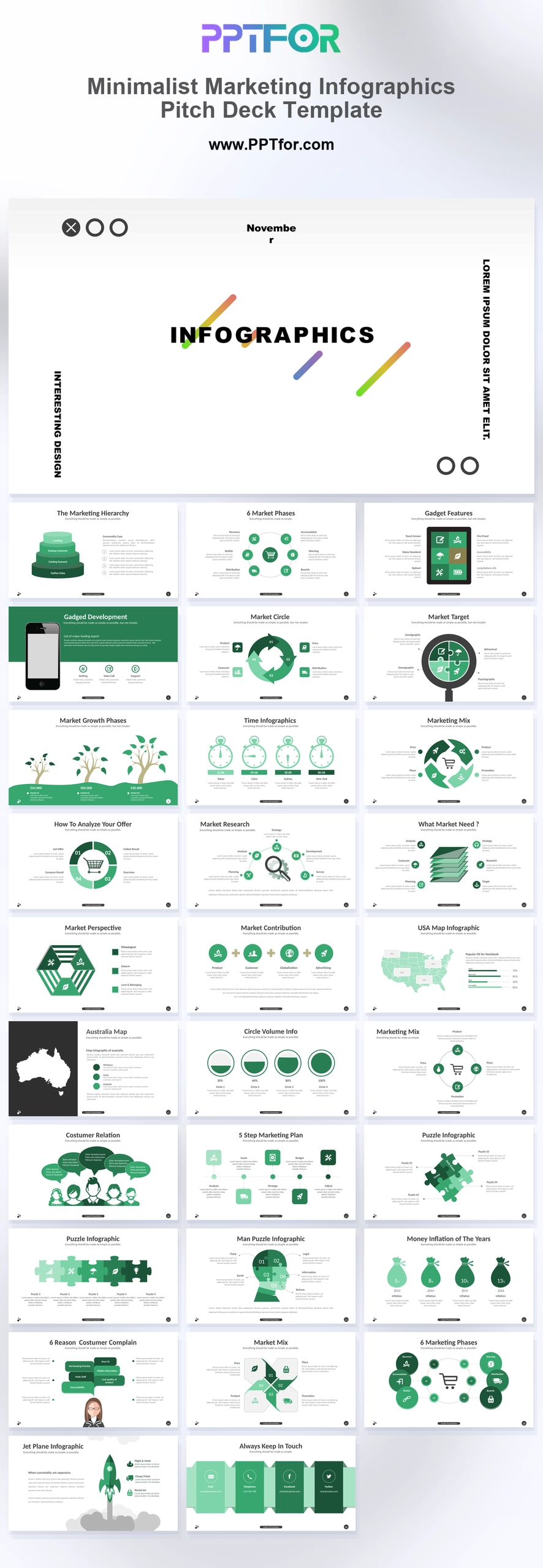
If you need a faster starting point, use a ready-made marketing strategy template with editable layouts for campaign planning, channel strategy, market analysis, digital marketing, infographics, and performance reporting.
A marketing strategy PowerPoint template is a presentation deck used to show how a business will attract, convert, and retain customers. The best templates include slides for target audience, positioning, channel mix, campaign roadmap, budget, marketing funnel, content plan, and marketing KPIs.
A marketing strategy PowerPoint template is a structured slide deck for turning a marketing strategy into a clear business presentation. It combines analysis slides, planning slides, roadmap slides, and KPI slides so the audience can understand both the strategic direction and the execution plan.
Marketing teams use this type of deck for annual planning, campaign proposals, product launches, client presentations, digital marketing plans, brand growth plans, and internal alignment meetings. Unlike a marketing report, the focus is not only what happened in the past. The focus is what the team should do next, why it matters, and how success will be measured.
These terms are often searched together, but they do not mean the same thing. A clear presentation should separate them so stakeholders do not confuse long-term direction with short-term execution.
| Term | Main Purpose | Best Slide Focus |
|---|---|---|
| Marketing Strategy | Defines the audience, positioning, channels, and growth direction. | Market insight, customer segments, positioning, channel strategy, KPI framework. |
| Marketing Plan | Turns the strategy into specific actions, timing, owners, and budget. | Campaign calendar, content plan, budget allocation, timeline, responsibilities. |
| Go-to-Market Strategy | Explains how a product, service, or offer will enter a market and reach buyers. | Launch plan, ICP, value proposition, sales motion, channel plan, launch metrics. |
| Marketing Report | Reviews past performance and explains what worked or failed. | Results, KPI dashboard, traffic, leads, conversion, campaign performance. |
Use this process when creating a marketing strategy presentation for leadership, clients, investors, or cross-functional teams.
A good marketing strategy presentation should move from context to decision. The audience should understand the market situation first, then the strategic choice, then the execution plan.
| Slide | Purpose | What to Include |
|---|---|---|
| Executive Summary | Give leaders the short version. | Goal, strategy, priority channels, expected outcome. |
| Business Objective | Connect marketing to business results. | Revenue goal, lead goal, market expansion goal, retention goal. |
| Market Situation | Explain why the strategy is needed. | Market trends, customer changes, competitor pressure, opportunity. |
| Target Audience | Show who the campaign is designed for. | Segments, personas, needs, objections, buying triggers. |
| Positioning | Clarify the message. | Value proposition, differentiation, proof points, brand promise. |
| Channel Strategy | Show where the audience will be reached. | SEO, paid media, social, email, events, partnerships, sales enablement. |
| Campaign Roadmap | Turn strategy into timing. | Phases, milestones, campaign themes, launch schedule. |
| Content Plan | Connect channels with creative execution. | Content pillars, landing pages, ads, emails, webinars, videos. |
| Budget Plan | Show investment logic. | Spend by channel, tools, production cost, agency support. |
| KPI Dashboard | Define success. | Awareness, engagement, leads, conversion, pipeline, ROI. |
This slide defines the customer group the strategy is built around. Include buyer persona details, pain points, purchase triggers, decision criteria, and the main barriers to conversion.
The positioning slide explains why the product or service is relevant and different. A useful format is: target customer, problem, solution, key benefit, proof point, and competitive difference.
A funnel slide helps connect awareness, consideration, conversion, and retention. It also shows which campaigns or channels support each stage of the customer journey.
The channel mix slide explains the role of each marketing channel. For example, SEO may build long-term demand, paid search may capture high-intent buyers, email may nurture leads, and webinars may support sales conversations.
A campaign roadmap turns the strategy into a sequence of actions. Use monthly or quarterly phases to show launch timing, creative production, distribution, testing, and optimization.
The budget slide should show how resources are allocated across channels, tools, content production, advertising, and external support. It should explain the logic behind the investment, not only list numbers.
The KPI slide defines how performance will be measured. Include a mix of leading indicators, such as traffic and engagement, and business outcomes, such as qualified leads, pipeline, conversion rate, CAC, and ROI.
A digital marketing strategy presentation should focus on online channels, customer journey, SEO, paid media, social content, email nurturing, landing pages, conversion tracking, and digital KPIs.
Campaign strategy slides are useful when presenting a specific launch or promotion. Include campaign objective, audience, message, offer, creative direction, channel plan, timeline, budget, and success metrics.
A go-to-market strategy deck is best for a new product, new service, new market, or relaunch. Include ICP, value proposition, pricing logic, channel plan, sales enablement, launch roadmap, and adoption metrics.
An annual marketing plan presentation should show yearly goals, quarterly priorities, major campaigns, budget allocation, team responsibilities, and KPI targets.
Choose a template that matches the decision your audience needs to make. If the audience is leadership, use a polished template with summary slides, KPI views, and budget pages. If the audience is an execution team, choose a template with roadmap, task, channel, and content planning layouts.
A marketing strategy PowerPoint template should include slides for business objective, target audience, market insight, positioning, channel strategy, funnel, campaign roadmap, budget, marketing KPIs, and next steps.
A marketing strategy deck explains the direction, audience, positioning, and channel logic. A marketing plan deck turns that strategy into specific campaigns, timelines, budgets, owners, and execution tasks.
Yes. A digital marketing strategy presentation can use the same structure, but it should focus more on SEO, paid media, social media, email, landing pages, analytics, conversion tracking, and digital campaign KPIs.
Most marketing strategy presentations work well with 10 to 20 slides. A leadership version can be shorter, while a client proposal or annual marketing plan may need more detailed slides for research, channels, budget, and campaign planning.
Common marketing KPIs include website traffic, engagement, conversion rate, marketing qualified leads, cost per lead, customer acquisition cost, pipeline contribution, retention, revenue influenced, and return on marketing investment.
Yes, but you should adjust the deck for launch planning. Add slides for ideal customer profile, value proposition, launch timeline, sales motion, pricing, distribution channels, enablement materials, and launch success metrics.
A professional marketing strategy deck uses a clear storyline, consistent visual hierarchy, simple charts, realistic KPIs, clean timelines, and concise slide titles. The design should support the decision, not distract from the strategy.

Get full access to our entire collection of premium PPT templates for one simple price.
Forget about complex tools or technical skills—just choose, edit, and download.