Get full access to premium PowerPoint templates at a limited-time price.Get Now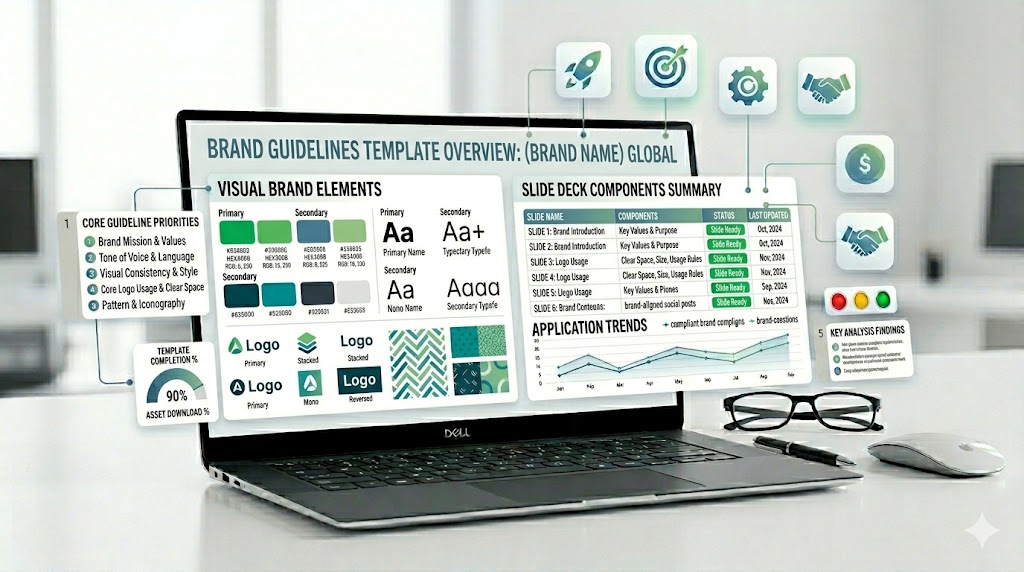
A brand guidelines PowerPoint template helps teams document and present the rules that keep a brand consistent. It usually includes slides for logo usage, color palette, typography, imagery, icon style, layout rules, brand voice, and real-world brand applications.
This guide explains what to include in a brand guidelines presentation, how it differs from a company profile or brand manual, which slides are most useful, and how to choose a PowerPoint template that makes brand standards easy for teams, clients, and partners to follow.
If you need a faster starting point, use a ready-made brand, company profile, or corporate presentation template with editable layouts for logo rules, color systems, typography pages, brand story, visual identity, and professional client handoff decks.
Choose the deck by the governance problem you need to solve. A logo-rule deck is different from a company profile: it must show repeatable rules, approved examples, and incorrect-use examples that another team can follow without verbal explanation.
| Template | Best fit | What to verify before editing |
|---|---|---|
| Brand Guidelines PowerPoint Template – 33 Slides | A focused logo, color, typography, and identity standards deck | Logo variants, clear-space examples, color values, and reusable master layouts |
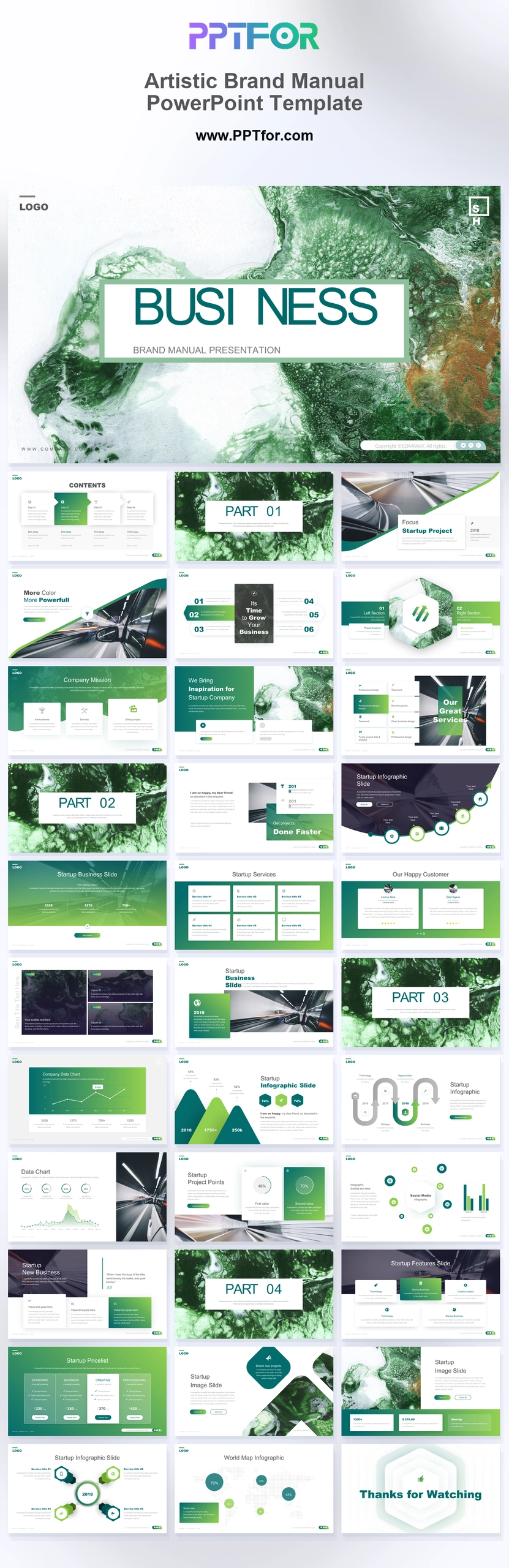
| Artistic Brand Manual PowerPoint Template | A more expressive brand manual or agency handoff | Imagery direction, application mockups, and whether the visual style fits the brand |
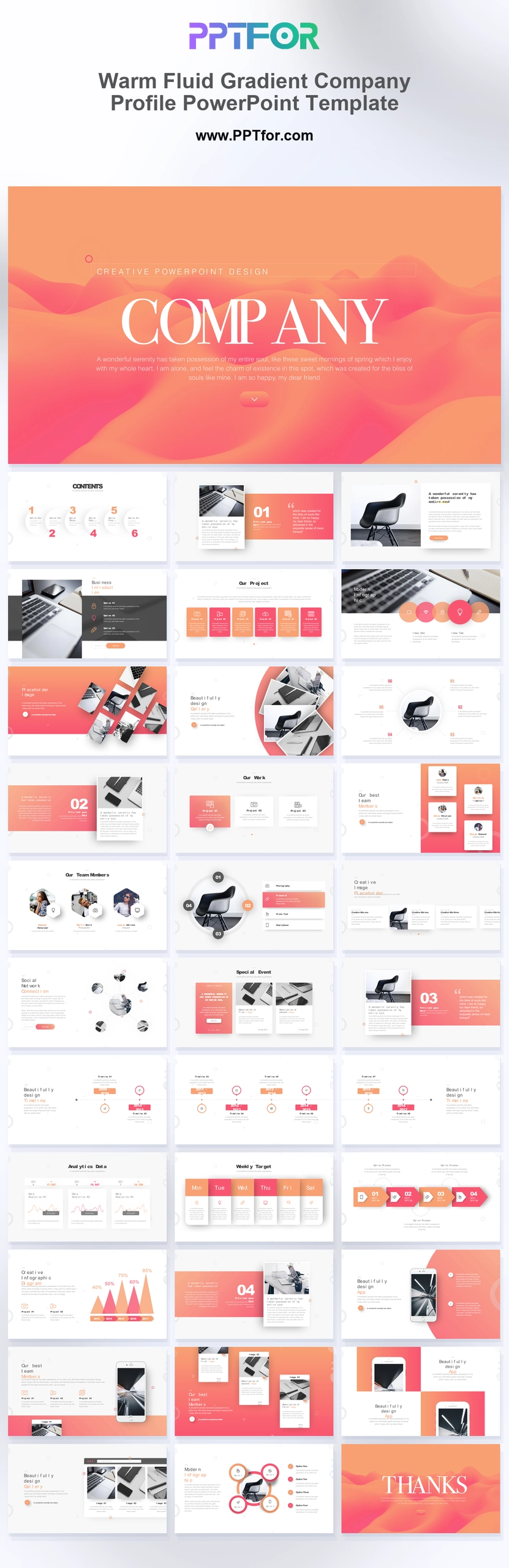
| Warm Fluid Gradient Company Profile | Presenting brand identity together with company narrative | Use it as a profile companion; add explicit logo and type rules if governance is required |
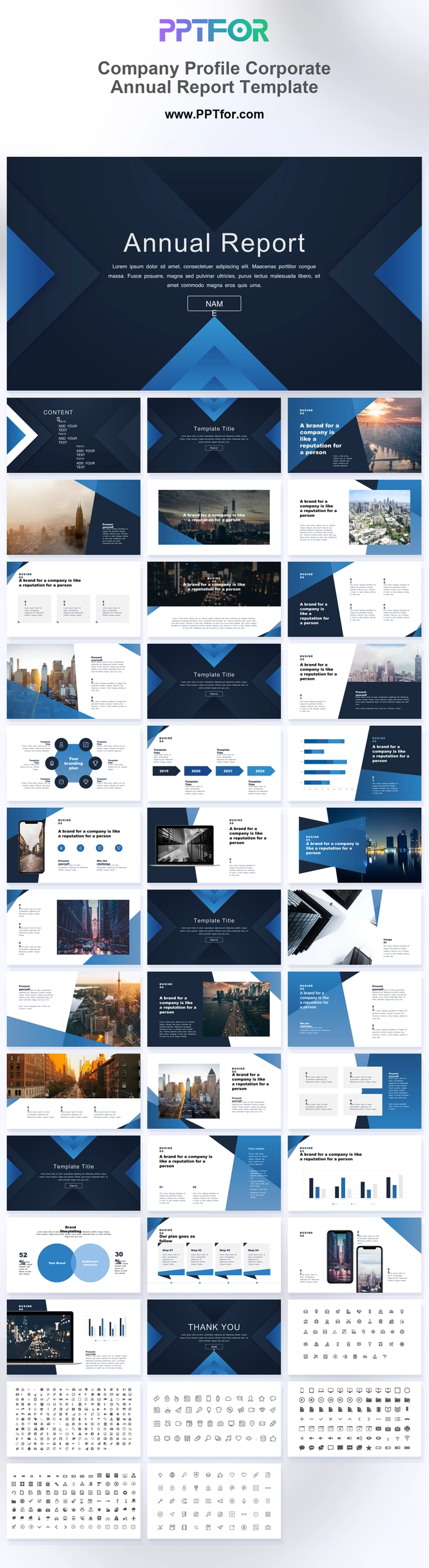
| Company Profile Corporate Annual Report | Connecting identity rules to corporate reporting | Keep brand standards separate from performance claims and financial data |
Editorial method: PPTFOR matched these templates using the public product title, stated slide count, previewed use case, and the decision needs described above. Check the individual product page for the current file contents and compatibility before purchase.
Primary reference: Microsoft explains how Slide Master controls shared layouts and formatting.
A brand guidelines PowerPoint template is a presentation deck used to explain how a brand should look, sound, and appear across different channels. The best templates include slides for brand overview, logo usage, clear space, incorrect logo use, color palette, typography, imagery style, iconography, tone of voice, layout rules, social media examples, and brand applications.
A brand guidelines PowerPoint template is a structured slide deck for presenting brand identity rules in a visual, editable format. It helps marketing teams, design teams, agencies, startups, and consultants explain how to use a brand correctly across presentations, websites, social media, documents, ads, packaging, and client-facing materials.
The purpose is not only to make a brand look attractive. The purpose is to reduce inconsistent usage, protect recognition, speed up content production, and make brand decisions easier for everyone who creates visual or written materials.
Brand guidelines, brand manuals, brand books, and company profiles are often confused, but they serve different purposes. A clear presentation should match the document type your audience actually needs.
| Format | Main Purpose | Best Slide Focus |
|---|---|---|
| Brand Guidelines | Explain how to use the brand consistently. | Logo usage, colors, typography, imagery, iconography, voice, layout rules. |
| Brand Manual | Provide a more complete brand rulebook. | Brand strategy, identity system, visual standards, writing style, applications. |
| Brand Style Guide | Document visual and editorial style rules. | Design rules, tone of voice, content style, colors, fonts, UI or layout patterns. |
| Brand Book | Present the brand identity in a polished, story-led format. | Brand story, values, personality, visual identity, examples, applications. |
| Company Profile | Introduce the business to customers, partners, or investors. | About us, services, team, achievements, clients, portfolio, contact details. |
Use this process when building a brand guidelines presentation for internal teams, clients, agencies, freelancers, partners, or a rebranding handoff.
A strong brand guidelines presentation should move from brand meaning to visual rules to practical application. This makes the deck useful for both decision-makers and people who will use the brand every day.
| Slide | Purpose | What to Include |
|---|---|---|
| Brand Overview | Set the identity context. | Brand purpose, audience, positioning, personality, values. |
| Logo System | Show approved logo versions. | Primary logo, secondary logo, symbol, wordmark, lockups. |
| Logo Clear Space | Protect logo readability. | Spacing rules, minimum size, safe area, margin examples. |
| Logo Misuse | Prevent common mistakes. | Do not stretch, recolor, rotate, crop, outline, or place on low-contrast backgrounds. |
| Color Palette | Define the brand color system. | Primary colors, secondary colors, neutrals, accents, color codes. |
| Typography | Standardize fonts and hierarchy. | Headings, body text, captions, font weights, line spacing, fallback fonts. |
| Imagery Style | Guide photo and visual selection. | Photo mood, lighting, subject matter, editing style, examples to avoid. |
| Iconography | Keep graphic elements consistent. | Icon style, stroke weight, corner radius, filled or outline rules. |
| Tone of Voice | Guide how the brand sounds. | Voice principles, writing style, sample phrases, words to use and avoid. |
| Brand Applications | Show real-world usage. | Social posts, slides, documents, ads, website sections, business cards. |
The brand overview slide explains the meaning behind the identity. Include brand purpose, audience, positioning, values, personality, and the main promise the brand wants people to remember.
A logo usage slide shows approved logo versions and where each version should be used. Include primary logo, secondary logo, icon mark, wordmark, reversed logo, and one-color logo if available.
The clear space slide defines how much empty space should surround the logo. This protects readability and prevents other text, images, or graphics from crowding the brand mark.
This slide helps non-designers avoid common mistakes. Show examples such as stretching the logo, changing colors, adding shadows, rotating it, cropping it, placing it on busy backgrounds, or using outdated versions.
A color palette slide should show primary, secondary, neutral, and accent colors. Include practical color codes so designers, marketers, developers, and vendors can reproduce the brand consistently.
A typography slide defines the fonts and text hierarchy used by the brand. Include heading fonts, body fonts, fallback fonts, weights, sizes, spacing rules, and examples of correct use.
The imagery slide explains what kind of photos, illustrations, textures, or visual treatments fit the brand. Include both approved examples and examples that do not match the brand style.
A tone of voice slide explains how the brand should sound in writing. Include voice traits, sample headlines, sentence examples, vocabulary guidance, and phrases to avoid.
Brand application slides show the identity in real use. Examples may include presentations, social media posts, website banners, reports, ads, email headers, packaging, business cards, or client documents.
A startup brand guidelines deck should be practical and easy to apply. Include logo rules, color palette, typography, pitch deck style, social media examples, product screenshots, and investor-facing brand usage.
An agency client brand manual should be polished and complete. Include strategy context, visual identity, logo rules, color system, typography, imagery, iconography, tone of voice, templates, and handoff instructions.
A corporate brand guidelines presentation should focus on consistency at scale. Include department usage, presentation rules, document standards, brand governance, accessibility, and approved templates.
A rebrand deck should explain what changed and why. Include old vs new identity, positioning updates, logo evolution, color changes, typography changes, rollout plan, and application examples.
A social media brand kit should focus on fast content production. Include profile image rules, post templates, story layouts, image treatment, hashtag style, caption voice, and campaign visual examples.
A presentation-focused brand guideline should define title slides, section dividers, chart styles, icon usage, image treatment, table formatting, page numbers, footer rules, and recommended slide layouts.
Choose a template based on how the guidelines will be used. A client handoff deck may need more polished visuals, while an internal brand standards deck should be simple, practical, and easy for non-designers to follow.
Brand guidelines prevent incorrect logos and brand colors in PowerPoint by giving every presenter one approved source of truth. Include the primary and secondary logo files, minimum size, clear-space rules, approved background treatments, and examples of stretching, recoloring, rotating, cropping, or outlining the logo. For colors, show the exact HEX and RGB values used in digital presentations, plus accessible text and background combinations.
A brand guidelines PowerPoint template should include brand overview, logo usage, clear space, incorrect logo use, color palette, typography, imagery style, iconography, tone of voice, layout rules, and brand application examples.
Brand guidelines usually focus on practical rules for using a brand consistently. A brand manual is often broader and may include brand strategy, messaging, identity standards, voice rules, visual applications, and governance details.
Yes. PowerPoint works well for brand guidelines because it supports visual layouts, editable text, image placeholders, tables, color swatches, typography examples, and client-friendly presentation sharing.
Most brand guidelines presentations work well with 15 to 35 slides. A simple startup brand kit may need fewer slides, while a full corporate brand manual or agency handoff deck may need more detailed sections.
A logo usage guidelines slide explains how the logo should and should not be used. It can include approved logo versions, clear space, minimum size, background rules, color variations, and incorrect usage examples.
Yes. A strong brand guideline should include tone of voice because brand consistency is not only visual. Voice rules help teams write headlines, website copy, social captions, emails, and sales materials in a consistent style.
Yes. Agencies can use a brand guidelines template to package identity work professionally, explain usage rules clearly, reduce client confusion, and provide a reusable structure for future brand projects.


Get full access to our entire collection of premium PPT templates for one simple price.
Forget about complex tools or technical skills—just choose, edit, and download.