Get full access to premium PowerPoint templates at a limited-time price.Get Now
An executive report PowerPoint template is an editable presentation deck used to summarize business performance, KPIs, risks, decisions, and next steps for senior leaders. It helps teams turn complex updates into clear slides that executives can review quickly and use for decision-making.
The best executive report templates are concise, visual, and decision-focused. They explain what changed, why it matters, where leadership attention is needed, and what action should happen next.
If you need a ready-made Executive Report PowerPoint Template, choose an editable PPTX deck with executive summary slides, KPI dashboards, financial snapshots, business performance charts, risk updates, and recommendation pages. A good executive reporting template should work for leadership updates, board meetings, client reports, business reviews, and internal performance presentations.
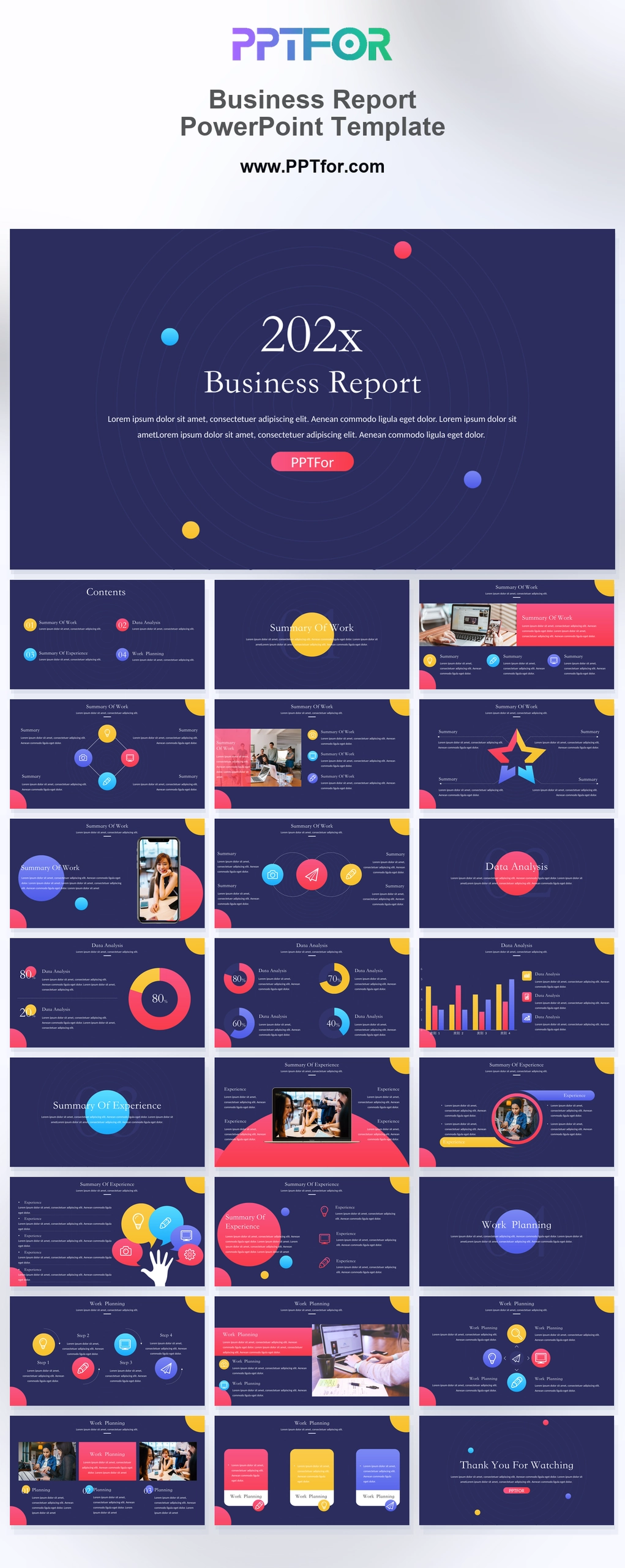
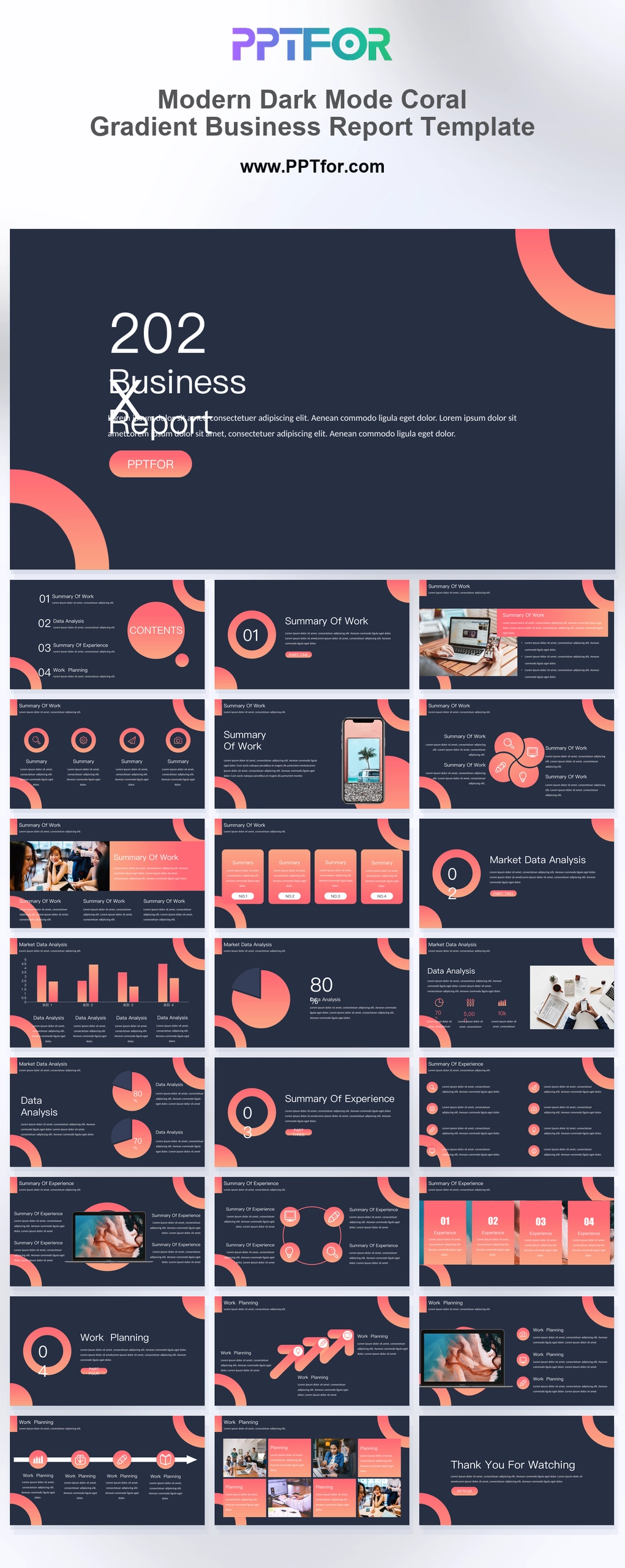
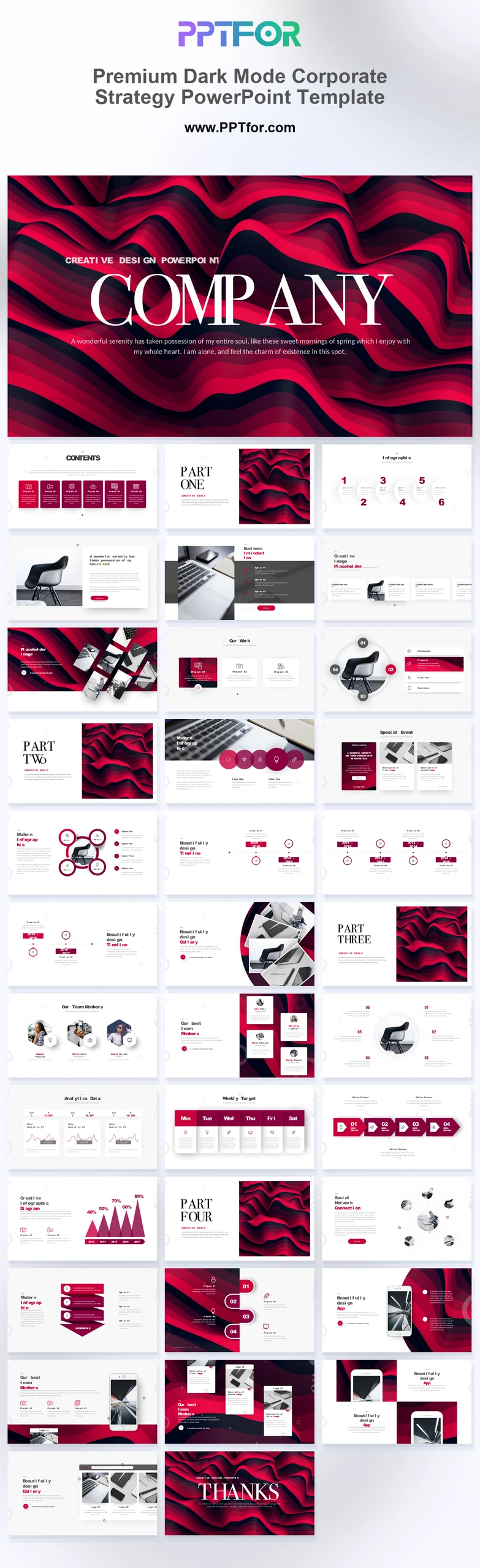
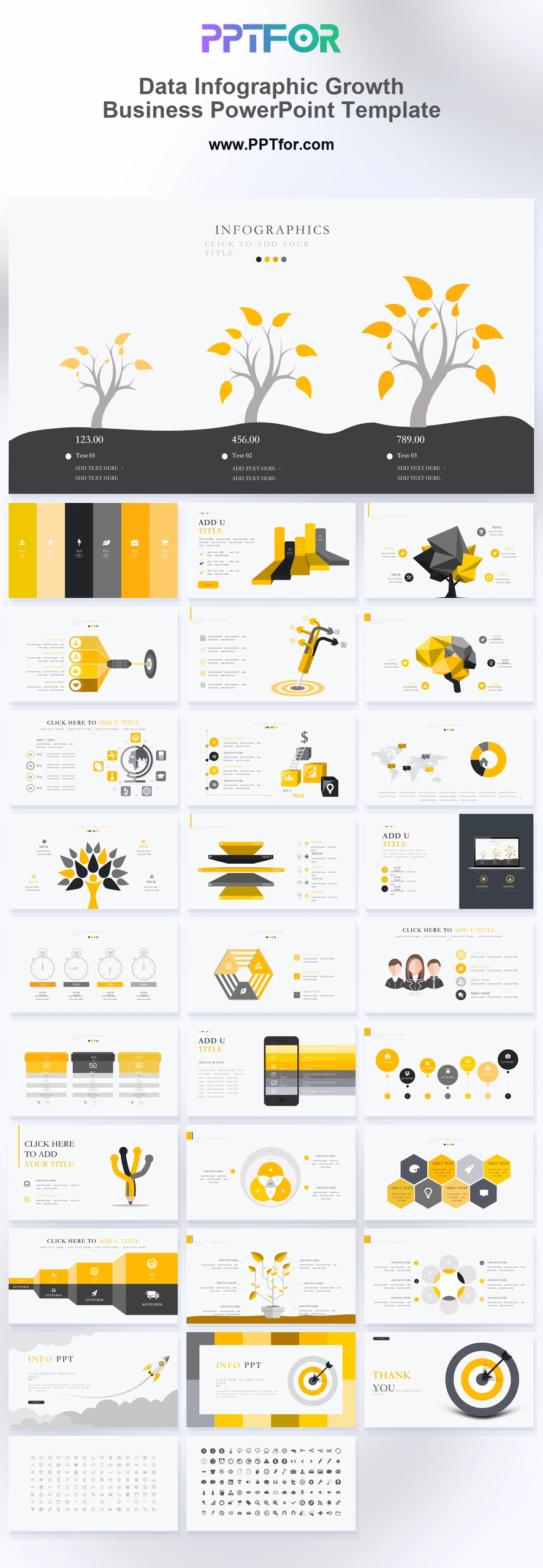
You can browse the full Business & Corporate PowerPoint Templates collection, or start with templates such as Business Report PowerPoint Template, Modern Dark Mode Coral Gradient Business Report Template, Premium Dark Mode Corporate Strategy PowerPoint Template, and Data Infographic Growth Business PowerPoint Template.
A strong executive report PowerPoint template should include an executive summary, KPI dashboard, financial snapshot, business performance update, key risks, strategic priorities, recommendations, and action items. For senior leadership, the main deck should usually stay between 8 and 15 slides and focus on decisions rather than raw detail.
| Slide | Purpose | Best For |
|---|---|---|
| Executive Summary | Shows the most important conclusions and decisions in one slide | CEOs, executives, board members |
| KPI Dashboard | Summarizes key business metrics at a glance | Leadership updates and business reviews |
| Financial Snapshot | Highlights revenue, cost, profit, budget, or forecast status | Finance and management reports |
| Performance Overview | Explains progress against goals, targets, or previous periods | Monthly, quarterly, and annual reviews |
| Risk and Issue Update | Identifies blockers, threats, and decisions needed | Executive meetings and board updates |
| Strategic Priorities | Connects current results with future business focus | Leadership planning sessions |
| Action Plan | Lists owners, deadlines, and next steps | Decision follow-up and accountability |
An executive report PowerPoint template is a pre-designed PPT or PPTX file created for leadership-level business reporting. It usually includes layouts for executive summaries, KPI scorecards, financial results, strategic updates, timelines, risks, insights, and recommendations.
Teams use executive report templates for board meetings, leadership updates, quarterly business reviews, investor updates, department reports, client reporting, project steering meetings, and company performance reviews.
The main purpose of an executive report is to reduce complexity. Instead of showing every data point, the presentation should highlight the few numbers, trends, risks, and decisions that matter most.
Executive report templates, executive summary templates, and leadership update templates are closely related, but they are not identical. The right format depends on how much context the audience needs and whether the meeting requires a decision.
| Template Type | Main Focus | Typical Audience |
|---|---|---|
| Executive Report PowerPoint Template | High-level results, decisions, risks, and strategic priorities | Executives, board members, senior leaders |
| Executive Summary PowerPoint Template | Short-form summary of the most important findings, recommendations, and decisions | Executives, investors, board members, senior stakeholders |
| Leadership Update PowerPoint Template | Concise progress updates, blockers, business health, and support needed | Executive teams and department heads |
| Executive One-Pager Dashboard | Single-slide KPI summary with metrics, risks, and action tracking | Busy leaders who need a fast snapshot |
| Business Report PowerPoint Template | Performance updates, findings, charts, and business details | Managers, departments, stakeholders |
| KPI Report PowerPoint Template | Metrics, dashboards, targets, and progress tracking | Leadership teams, operations teams, analysts |
Use an executive report template when leaders need a decision-ready view of the business. Use an executive summary template when the audience needs only the top-line message. Use a leadership update template when the main goal is to report progress, blockers, and support needed.
Use this step-by-step process to turn an executive report PPT template into a clear leadership update. The goal is to make decisions easier, not to show every detail available.
If you are building an executive report presentation from scratch, use this structure as a practical starting point:
A good executive report PowerPoint template should be concise, visual, and easy to scan. It should help leaders understand the business situation quickly and focus attention on the decisions that matter.
The right template depends on the type of leadership update you need to prepare. A board report, department update, client executive report, and internal KPI review should not use the same level of detail.
| Use Case | Best Template Style | Helpful PPTFOR Template |
|---|---|---|
| General executive business report | Balanced report deck with KPI, summary, and business update slides | Business Report PowerPoint Template |
| Modern leadership update | Clean dark-mode report style with bold section slides | Modern Dark Mode Coral Gradient Business Report Template |
| Corporate strategy update | Strategic deck with business priorities, roadmap, and decision slides | Premium Dark Mode Corporate Strategy PowerPoint Template |
| KPI and growth metrics update | Visual business metrics template with dashboard and infographic sections | Data Infographic Growth Business PowerPoint Template |
Executive KPI slides should focus on interpretation, not decoration. A leadership audience needs to know whether the number is good or bad, what changed, why it changed, and whether action is required.
For every KPI slide, answer these questions:
For example, instead of writing “Customer churn increased,” write “Customer churn increased from 4.8% to 6.1% this quarter, mainly due to delayed onboarding for enterprise accounts. The recommended action is to prioritize onboarding capacity for high-value customers.”
Many executive reports fail because they include too much information and too little interpretation. Senior leaders usually do not need the full spreadsheet. They need the signal.
If you want to improve the structure of your executive report, these PPTFOR guides can help:
An executive report PowerPoint template is an editable presentation deck used to summarize KPIs, business performance, risks, financial updates, strategic priorities, and next steps for senior leaders.
An executive report should include an executive summary, KPI dashboard, goals versus results, financial snapshot, operational update, risks and blockers, strategic priorities, recommendations, and action items.
Most executive report presentations work best with 8 to 15 main slides. Supporting details can be placed in an appendix if leaders need more context after the main discussion.
An executive report is a leadership-level presentation that may include several slides covering KPIs, risks, financials, recommendations, and next steps. An executive summary is shorter and usually highlights only the most important findings and decisions.
Yes. An executive report template can be used for board meetings if it includes high-level KPIs, financial results, strategic risks, major decisions, and next-step recommendations.
Common executive report metrics include revenue, profit margin, expenses, forecast accuracy, customer growth, churn, pipeline, operational progress, project status, and strategic initiative performance.
Yes. Many PPT and PPTX executive report templates can be opened in Google Slides. Some fonts, animations, chart styles, or advanced PowerPoint elements may need adjustment after import.
An Executive Report PowerPoint Template helps teams turn business updates into clear leadership presentations. The best templates combine executive summaries, KPI dashboards, financial snapshots, risk updates, recommendations, and action plans in a format that is easy to edit and easy to present.
If your audience is senior leadership, start with the conclusion, show only the metrics that matter, and make every recommendation easy to act on. A strong executive report does not simply explain what happened. It helps leaders decide what to do next.

Get full access to our entire collection of premium PPT templates for one simple price.
Forget about complex tools or technical skills—just choose, edit, and download.