 Get full access to premium PowerPoint templates at a limited-time price.Get Now
In B2B sales, a clear, structured proposal deck can mean the difference between a signed contract and a lost deal. A well‑designed marketing proposal template helps you turn complex services and pricing into a simple, client‑focused story.
In this guide, you’ll learn:
If you already have a template, you can skip to the step‑by‑step instructions or the FAQ at the end.
B2B deals involve multiple stakeholders, longer decision cycles, and higher budgets than B2C transactions. Without a clear structure, your proposal risks looking like a generic brochure instead of a tailored solution.
A structured marketing proposal deck helps you:
Templates in the Marketing & Sales Presentations category are built for this kind of structured, client‑focused story.
Even if your deal is special, most B2B proposals benefit from a common slide structure. Use this as a baseline and adapt it to your industry and audience.
The title slide should include:
Keep it clean and easy to copy into internal notes.
Explain briefly:
This sets the tone for the rest of the deck.
Frame this slide around the client, not your service:
Make this slide benefit‑focused:
Use visuals instead of paragraphs whenever possible.
Show your workflow clearly:
A simple Gantt‑style slide or numbered list keeps everyone aligned.
Break pricing into simple components:
Use tables and visual highlights instead of long descriptions.
Answer the question: “What’s in it for me?”
Make this slide action‑oriented:
Make it visual and easy to copy into their notes.
A good template saves time, but it still needs to match your brand and message. Follow these steps to turn a generic template into a client‑ready deck.
Copy charts, tables, and key metrics from Excel, CRM, or BI tools and resize them so they fit the template placeholders without stretching or cutting.
Update the slide master to match your brand colours and fonts. Remove any placeholder text that doesn’t apply to your offer.
Turn long paragraphs into short, clear bullets. Keep one main message per slide.
Walk through the deck as if you were the client. Remove any slides that repeat information or don’t add value.
Save the file as both `.pptx` and `.pdf`. Keep fonts embedded and hyperlinks intact if the client will edit the file.
Using a template from the PPTFOR downloads library can cut hours of design work while keeping your deck professional.
A strong B2B sales proposal usually includes a title slide, business overview, client challenge slide, solution and benefits slide, approach and timeline, pricing and investment, expected outcomes and KPIs, and a clear next‑steps slide. This structure keeps the deck focused and easy to follow.
You can make a proposal look more professional by using a clean PowerPoint template that matches your brand, keeping text minimal and using visuals, aligning every slide with the client’s goals and KPIs, and ending with a clear call‑to‑action. Templates from the PPTFOR downloads section are designed to support this style.
Yes. Keeping the template editable reduces the need to recreate the deck every time. Just make sure the file structure is clear and that any placeholder text is removed.
You can reuse the same template framework for multiple clients, but you should still customize the messaging, data, and branding for each specific deal. This keeps the deck relevant and professional while saving time on design.


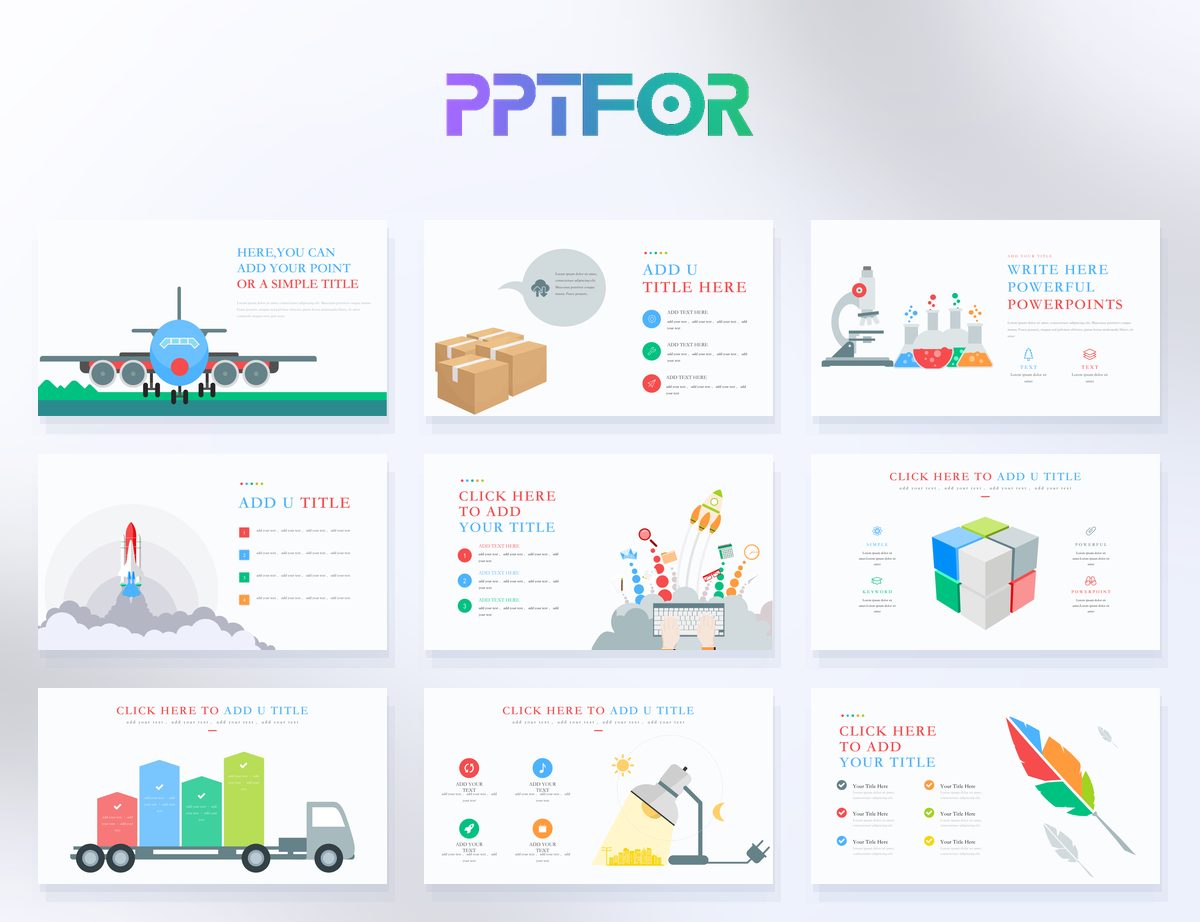
Get full access to our entire collection of premium PPT templates for one simple price.
Forget about complex tools or technical skills—just choose, edit, and download.
