Get full access to premium PowerPoint templates at a limited-time price.Get Now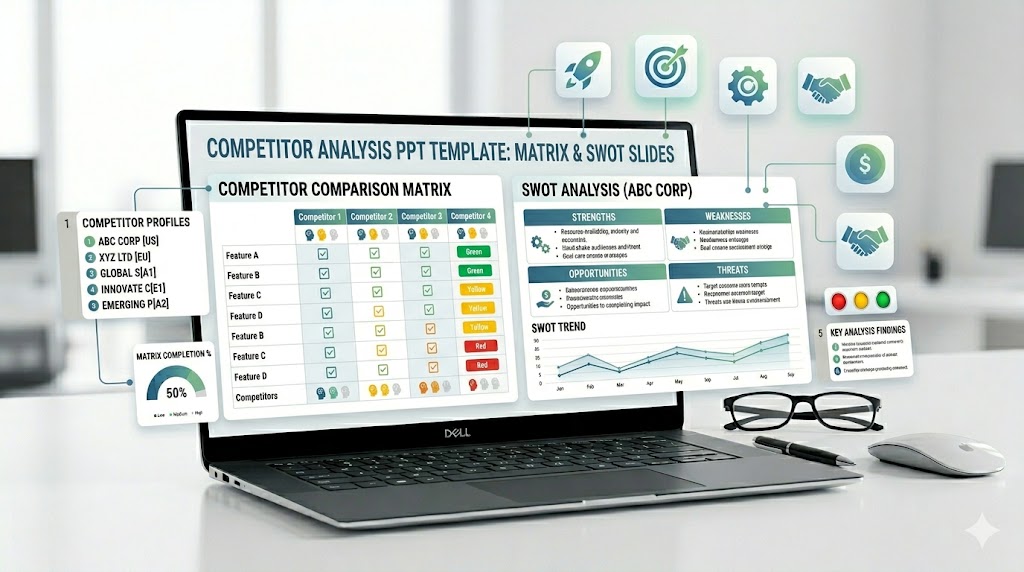
A competitor analysis PowerPoint template helps teams compare competitors, explain market positioning, identify strengths and weaknesses, and present strategic opportunities in a clear slide format. A strong competitor analysis deck should make it easy to see who competes with you, how they differ, where they are strong, where they are weak, and how your business can win.
This guide explains what to include in a competitive analysis presentation, how it differs from market analysis or SWOT analysis, which slides are most useful, and how to build a competitor comparison deck for strategy, marketing, product, sales, or investor presentations.
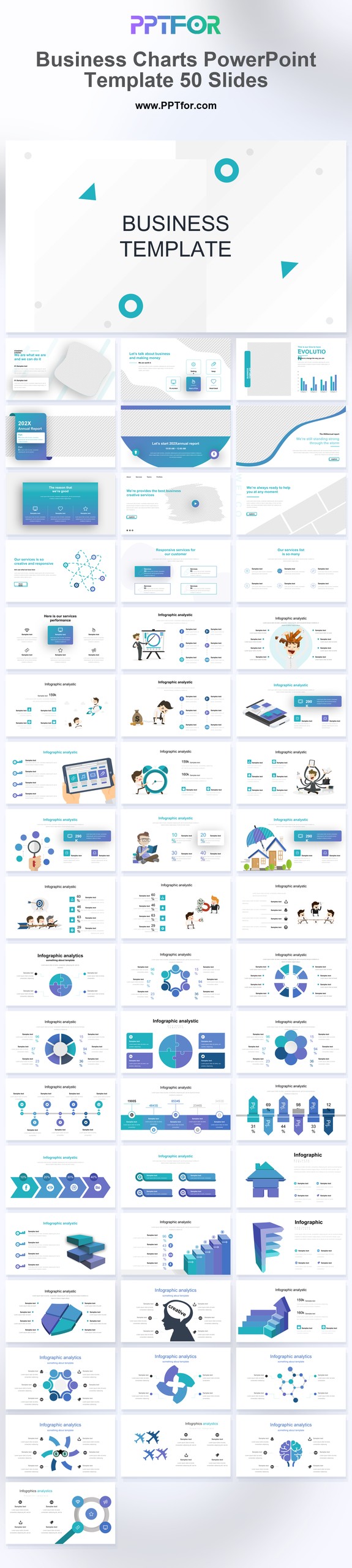
If you need a faster starting point, use a ready-made analysis or business chart template with editable layouts for competitor matrices, market comparison, data visualization, SWOT summaries, positioning maps, pricing comparisons, and executive-ready strategy slides.
A competitor analysis PowerPoint template is a slide deck used to compare companies, products, pricing, features, market position, messaging, strengths, weaknesses, and strategic opportunities. The best templates include a competitor overview, competitive landscape map, feature comparison matrix, SWOT comparison, positioning map, pricing table, customer segment comparison, and action plan slide.
A competitor analysis PowerPoint template is a structured presentation deck for turning competitive research into a clear visual story. It helps teams organize competitor data into slides that can be used in strategy meetings, marketing planning, sales enablement, product roadmap discussions, investor decks, and client presentations.
The goal is not to list every fact about every competitor. The goal is to show the competitive landscape, explain the differences that matter to buyers, and highlight the strategic choices your team should make next.
Competitor analysis is often confused with market analysis, SWOT analysis, and competitive landscape mapping. They are related, but each one answers a different business question.
| Format | Main Question | Best Slide Focus |
|---|---|---|
| Competitor Analysis | How do we compare with specific competitors? | Competitor profiles, feature comparison, pricing, strengths, weaknesses, positioning. |
| Competitive Landscape | Where does each competitor sit in the market? | 2×2 matrix, positioning map, market map, direct and indirect competitors. |
| Market Analysis | What is happening in the overall market? | Market size, trends, customer segments, growth drivers, category dynamics. |
| SWOT Analysis | What are the internal strengths and weaknesses and external opportunities and threats? | Strengths, weaknesses, opportunities, threats, strategic implications. |
| Sales Battlecard | How should sales teams position against a competitor? | Talk tracks, objections, competitor claims, win themes, proof points. |
Use this process when building a competitive analysis presentation for business strategy, marketing planning, product positioning, sales enablement, or investor communication.
A good competitor analysis presentation should move from landscape to comparison to decision. Start with the market context, then compare competitors, then explain the strategic implications.
| Slide | Purpose | What to Include |
|---|---|---|
| Executive Summary | Give stakeholders the key takeaway. | Main finding, biggest competitive risk, strongest opportunity, recommended action. |
| Competitor List | Define who is being compared. | Direct competitors, indirect competitors, substitute solutions, emerging players. |
| Competitive Landscape | Show the overall market map. | Market segments, competitor categories, positioning groups, market coverage. |
| Competitor Profiles | Introduce each major competitor. | Company overview, target customer, core offer, strengths, weaknesses. |
| Feature Comparison Matrix | Compare product capabilities. | Features, integrations, service levels, support, platform strengths, gaps. |
| Pricing Comparison | Show how competitors charge. | Pricing model, tiers, free trial, enterprise pricing, hidden costs, value perception. |
| Positioning Map | Visualize market position. | 2×2 matrix, dimensions that matter to buyers, competitor placement. |
| SWOT Comparison | Summarize strategic strengths and risks. | Strengths, weaknesses, opportunities, threats for key competitors. |
| Customer Segment Comparison | Show who each competitor serves best. | Customer size, industry, use case, budget level, maturity stage. |
| Strategic Recommendations | Turn analysis into action. | Positioning changes, product priorities, sales messaging, campaign opportunities. |
The competitor overview slide introduces the companies or products being analyzed. Include company names, categories, target customers, core offers, pricing model, and market position.
A competitive landscape slide shows how the market is structured. It can group competitors by segment, customer size, product type, pricing tier, or level of specialization.
A competitor matrix slide compares competitors side by side. Use rows for criteria and columns for competitors. Keep the matrix focused on the factors that influence buying decisions, not every possible detail.
A feature comparison slide is useful for product, SaaS, technology, and service businesses. Include the features that customers actually evaluate during purchase decisions, such as automation, analytics, integrations, customization, security, support, or reporting.
A pricing comparison slide helps stakeholders understand how competitors package value. Compare pricing models, tiers, trial options, implementation fees, usage limits, and enterprise pricing signals.
A positioning map shows how competitors are perceived across two important dimensions. Common dimensions include price vs. quality, simple vs. advanced, niche vs. broad, low-touch vs. high-service, or SMB vs. enterprise.
A SWOT competitor analysis slide summarizes strengths, weaknesses, opportunities, and threats. It is most useful when the deck needs to move from research findings into strategic choices.
The recommendation slide turns competitive research into decisions. Include what to defend, where to differentiate, which gaps to close, which segments to pursue, and which competitor claims need a response.
A startup competitor analysis deck should show why the company can win in a crowded market. Include direct competitors, substitute solutions, positioning map, feature gaps, customer pain points, and a clear differentiation slide.
A SaaS competitive analysis presentation should compare features, pricing tiers, integrations, onboarding, support, security, analytics, customer segments, and renewal risks. It can also support sales battlecards and product roadmap decisions.
A marketing competitor analysis should focus on positioning, messaging, content strategy, channel mix, SEO visibility, advertising claims, social proof, offers, and conversion paths.
A product competitor analysis should compare functionality, user experience, roadmap direction, customer feedback, integrations, performance, support, and feature gaps that influence customer choice.
A competitor slide in an investor pitch should be simple and confident. It should show the market alternatives, explain why your company is different, and avoid claiming there is no competition.
A sales enablement competitor deck should help sales teams answer buyer objections. Include competitor strengths, weak points, comparison talk tracks, proof points, and win themes for each major competitor.
Choose a template based on the type of competitive decision you need to support. A leadership strategy deck needs concise summary and recommendation slides, while a product or sales deck needs more detailed comparison slides.
A competitor analysis PowerPoint template should include a competitor overview, competitive landscape map, competitor matrix, feature comparison, pricing comparison, positioning map, SWOT comparison, customer segment comparison, and strategic recommendations.
Competitor analysis usually focuses on specific competitors and their strengths, weaknesses, pricing, features, and positioning. Competitive analysis can be broader and may include market dynamics, substitutes, buyer behavior, and strategic forces affecting competition.
Present competitor analysis by starting with the key takeaway, then showing the competitive landscape, competitor profiles, comparison matrix, positioning map, SWOT insights, and recommended actions. Use tables and visual maps instead of long paragraphs.
A competitor matrix slide compares competitors side by side using selected criteria. The columns usually show competitors, while the rows show features, pricing, customer segments, positioning, support, integrations, or other decision factors.
Most competitive analysis presentations work best with 3 to 7 key competitors. If you need to include more, group them by category or segment so the deck stays readable.
Yes. SWOT is useful when you need to summarize strengths, weaknesses, opportunities, and threats. It should not replace detailed competitor research, but it can help turn findings into strategic recommendations.
Yes. For an investor pitch deck, simplify the competitor analysis into a clear positioning map or comparison table. The slide should show that you understand the market and can explain why your company has a meaningful advantage.


Get full access to our entire collection of premium PPT templates for one simple price.
Forget about complex tools or technical skills—just choose, edit, and download.