Get full access to premium PowerPoint templates at a limited-time price.Get Now
Using a strong template for market research report PPT can save hours of formatting and help you focus on what really matters: the insights. Instead of starting from a blank slide, a structured template gives you ready‑made layouts for objectives, methodology, findings, and recommendations.
In this article, you’ll learn:
Start with an editable report or analysis template when you need ready-made layouts for methodology, market size, audience segments, charts, findings, and recommendations. Review each product preview to confirm that its slide structure matches your research method and audience.
Choose a deck that can show how the evidence was produced, not only the final charts. Stakeholders should be able to connect each recommendation to a source, sample, limitation, finding, and business implication.
| Template | Best fit | What to verify before editing |
|---|---|---|
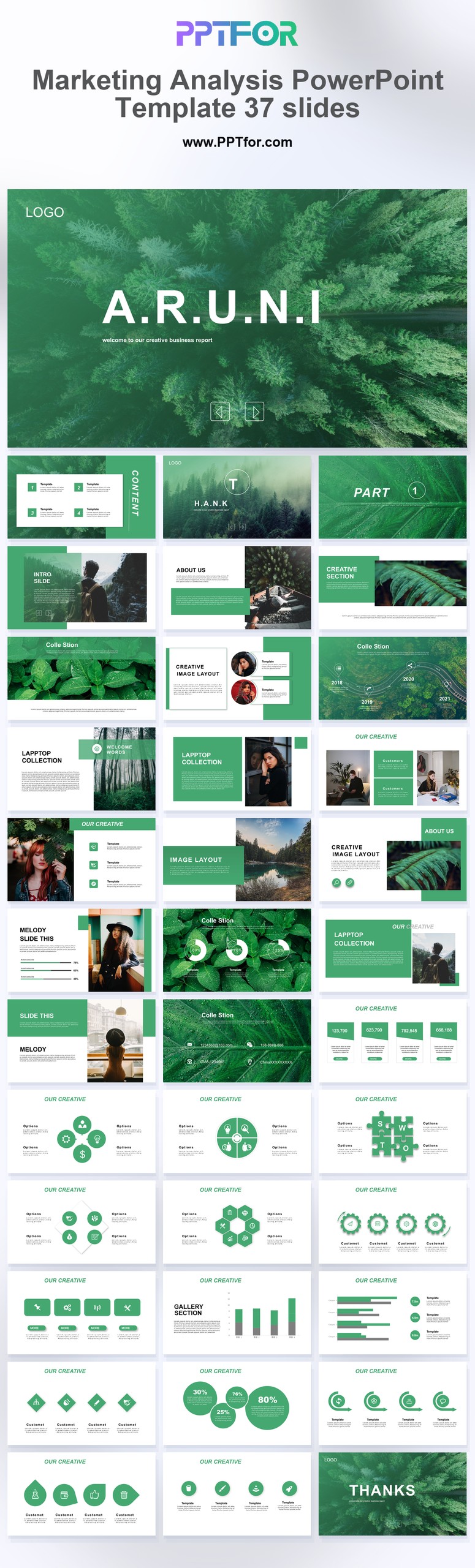
| Marketing Analysis PowerPoint Template – 37 Slides | Campaign, audience, and channel analysis | Research period, audience definition, channel metrics, comparison basis, and recommendation owner |
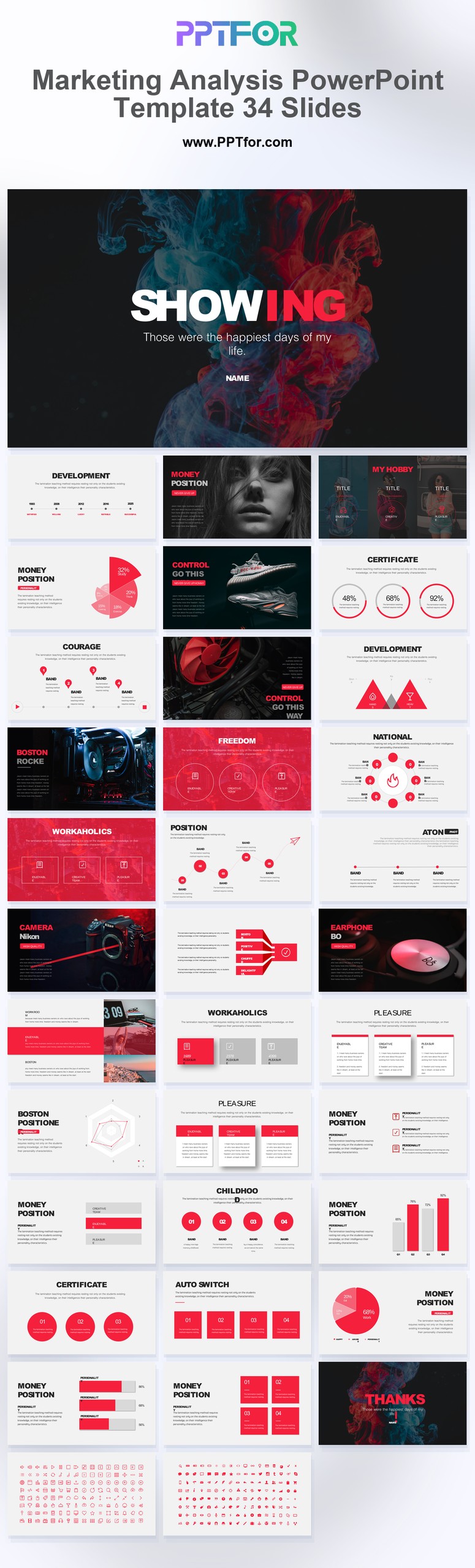
| Marketing Analysis PowerPoint Template – 34 Slides | A shorter marketing insight report | Confirm the preview includes the qualitative and quantitative layouts your method requires |
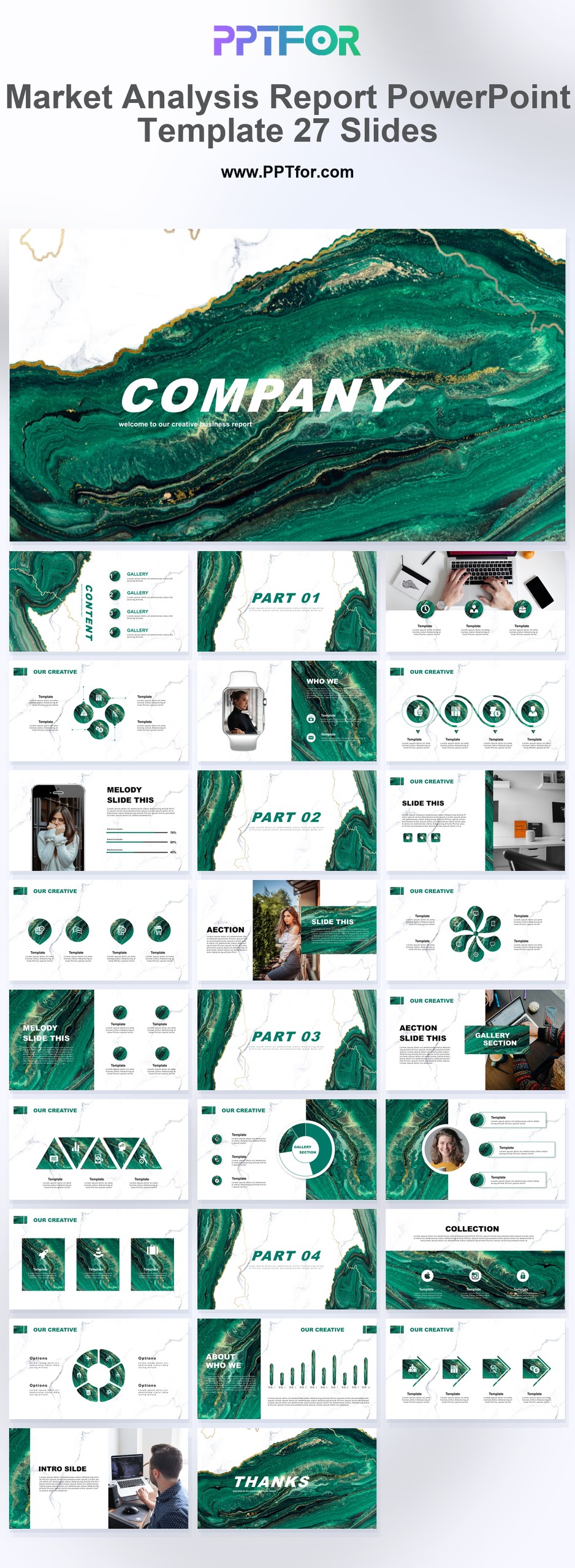
| Market Analysis Report PowerPoint Template – 27 Slides | Market size, competitors, trends, and strategic recommendations | Label source dates, units, estimates, and assumptions directly on each chart |
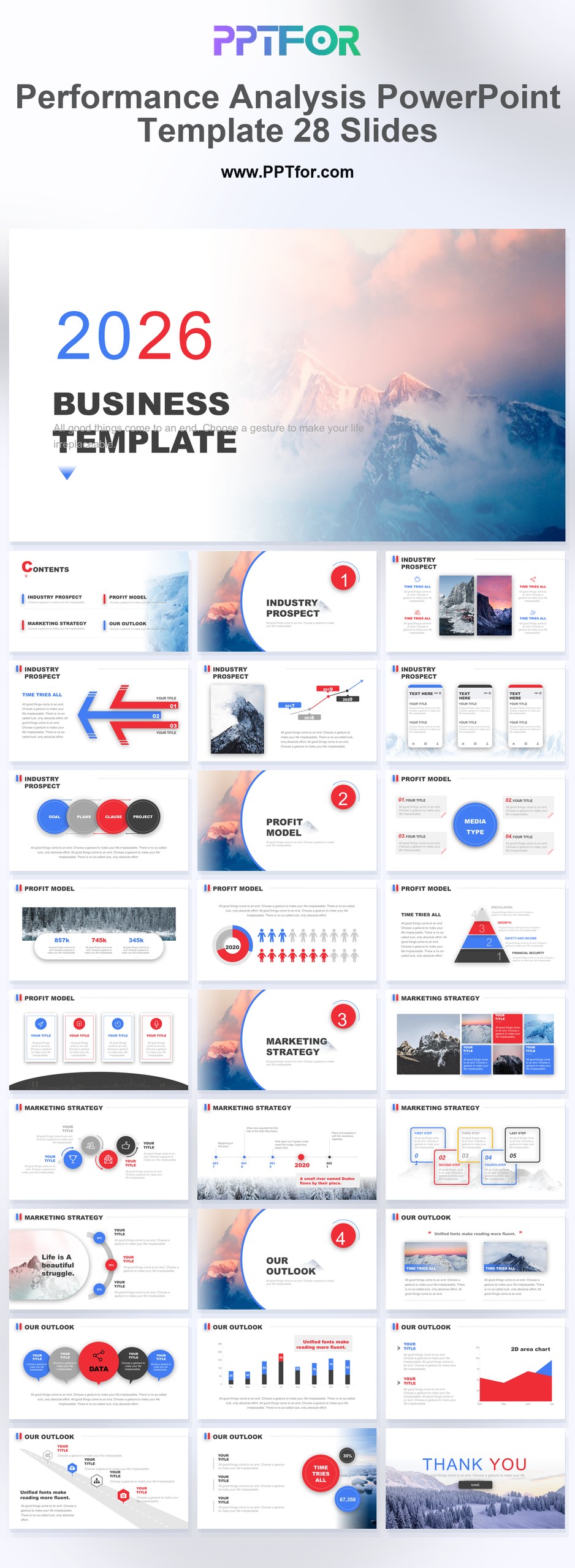
| Performance Analysis PowerPoint Template – 28 Slides | Turning research findings into KPI baselines and follow-up tests | Separate historical performance from forecasts and proposed targets |
Editorial method: PPTFOR matched these templates using the public product title, stated slide count, previewed use case, and the decision needs described above. Check the individual product page for the current file contents and compatibility before purchase.
Primary reference: The U.S. Small Business Administration separates market research from competitive analysis and lists practical research questions.
A market research report PPT summarises your research project for stakeholders who don’t have time to read a full written report. It should contain all the key elements of a formal report, but in a visual and concise format.
Core sections usually include:
Introduce the study and set expectations:
Clarify why the research was done:
Explain how you collected data:
Summarise the overall context:
Show how the market breaks down:
Share the most important insights, one slide at a time, with:
Translate insights into action:
When selecting a template for your market research report PPT, look for layouts that support both qualitative and quantitative insights. The Market Analysis PowerPoint Templates tag includes designs with:
For more data‑dense pages, you can reuse chart layouts from the Data & Analytics Reports category.
A template helps you save time, keep your slides consistent, and focus more on insights than on formatting.
Yes. If the structure works well, you can reuse it for multiple studies by updating the content, charts, and examples.
You can find ready‑made designs in the Market Analysis PowerPoint Templates section and data‑centric layouts in the Data & Analytics Reports library.


Get full access to our entire collection of premium PPT templates for one simple price.
Forget about complex tools or technical skills—just choose, edit, and download.