Get full access to premium PowerPoint templates at a limited-time price.Get Now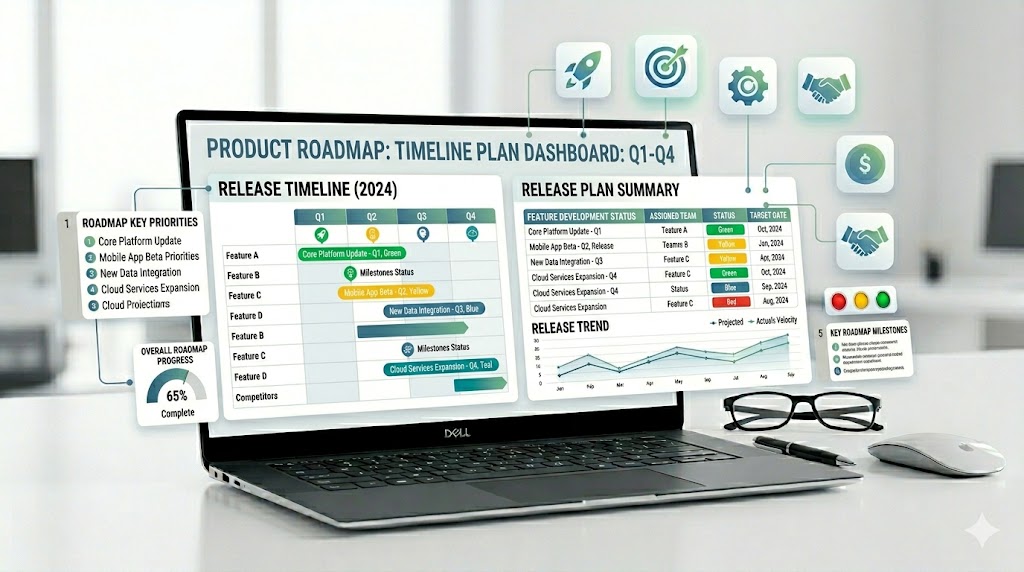
A product roadmap PowerPoint template helps product managers, founders, strategy teams, and project leaders present where a product is going, what will be built next, why priorities matter, and how releases will be delivered over time. A strong product roadmap deck should connect product vision with feature priorities, timelines, milestones, customer needs, and stakeholder decisions.
This guide explains what to include in a product roadmap presentation, how it differs from a project timeline or release plan, which slides are most useful, and how to choose a PowerPoint template that makes product planning easier to understand.
If you need a faster starting point, use a ready-made timeline, strategy, or business infographic template with editable layouts for product roadmaps, release plans, milestones, feature priorities, timelines, dashboards, and stakeholder updates.
Select the format by the decision being made. Leadership usually needs outcomes, sequencing, and tradeoffs; delivery teams need owners, dependencies, release readiness, and a clear distinction between committed work and exploratory work.
| Template | Best fit | What to verify before editing |
|---|---|---|
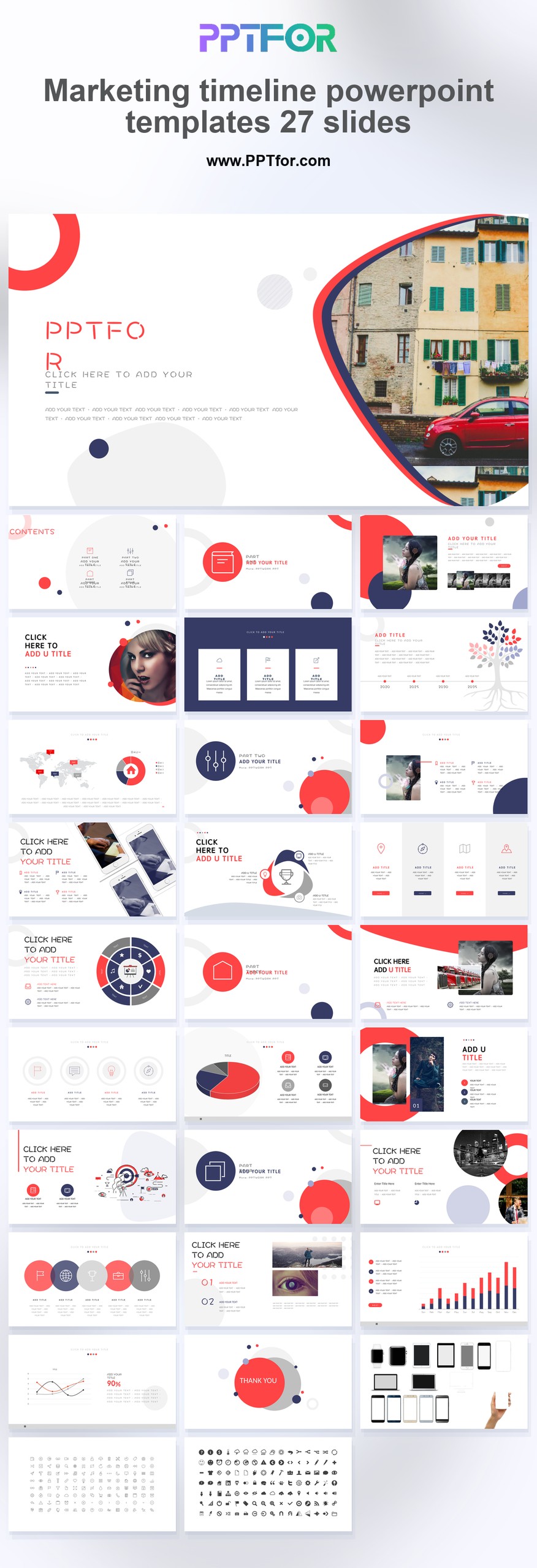
| Marketing Timeline PowerPoint Templates – 27 Slides | A dated launch or go-to-market timeline | Date scale, milestones, dependencies, and the amount of detail visible at presentation size |
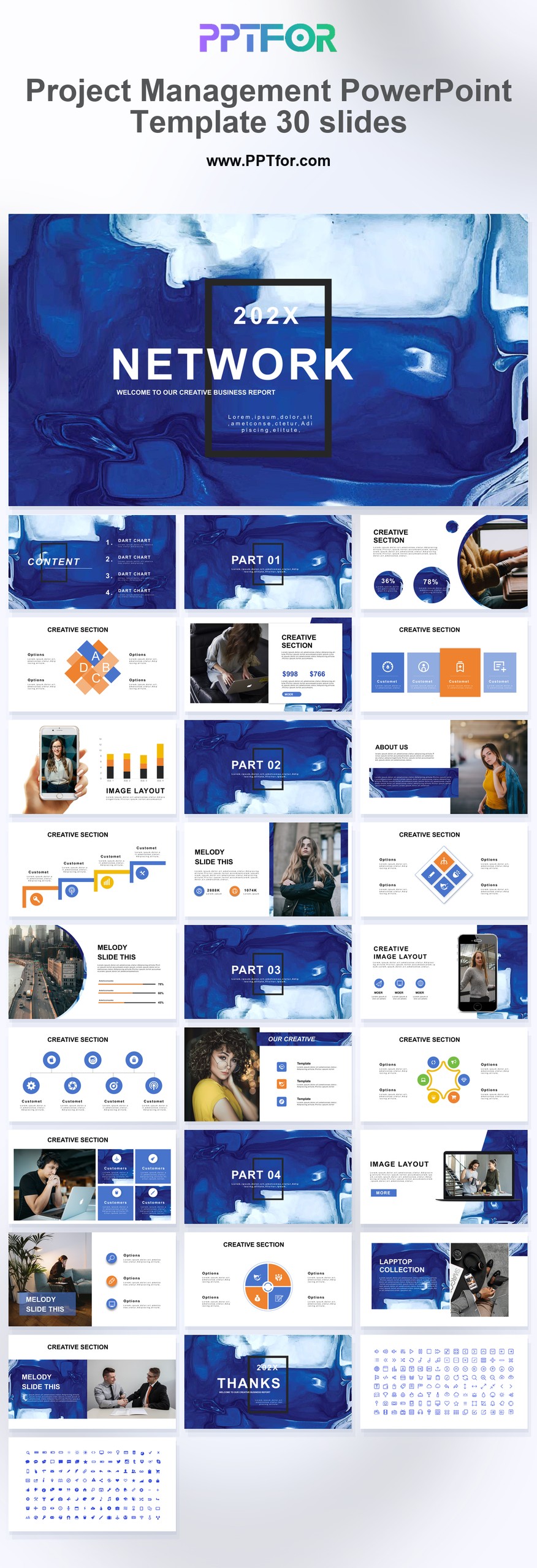
| Project Management PowerPoint Template – 30 Slides | Delivery planning with milestones, owners, risks, and status | Roadmap intent should remain distinct from task-level project tracking |
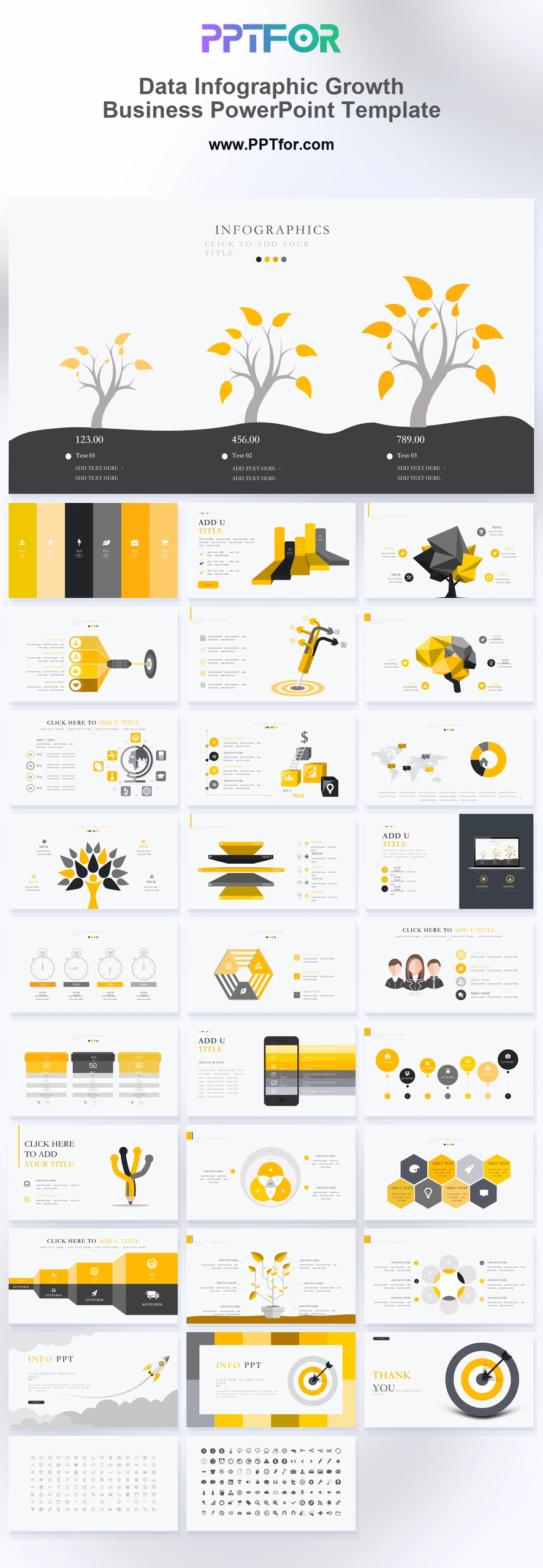
| Data Infographic Growth Business Template | Connecting product priorities to KPI and growth evidence | Each metric should have a baseline, target, owner, and reporting period |
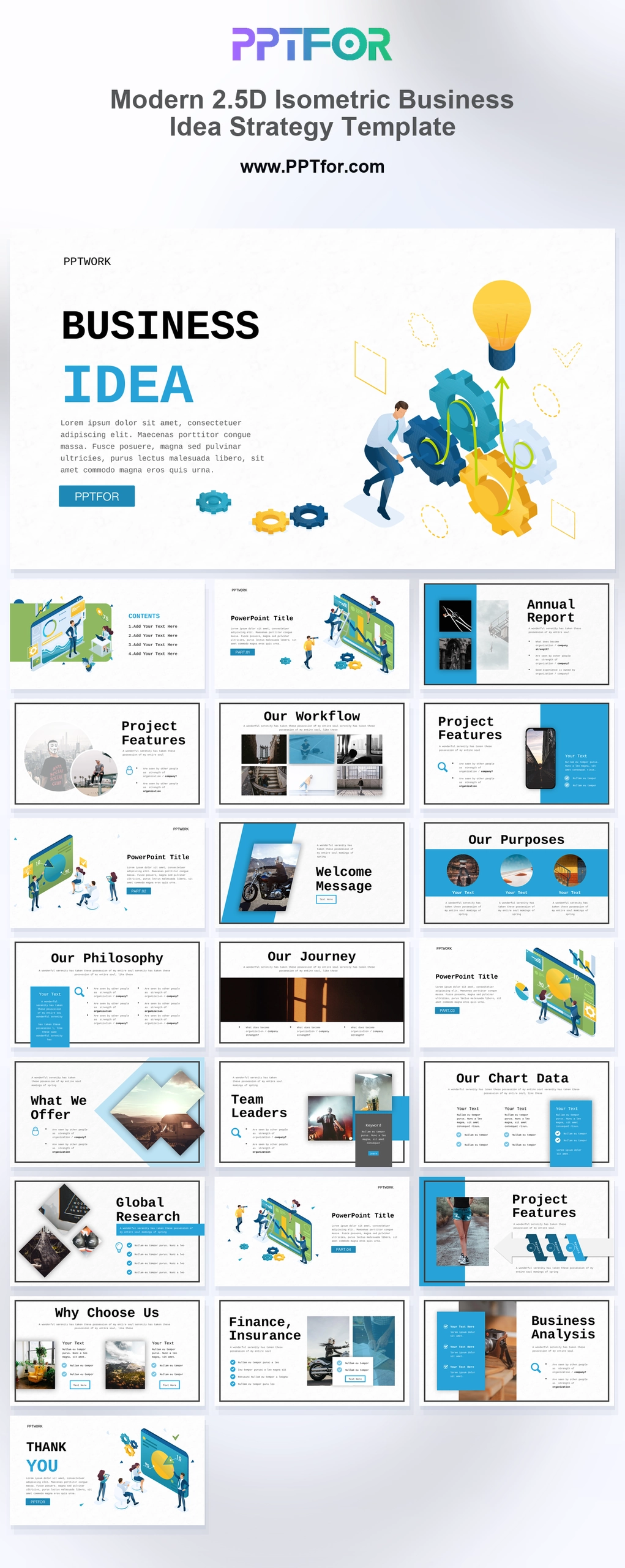
| Business Idea Strategy Template | Early product vision and concept alignment | Separate validated customer evidence from assumptions and future bets |
Editorial method: PPTFOR matched these templates using the public product title, stated slide count, previewed use case, and the decision needs described above. Check the individual product page for the current file contents and compatibility before purchase.
Primary reference: Atlassian describes product roadmaps as a shared source for vision, direction, priorities, and progress.
A product roadmap PowerPoint template is a slide deck used to present product direction, feature priorities, releases, timelines, milestones, dependencies, and strategic goals. The best templates include a product vision slide, roadmap timeline, Now Next Later roadmap, release plan, feature priority matrix, milestone tracker, dependency slide, KPI slide, and stakeholder update summary.
A product roadmap PowerPoint template is a structured presentation deck for communicating product plans visually. It helps teams explain what the product is trying to achieve, which features or initiatives matter most, when major releases may happen, and how the roadmap supports business goals.
Product teams use this type of deck for leadership updates, quarterly planning, customer advisory meetings, investor presentations, product launch planning, cross-functional alignment, and internal strategy reviews. The goal is not to list every backlog item. The goal is to show product direction, priorities, trade-offs, and timing at the right level of detail.
Product roadmap, project timeline, and release plan are often used together, but they are not the same thing. A strong presentation should make the difference clear so stakeholders understand what is strategic, what is scheduled, and what is ready for delivery.
| Format | Main Purpose | Best Slide Focus |
|---|---|---|
| Product Roadmap | Shows product direction, priorities, themes, and planned outcomes over time. | Vision, goals, initiatives, feature themes, timeline, business impact. |
| Project Timeline | Shows the schedule for delivering a defined project. | Tasks, phases, dates, dependencies, owners, delivery milestones. |
| Release Plan | Shows what will ship in upcoming releases. | Release dates, feature scope, version details, launch readiness, dependencies. |
| Product Backlog | Stores detailed work items for the product team. | User stories, bugs, tasks, priorities, estimates, sprint planning. |
| Product Strategy | Explains why the product should move in a certain direction. | Market insight, customer needs, positioning, goals, strategic bets. |
Use this process when building a product roadmap presentation for executives, product teams, engineering teams, sales teams, customers, or investors.
A good product roadmap presentation should move from strategy to priorities to timing. Start with why the roadmap matters, then show what is planned, when it may happen, and what decisions are needed.
| Slide | Purpose | What to Include |
|---|---|---|
| Executive Summary | Give stakeholders the short version. | Roadmap goal, top priorities, major releases, key risks, decisions needed. |
| Product Vision | Explain the long-term direction. | Vision statement, target users, product promise, strategic focus. |
| Customer and Market Insight | Show why priorities matter. | Customer pain points, feedback themes, market shifts, competitor signals. |
| Roadmap Themes | Group work into strategic areas. | Theme names, business goals, customer value, success metrics. |
| Now Next Later Roadmap | Show priorities without overcommitting to dates. | Current focus, upcoming focus, future opportunities. |
| Timeline Roadmap | Show planned sequencing over time. | Quarters, months, phases, initiatives, milestones, launch windows. |
| Release Plan | Explain what will ship. | Release names, features, dates, dependencies, readiness status. |
| Feature Priority Matrix | Explain prioritization logic. | Impact, effort, confidence, urgency, customer value, business value. |
| Dependency and Risk Slide | Make delivery constraints visible. | Engineering dependencies, data needs, compliance, resources, integration risks. |
| Product KPI Slide | Define success. | Adoption, activation, retention, engagement, revenue, churn, customer satisfaction. |
| Next Steps | Turn the roadmap into action. | Decisions, owners, deadlines, validation steps, next review date. |
The product vision slide explains where the product is going and why that direction matters. It should connect the roadmap to customer value, business goals, and long-term product positioning.
A Now Next Later roadmap slide is useful when exact dates may change. It shows what the team is working on now, what is planned next, and what is being considered later.
A timeline roadmap slide shows planned sequencing across months, quarters, or phases. It is useful for leadership updates, launch planning, and cross-functional alignment.
A release plan slide explains what will ship in upcoming releases. Include release names, feature groups, target dates, dependencies, testing windows, and launch readiness notes.
A feature priority matrix helps explain product trade-offs. Common formats compare impact vs. effort, customer value vs. business value, or urgency vs. confidence.
A milestone tracker shows important delivery points, such as discovery completion, design approval, beta launch, general availability, customer rollout, and post-launch review.
This slide shows what could affect roadmap delivery. Include engineering dependencies, third-party integrations, data requirements, hiring needs, compliance reviews, or customer validation risks.
The KPI slide defines how roadmap success will be measured. Useful metrics include adoption rate, activation rate, retention, engagement, feature usage, customer satisfaction, expansion revenue, and churn reduction.
A SaaS product roadmap presentation should show customer segments, product themes, release windows, integrations, onboarding improvements, analytics, security, expansion opportunities, and retention-focused features.
A startup product roadmap should focus on market validation, MVP scope, launch milestones, customer feedback loops, traction goals, hiring needs, and investor-relevant product progress.
An agile product roadmap should focus on themes, outcomes, and adaptable priorities rather than fixed long-term commitments. A Now Next Later format is often useful for agile teams.
A quarterly product roadmap works well for leadership updates and cross-functional planning. It should show current-quarter priorities, next-quarter initiatives, dependencies, and measurable product outcomes.
A customer-facing roadmap should be carefully simplified. It should highlight product direction and value without exposing sensitive delivery details, uncertain dates, or internal constraints.
A product launch roadmap should connect product readiness with marketing, sales, support, operations, and customer communication. Include launch phases, release scope, training, enablement, and post-launch measurement.
Choose a template based on the roadmap audience and the level of certainty you want to communicate. A leadership deck may need a polished timeline and KPI summary, while an agile team deck may work better with a flexible Now Next Later roadmap.
A product roadmap PowerPoint template should include product vision, roadmap themes, customer insights, timeline roadmap, Now Next Later roadmap, release plan, feature priority matrix, milestone tracker, dependencies, risks, product KPIs, and next steps.
A product roadmap shows product direction, priorities, themes, and outcomes over time. A project timeline shows the schedule for delivering a specific project, including tasks, phases, dates, dependencies, and owners.
A Now Next Later roadmap is a flexible roadmap format that groups work into current priorities, upcoming priorities, and future opportunities. It is useful when exact dates may change but stakeholders still need to understand direction.
Most product roadmap presentations work well with 8 to 15 slides. Executive updates can be shorter, while product planning, investor, or cross-functional roadmap decks may need more detail for priorities, releases, dependencies, and metrics.
Yes. A product roadmap template can support release planning if you add slides for release names, feature scope, dates, launch readiness, dependencies, testing, enablement, and post-launch metrics.
Agile teams often use theme-based roadmaps, outcome-based roadmaps, or Now Next Later roadmaps because these formats communicate direction while leaving room for learning, iteration, and changing priorities.
Customer-facing roadmaps should be careful with exact dates unless the release is confirmed. Many teams use quarters, phases, or directional labels so customers understand the plan without treating every item as a fixed commitment.

Get full access to our entire collection of premium PPT templates for one simple price.
Forget about complex tools or technical skills—just choose, edit, and download.