Get full access to premium PowerPoint templates at a limited-time price.Get Now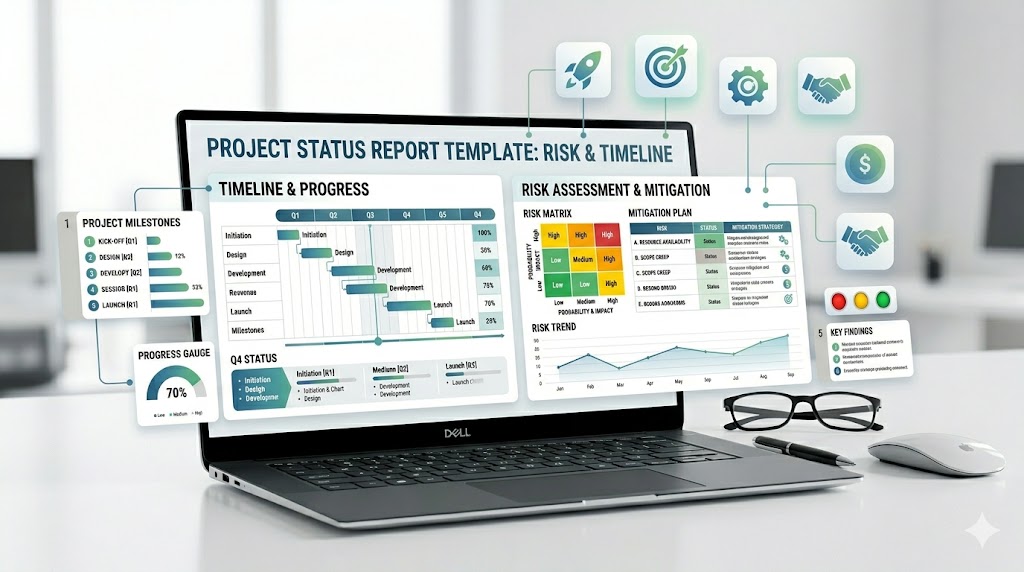
A project status report PowerPoint template helps project managers, PMO teams, consultants, and team leads present project progress in a clear, executive-ready format. A strong project status deck should show what is on track, what is at risk, what has changed, what decisions are needed, and what happens next.
This guide explains what to include in a project status report presentation, how it differs from a project dashboard or progress report, which slides are most useful, and how to build a status update deck that keeps stakeholders aligned without overwhelming them.
If you need a faster starting point, use a ready-made business report or data visualization template with editable slides for progress summaries, KPI charts, milestone tracking, risk reporting, timelines, and executive updates.
Match the deck to reporting cadence and audience. A weekly delivery review needs task movement and blockers; an executive status report needs trend, exposure, decisions, and the consequence of taking no action.
| Template | Best fit | What to verify before editing |
|---|---|---|
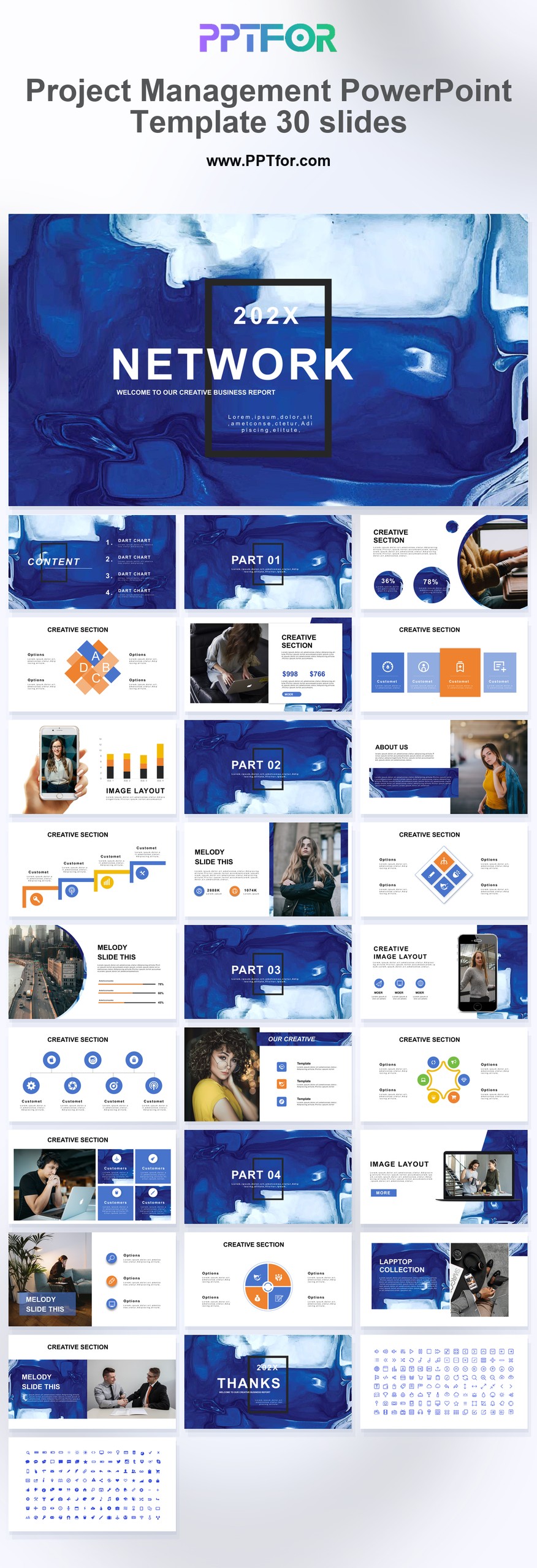
| Project Management PowerPoint Template – 30 Slides | Weekly or monthly project governance | Milestone, owner, dependency, budget, risk, and next-step layouts |
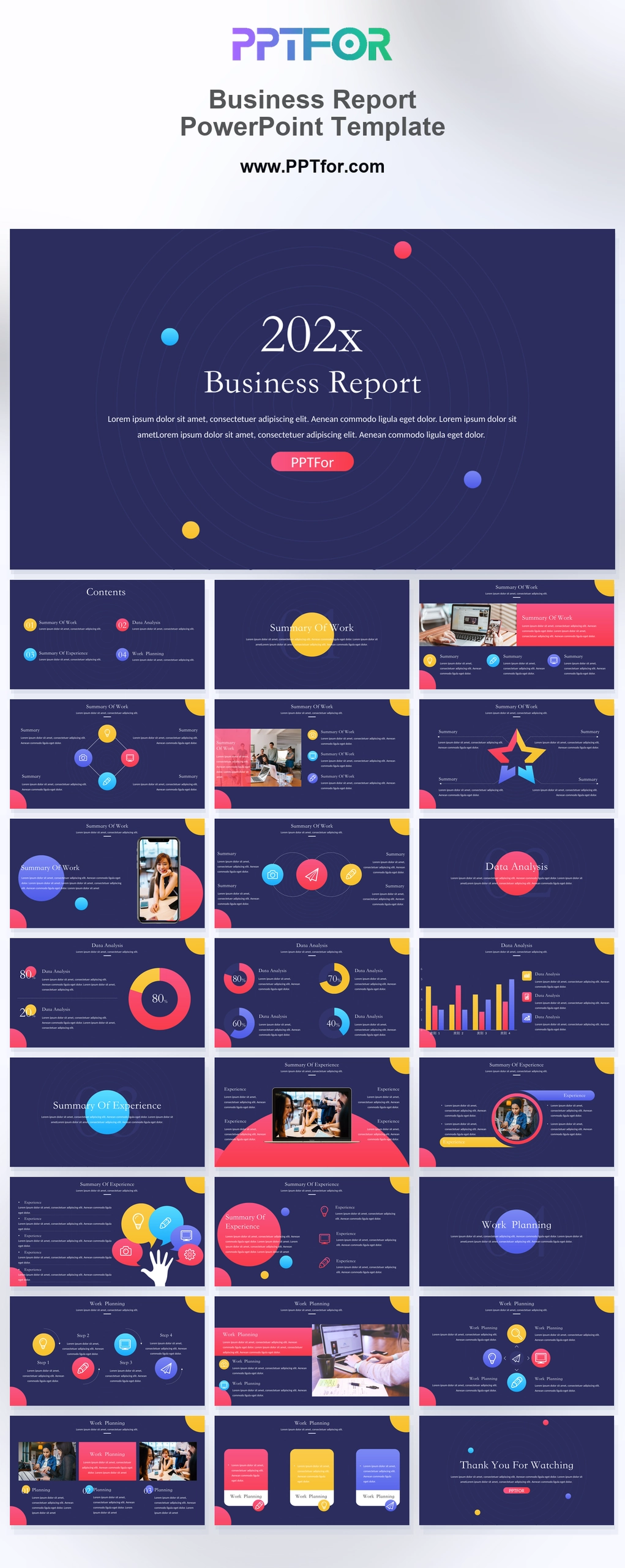
| Business Report PowerPoint Template | Executive or client-facing status summaries | Keep the main deck concise and move detailed workstreams to an appendix |
| Business Analysis Report PowerPoint Template | Explaining causes, options, and recommendations behind status | Distinguish observed facts, analysis, assumptions, and proposed action |
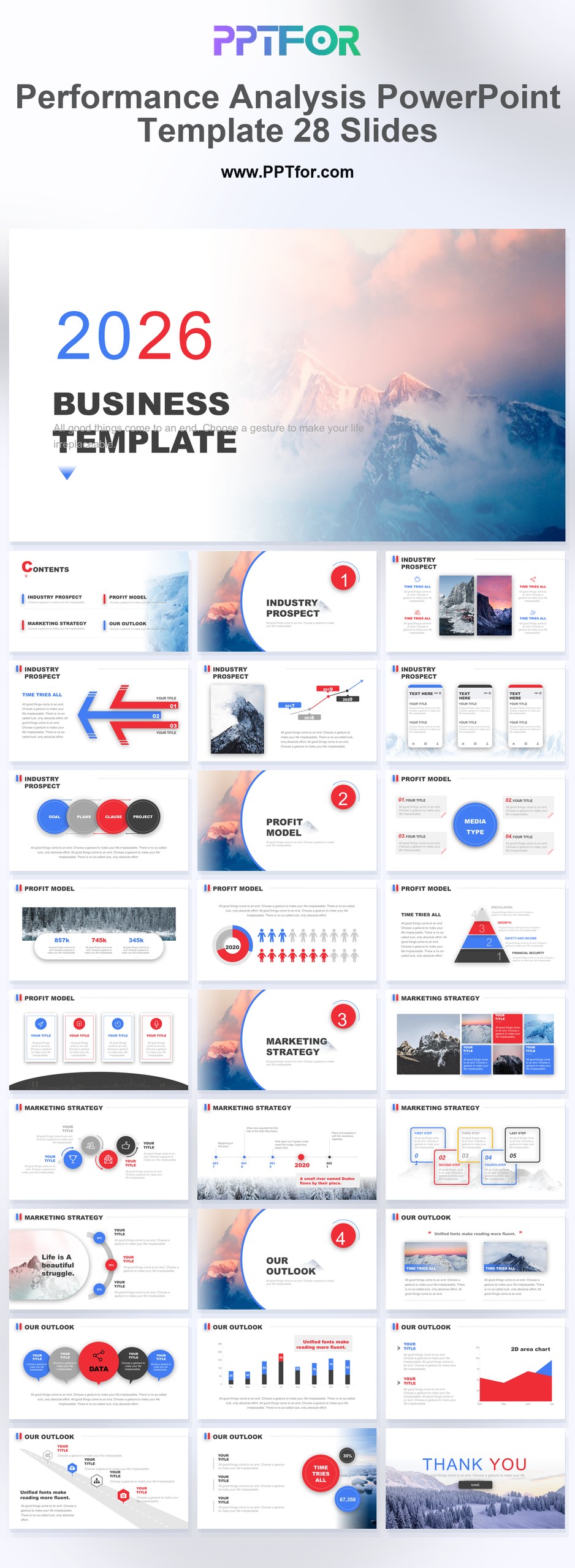
| Performance Analysis PowerPoint Template – 28 Slides | KPI trend and variance reporting | Show baseline, target, current value, variance, owner, and reporting date |
Editorial method: PPTFOR matched these templates using the public product title, stated slide count, previewed use case, and the decision needs described above. Check the individual product page for the current file contents and compatibility before purchase.
A project status report PowerPoint template is a slide deck used to summarize project health, progress, milestones, risks, issues, budget, timeline, and next steps. The best templates include an executive summary, RAG status, milestone tracker, timeline, risk register, issue log, budget update, and decision request slide.
A project status report PowerPoint template is a structured presentation deck for communicating the current condition of a project. It turns project data into slides that stakeholders can scan quickly, such as project health, completed work, upcoming milestones, blockers, budget movement, and required actions.
Project managers often use this type of presentation for weekly status meetings, monthly steering committee updates, client reporting, executive reviews, implementation updates, and PMO portfolio meetings. The goal is not to show every task. The goal is to help decision-makers understand whether the project is on track and what support is needed.
These formats are related, but they are not the same. A good project presentation should match the level of detail your audience needs.
| Format | Main Purpose | Best Slide Focus |
|---|---|---|
| Project Status Report | Communicates current project health, risks, progress, and next steps. | Executive summary, RAG status, milestones, risks, issues, budget, decisions. |
| Project Progress Report | Shows work completed over a period of time. | Completed tasks, deliverables, percent complete, workstream updates. |
| Project Dashboard | Displays project metrics in a visual snapshot. | KPI cards, schedule variance, budget variance, completion rate, risk count. |
| Executive Project Update | Gives leaders a short decision-focused view. | Overall status, major risks, business impact, decision requests, next actions. |
| Project Plan | Explains how the project will be delivered. | Scope, timeline, resources, governance, deliverables, dependencies. |
Use this process when building a project status presentation for executives, clients, steering committees, or internal teams.
A project status report should move from summary to detail. Start with the most important project health information, then support it with timeline, risk, budget, and action slides.
| Slide | Purpose | What to Include |
|---|---|---|
| Executive Summary | Give stakeholders the short version. | Overall status, key progress, major risks, required decisions. |
| Project Health | Show whether the project is on track. | RAG status, schedule status, budget status, scope status, quality status. |
| Progress Update | Explain what changed since the last report. | Completed work, active work, upcoming work, percent complete. |
| Milestone Tracker | Show key delivery points. | Milestone names, due dates, owners, current status, changes. |
| Timeline Slide | Visualize the project schedule. | Phases, dates, dependencies, launch windows, critical path items. |
| Risk Register | Make future threats visible. | Risk description, impact, likelihood, owner, mitigation plan. |
| Issue Log | Track current blockers. | Issue, severity, owner, resolution plan, due date. |
| Budget Update | Show financial health. | Planned budget, actual spend, variance, forecast, cost risks. |
| Dependency Slide | Explain what the project needs from others. | Internal dependencies, external dependencies, approvals, required inputs. |
| Next Steps | Turn the report into action. | Actions, owners, deadlines, decision requests, next meeting date. |
A good project status report slide deck is concise, honest, and action-oriented. It should help stakeholders understand the project quickly without forcing them to read a long task list.
The executive summary slide should give busy stakeholders a quick view of the project. Include overall status, top accomplishments, major risks, budget condition, and decisions needed.
A project health slide shows whether the project is on track across schedule, budget, scope, quality, and resources. Many teams use a red, amber, and green status system to make the update easier to scan.
The milestone tracker slide shows completed, current, and upcoming milestones. Include target dates, revised dates, milestone owners, and status changes since the last update.
A timeline slide helps stakeholders understand the delivery path. Use phases, dates, dependencies, and critical moments instead of listing every project task.
The risk and issue slide should highlight the items most likely to affect delivery. Include impact, likelihood, owner, mitigation plan, and the support required from stakeholders.
The budget slide should explain whether the project is within the approved budget. Use simple visuals for planned spend, actual spend, variance, forecast, and cost risks.
The next steps slide turns the status report into a working plan. Include action items, owners, deadlines, decision requests, and the date of the next status update.
An executive project status report should be short and focused on decisions. Include overall project health, business impact, major risks, budget movement, and leadership support needed.
A weekly project status report should show recent progress, current blockers, next-week priorities, and short-term decisions. Keep it practical and easy to update every week.
A monthly project status report can include more trend information, such as milestone movement, budget variance, resource changes, and risk pattern changes over time.
A client-facing project update should be clear, polished, and confidence-building. Include completed deliverables, next deliverables, open client inputs, risks, timeline changes, and approval needs.
An agile status report should focus on sprint progress, backlog movement, velocity trends, blockers, release readiness, and upcoming sprint goals.
A PMO portfolio update should compare multiple projects in one view. Include project health, milestone status, risk level, budget condition, owner, and escalation needs.
Choose a template based on the audience and reporting rhythm. A weekly team update can be simple, while an executive steering committee update needs stronger summary, risk, budget, and decision slides.
A project status report PowerPoint template should include an executive summary, project health, progress update, milestone tracker, timeline, risks, issues, budget update, dependencies, decisions needed, and next steps.
The best format starts with a one-slide executive summary, followed by project health, progress, milestones, risks, budget, dependencies, and action items. This structure helps stakeholders understand the project quickly and focus on decisions.
Most project status report presentations work well with 5 to 12 slides. Executive updates should be shorter, while client updates, PMO reports, or complex projects may need more slides for risks, budget, milestones, and dependencies.
RAG status uses red, amber, and green labels to show project health. Green usually means the project is on track, amber means there is risk or concern, and red means the project is delayed, blocked, or needs immediate action.
A project status report explains the project story, including progress, risks, issues, decisions, and next steps. A project dashboard is more metric-focused and usually shows KPI cards, status indicators, charts, and project health snapshots.
Yes. Risks and issues are essential because they tell stakeholders what could affect delivery. A good slide should show the risk or issue, impact, owner, mitigation plan, deadline, and support needed.
Yes. For client updates, adjust the template to focus on deliverables, timeline, approvals, open questions, risks, and next steps. Keep internal details out unless they affect the client’s decisions or expectations.

Get full access to our entire collection of premium PPT templates for one simple price.
Forget about complex tools or technical skills—just choose, edit, and download.