Avatar

Data Analysis PowerPoint Template 40 Slides

by PPTFOR Editorial Team in Data & Analytics Reports

Data Analysis PowerPoint Template 40 Slides

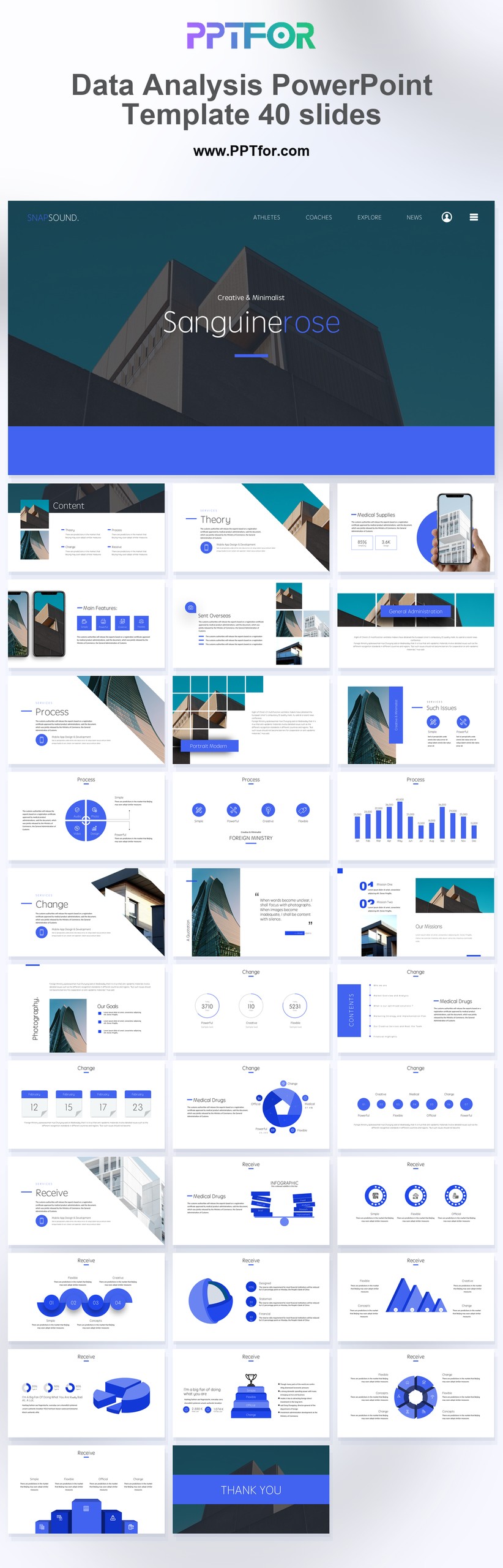
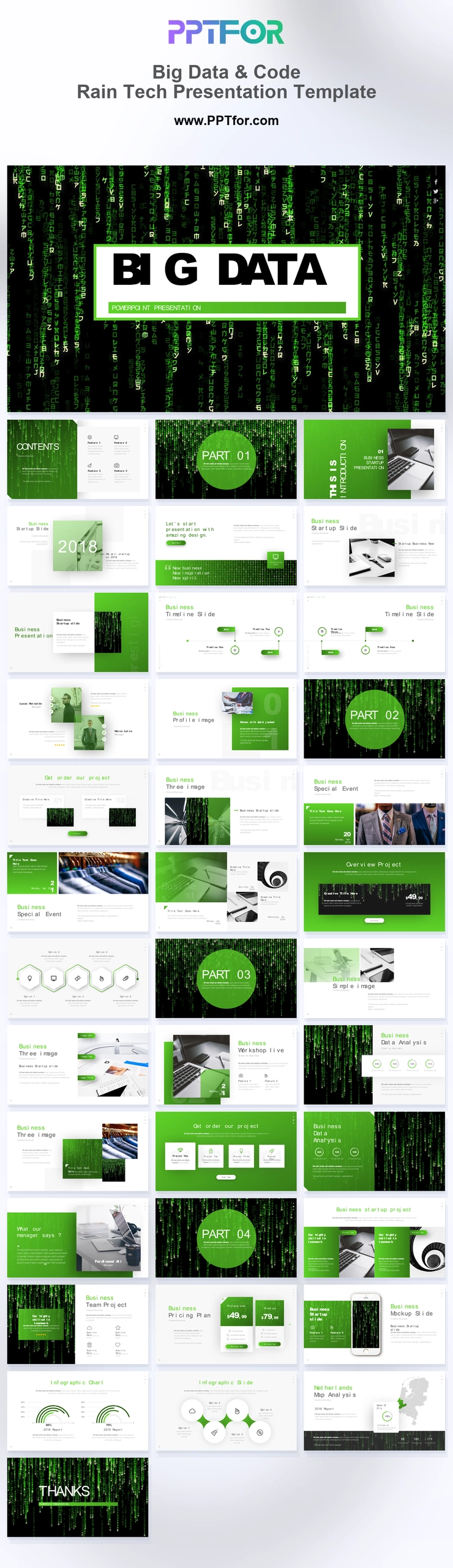
The Data Analysis PowerPoint Template provides 40 blue-and-white slides for reporting analytical findings. Use the data, market analysis, and SWOT layouts to connect evidence with a business question and explain what the results mean.

  • Compatibility: Microsoft PowerPoint. Check fonts, charts, and image placement after importing into Google Slides or Keynote.
  • Aspect Ratio: 16:9 widescreen
  • Graphics: Editable vector graphics
  • Placeholders: Drag-and-Drop Placeholders
  • Editability: Editable text, colors, fonts, and layouts
  • Slide Count: 40 slides

Suggested Content to Add

  • Research question – state the business decision or problem the analysis addresses.
  • Scope and sources – define the population, period, geography, and datasets used.
  • Key findings – give each major result a chart or other supporting evidence.
  • Comparisons – use equivalent periods, units, and category definitions.
  • Interpretation – explain what the results suggest and separate inference from observation.
  • Recommended action – connect the proposed decision to a finding and an expected outcome.

Frequently Asked Questions

When should I choose this template?

Choose this deck when a review needs room for findings, comparisons, and supporting methodology. It is a presentation format; perform the calculations in your analytical tool before transferring the results.

What should I prepare before editing?

Prepare the question, dataset scope, cleaning assumptions, comparison groups, and chart-ready results. Record the units, date range, and limitations so readers can interpret each finding correctly.

What types of sections does this template support?

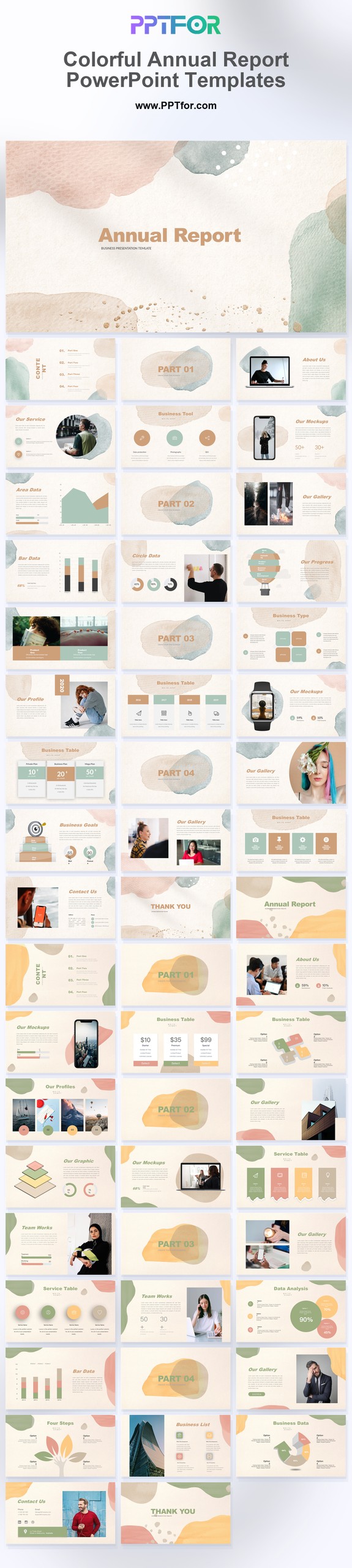
The deck supports SWOT analysis, market analysis, company report content, and data analysis pages, giving teams a practical structure for presenting findings, context, interpretation, and recommendations.

How can I edit the template?

Edit the text, colors, and slide elements to match your presentation. Before updating a graphic, check whether it is a native chart, a grouped shape, or an image; the editing method differs.



Post a Comment

$15

$

  • Price is in US dollars and excludes tax
  • Size:16x9
  • Microsoft PowerPoint, Google Slides, Apple Keynote, PowerPoint for Mac / Office 365, WPS Office
  • 100% editable
  • What you see is what you get
  • This is a secure SSL encrypted payment. Credit Card Certificate

Get all products for only $29!

Get full access to our entire collection of premium PPT templates for one simple price.
Forget about complex tools or technical skills—just choose, edit, and download.