 Get full access to premium PowerPoint templates at a limited-time price.Get Now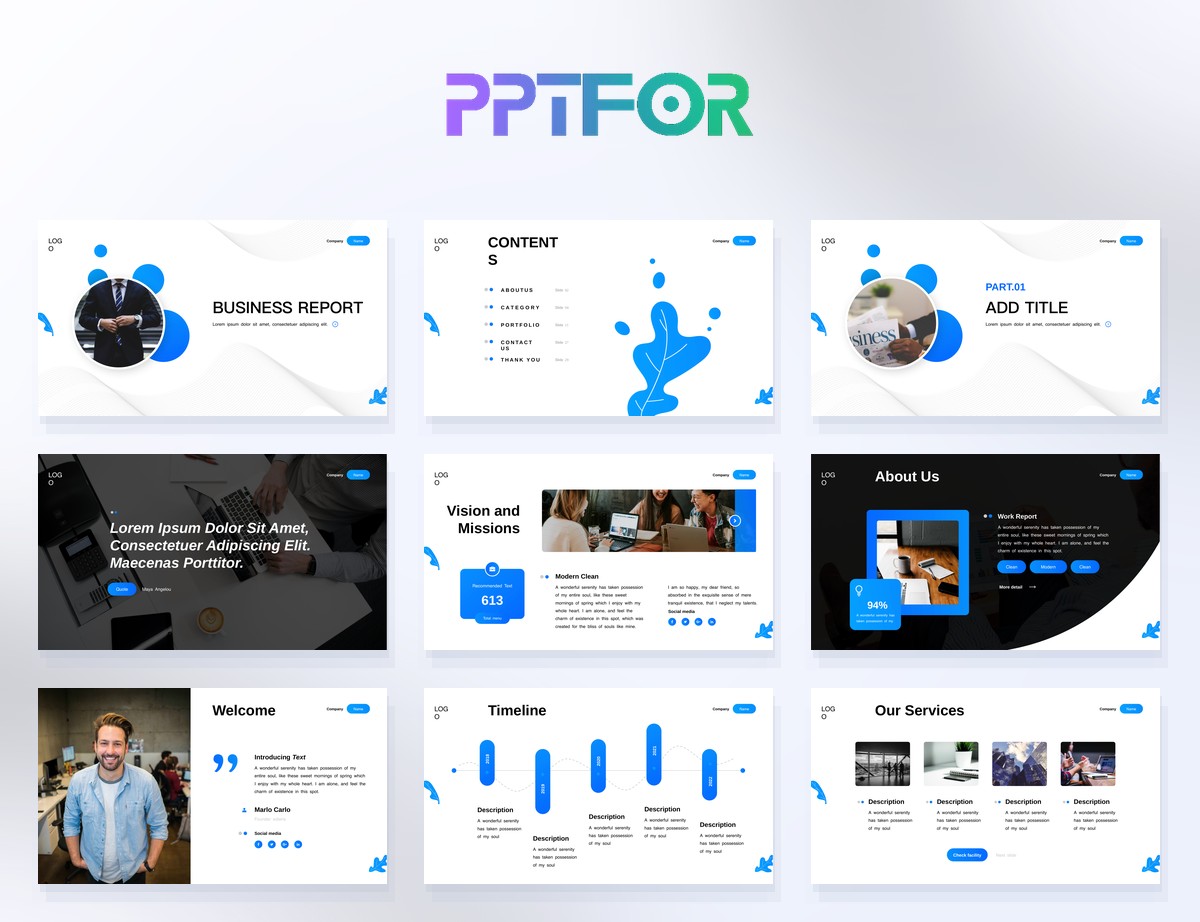
A business report presentation feels polished when the structure is clear, not when the slides are overloaded with visual effects. The audience should be able to follow the story without guessing what comes next. That usually means moving from objective to findings to implications, then closing with recommendations.
Start with a concise executive summary. That opening should explain what the report covers, why it matters, and what the audience should pay attention to first. Business Report PowerPoint Template 24 Slides is useful here because it gives you a compact, repeatable reporting structure without too much filler.
After the summary, present the evidence. That can include KPIs, business findings, trend comparisons, or operational issues. If the deck is more metrics-heavy, Data Visualization Report Presentation Template 32 Slides and Data Analysis PowerPoint Template 40 Slides are good choices. If the report needs more narrative explanation, Business Analysis Report PowerPoint Template or Company Results Presentation PowerPoint Template will usually feel more natural.
The last section should answer the practical question behind the report: what should happen next? When that part is missing, even well-designed reports can feel unfinished. If you want more layouts for this kind of work, compare templates in Business & Corporate and Data & Analytics Reports.
A professional business report presentation does more than display metrics. Each section should connect evidence to an interpretation and then to an action. Use a simple sequence: what happened, why it happened, why it matters, and what the team should do next.
A reliable sequence is title and reporting period, executive summary, objectives or baseline, KPI dashboard, trend analysis, segment or workstream detail, risks and issues, recommendations, action plan, and appendix. Monthly operating reports can be shorter; board or client reports may require methodology, assumptions, and supporting evidence.
Use the Analysis Report PPT guide for chart and evidence choices, and compare editable options in the business report template collection.
A business report presentation is a slide deck that summarizes findings, metrics, progress, risks, and recommendations for review meetings, leadership updates, or decision-making sessions.
Use a clear slide order, short headlines, readable charts, and a clean separation between findings and recommendations. Strong report decks usually feel more organized than decorative.
That depends on the report style, but templates built for reporting, analysis, and company results usually work better than general business decks for this use case.
Compare editable business report PowerPoint templates, including the Business Report PowerPoint Template, Minimalist Report Template, and Clean Blue Corporate Business Report Template.

Get full access to our entire collection of premium PPT templates for one simple price.
Forget about complex tools or technical skills—just choose, edit, and download.
